Chaos

What are you looking for?

V-Ray 7, update 2 brings real-time to the Maya viewport, easier displacement blending, AI tools, and more.

© Dmitry Kremiansky
© Dmitry Kremiansky

V-Ray 7 for Maya, update 2

Learn what's new in the latest release.
Try for freeBuy now

This update brings Chaos Vantage’s real-time, fully path-traced rendering straight into the Maya viewport for faster pre-production workflows. You also get smarter shading tools and new creative controls for customizing Gaussian splats and crafting realistic night skies. 

Plus, AI-powered tools help handle background and non-hero asset work, so you can stay focused on the work that truly drives the story. And more.

Power up your pre-production.

Experience true real-time rendering with full path-traced quality directly in the Maya viewport.
v-ray-7-maya-viewport-1410x800.jpg


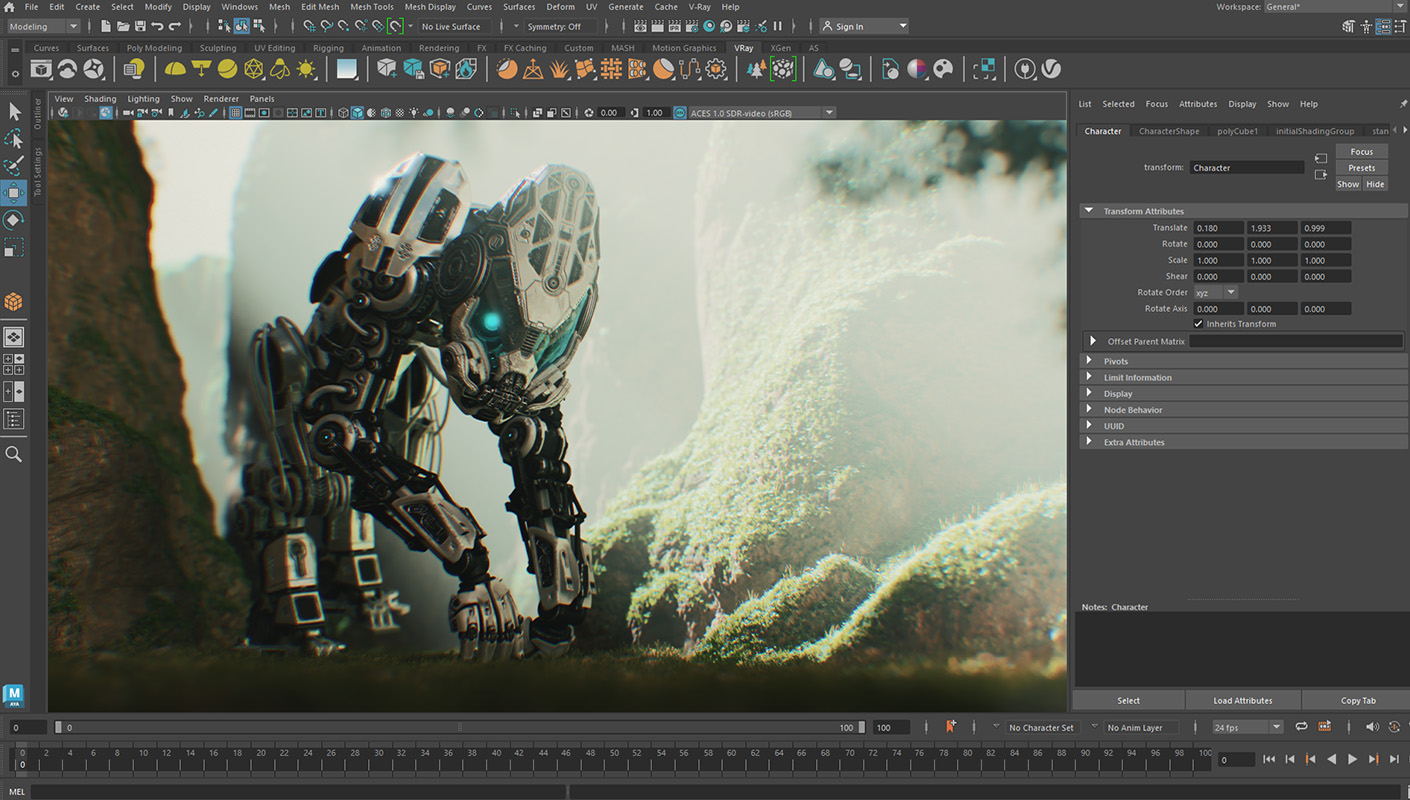
Chaos Vantage in the Maya viewport 

Chaos Vantage Live Link now streams real-time rendering output directly into the Autodesk Maya viewport, also on Linux and macOS through a remote connection. Create high-quality playblasts and animation previews, with no additional tools and the same workflow you know. Get quick, high-quality feedback for layout, lighting, and lookdev. Render USD and MaterialX setups alongside your native Maya geometry, with partial support for now.

Take your shading to the next level

Enjoy easier displacement blending thanks to a new V-Ray material.
v-ray-7-maya-displacement-material-1410x800.jpg

V-Ray Displacement Material

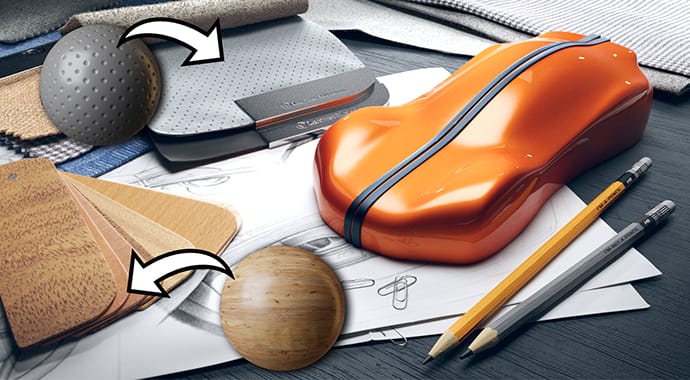
Create complex surfaces with less effort using the new V-Ray Displacement Material. Easily blend displacement across materials, apply it to individual V-Ray Proxy objects, export materials with their displacement, and more.

Boost your creative control

3D Gaussian splats that blend seamlessly and stunning night sky setups created with ease.
v-ray-7-maya-gausian-splat-690x380.jpg
Gaussian splats clipping

Customize Gaussian splats directly in Autodesk Maya without regenerating data, thanks to the new clipping functionality in V-Ray. Trim unwanted areas with ease and replace them with 3D models that blend naturally, ideal for integrating real-life scanned environments with 3D assets.

v-ray-7-maya-night-sky-690x380.jpg
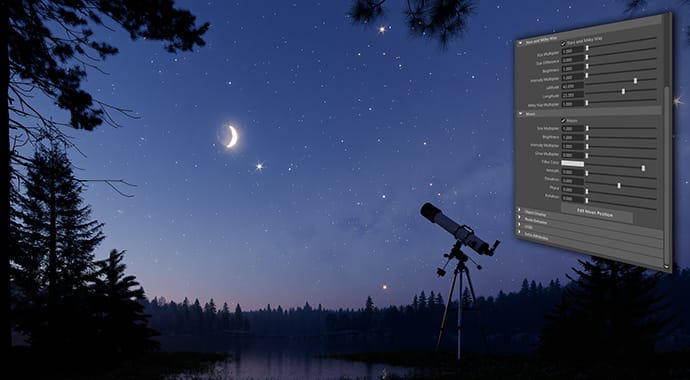
V-Ray Night Sky

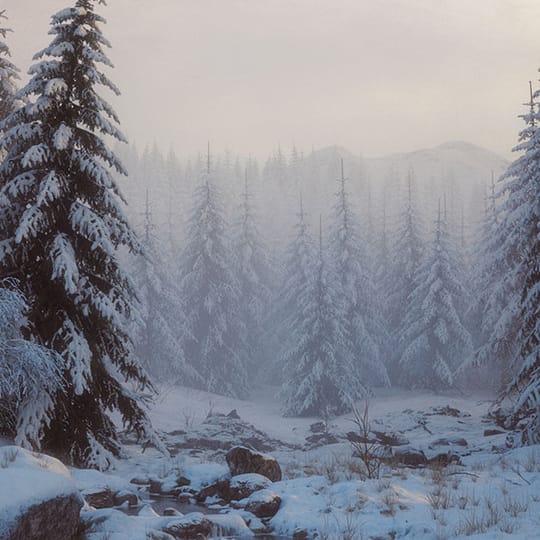
Create realistic night sky setups without relying on HDRIs. Build complete day-to-night timelapses with animatable parameters and achieve accurate results using real-world inputs such as date, time, and geo-location. You can also set everything manually and define custom positions for stars, the Moon, etc., to match any creative vision.

Work smarter and save time to be creative.

Let AI handle background and non-hero assets so you can focus on the artistic work that drives the story.
v-ray-7-maya-аi-еnhancer-feature-690x380.jpg
AI Enhancer (beta)

The AI Image Enhancer (part of Cloud Collaboration) automatically adds detail and realism to supporting elements like foliage, people, and terrain, helping you refine renders without tedious rework and time-consuming re-renders. You can also fine-tune specific objects, such as people’s clothing, or refine vegetation for greater precision and consistency.

Learn more>

v-ray-7-maya-ai-material-generation-feature-690x380.jpg
AI Material Generator (beta)

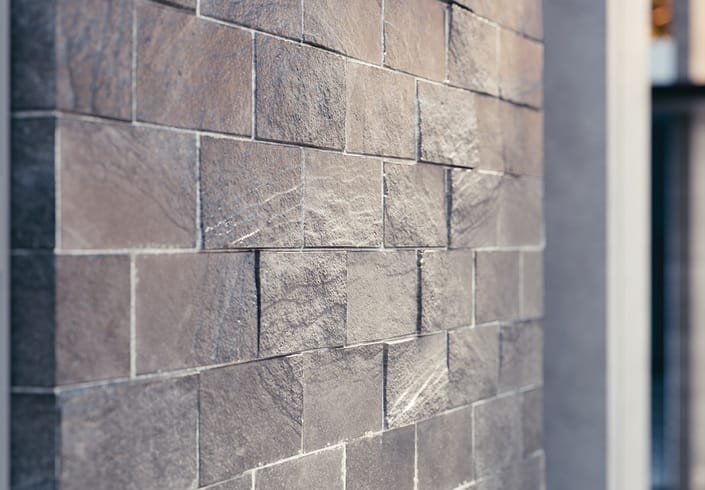
Turn any photo of a real-world surface into a render-ready PBR material with all the necessary maps in just a few clicks. Part of Chaos Cosmos, the AI Material Generator is ideal for creating secondary materials that don’t require extensive art direction, letting you quickly shade your scenes without time-consuming setups or extra tools.

Learn more>

v-ray-7-maya-ai-upscaler-feature-690x380.jpg
AI Upscaler (beta)

Save hours of rendering time and still get crisp, photoreal results with the AI Upscaler. Available in Chaos Cloud Collaboration, it lets you turn low-resolution images into high-quality, presentation-ready visuals up to 16K in a single click. Boost resolution while also sharpening textures and enhancing fine details.

Learn more>

And more.

Distributed Rendering 2 (DR2)

This next-generation distributed rendering system brings speed and performance improvements for both progressive and bucket rendering. In DR2, there are no limits on how many machines can participate in the rendering process. The more machines you add, the faster your renders become. Avoid bottlenecks with large scenes and asset transfers, and gain more control by using a dispatcher machine.

Extended Maya USD support

V-Ray 7 for Maya, update 2, adds support for the latest official versions of MayaUSD 0.33.0, 0.34.0, and 0.34.5.

 Note: DR2 is available as a separate, stable build and is set as the default one. If you prefer to continue using the legacy DR, those builds will also remain available here> 


 See the complete feature list >  

Chaos
© 2025 Chaos Software EOOD. All Rights reserved. Chaos®, V-Ray® and Phoenix FD® are registered trademarks of Chaos Software EOOD in Bulgaria and/or other countries.