Chaos

What are you looking for?

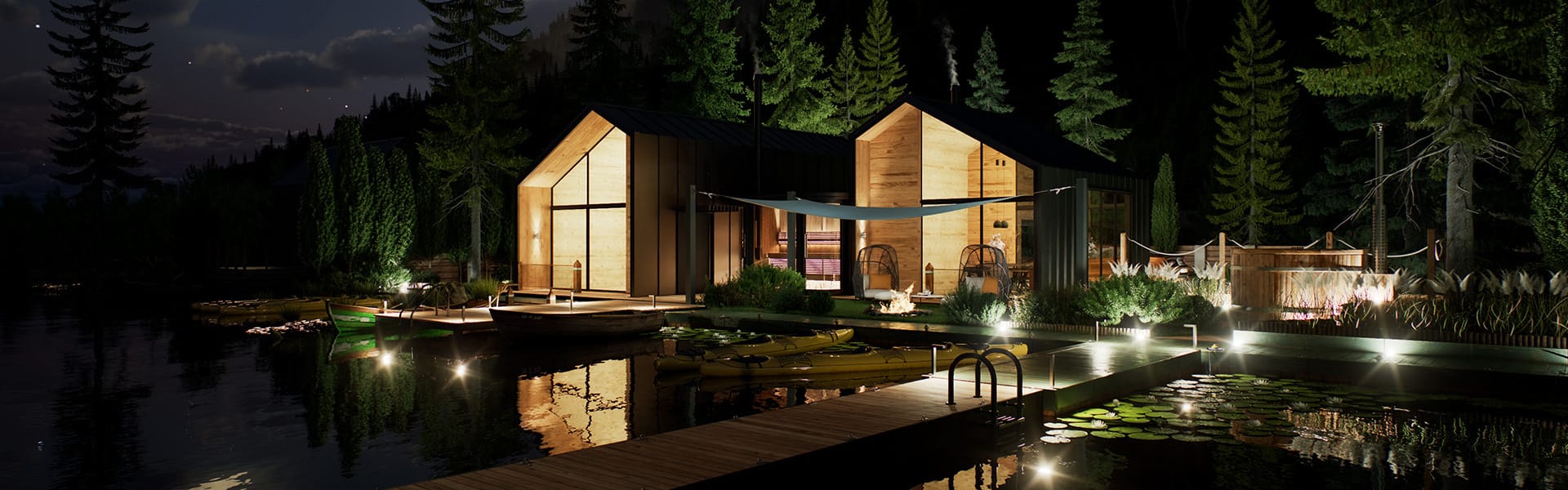
Update 1 adds a real-time fluid simulator for smoke and fire effects and expands real-time path-traced VFX workflows.

vantage-3-official-release-what's-new-1920x600.jpg

Chaos Vantage 3.

Unlock new frontiers in real-time creativity.
Try for freeBuy now

Explore what’s new in update 1.

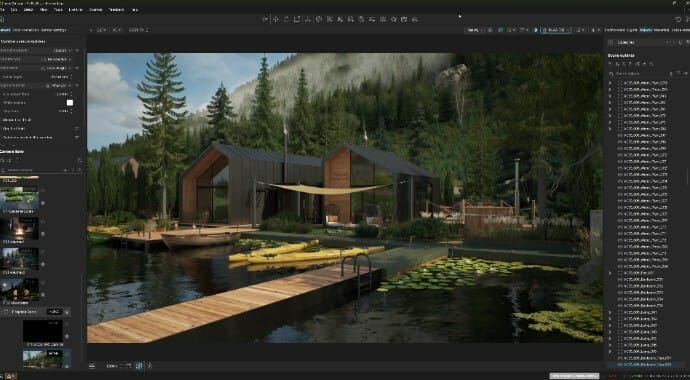
Chaos Vantage’s high-quality, real-time rendering now integrates even deeper into VFX workflows via a new Hydra Delegate for Houdini and an enhanced Live Link for Maya. Each delivers fully path-traced, production-quality output directly into the DCC’s viewport in real time, accelerating pre-production and giving you more context as you work. Plus, new creative tools like the real-time fluid simulator for smoke and fire effects, and more.

v-ray-7-vantage-hero-feature-1410x800.jpgv-ray-7-vantage-hero-feature-1410x800.jpg
v-ray-7-vantage-hydra-ui-feature-690x380.jpg
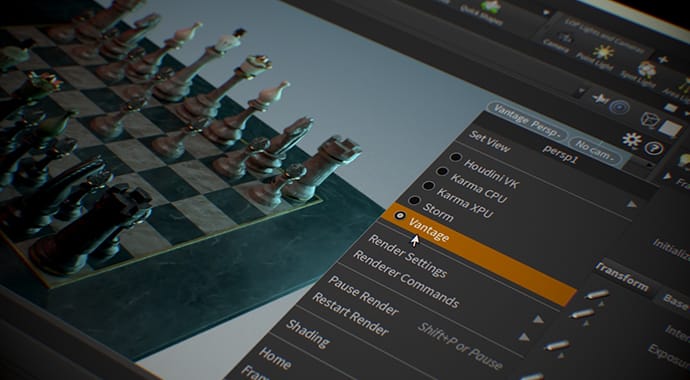
Real-time rendering plugin for Houdini

This update introduces a Chaos Vantage Hydra Delegate for Houdini, opening up production-quality real-time rendering for lookdev and previz workflows to any Houdini artist regardless of the rendering engine they are using. No new tools to learn and set up, just high-quality rendering available right in the Houdini viewport - same workflow.

Note: An active Chaos Vantage license and an installation of the Vantage Hydra Delegate build are required to run this plugin.
v-ray-7-maya-viewport-690x380.jpg
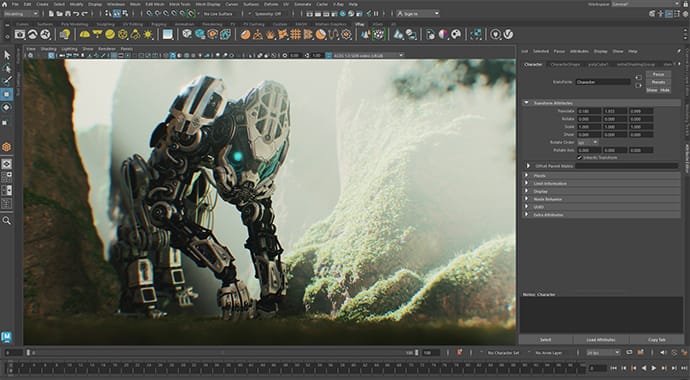
Chaos Vantage in the Maya viewport

Chaos Vantage Live Link now streams real-time rendering output directly into the Autodesk Maya viewport, also on Linux and macOS through a remote connection. Create high-quality playblasts and animation previews, with no additional tools and the same workflow you know. Get quick, high-quality feedback for layout, lighting, and lookdev. Render USD and MaterialX setups alongside your native Maya geometry, with partial support for now.

Note: Download the latest V-Ray for Maya build to use the enhanced Live Link and get Vantage render output in the Maya viewport.

v-ray-7-vantage-rt-simulator-feature-690x380.jpg
Real-time fluid simulator

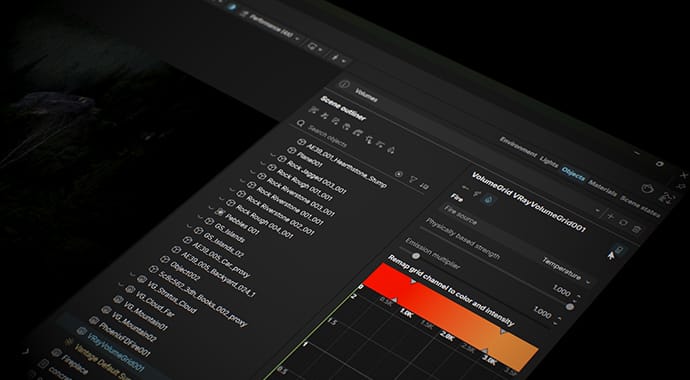
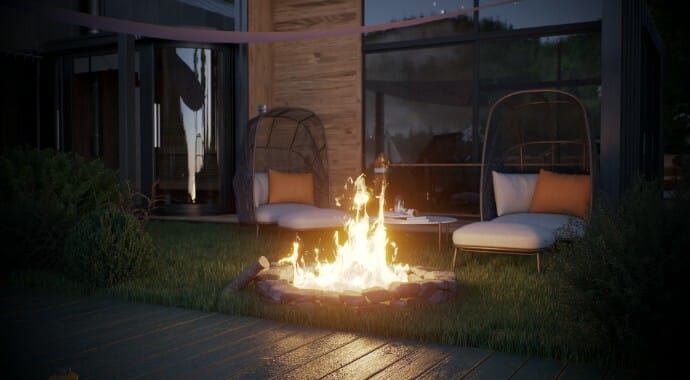
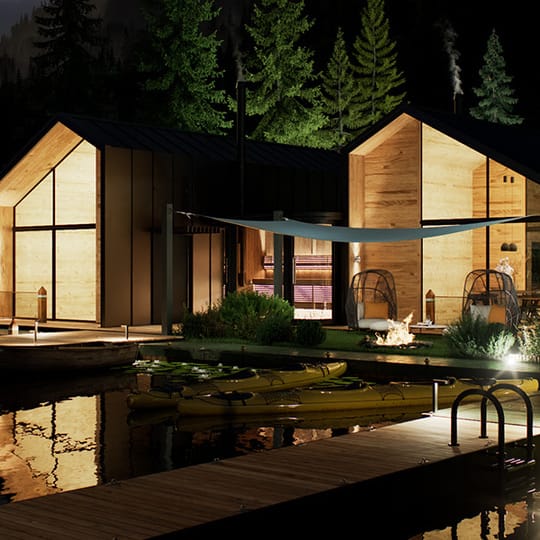
Simulate smoke and fire directly in Vantage and get instant feedback for faster interactions. Quickly lookdev explosions, fires, exhaust trails, fog-like effects, and more, and create richer playblasts with animated objects interacting with volumetrics. Or enhance your archviz scenes with chimney smoke, fireplaces, haze, and more, all without leaving Vantage.

v-ray-7-vantage-splittable-panels-feature-690x380.jpg
Splittable side panels

Reduce scrolling and get faster access to key settings with the new splittable side panels. A toggle lets you split the left or right panel into two columns, giving you more room to work, especially on wide monitors. Adjust column widths to your preference and view commonly paired widgets side by side for a smoother, more efficient workflow.

Explore what's new in Chaos Vantage 3.

ArchViz

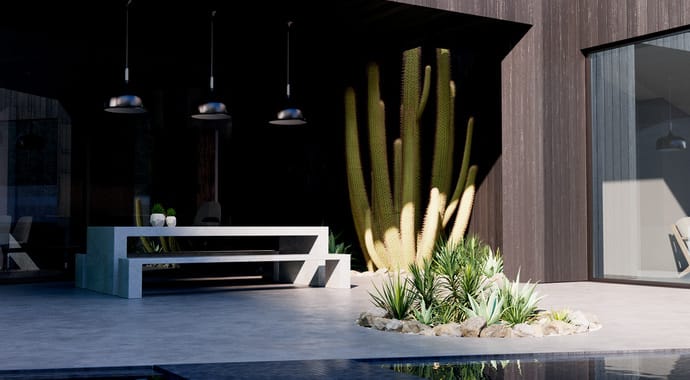
Accelerate your ArchViz workflows across all stages. From early design decisions to seamless iteration and client-ready reviews. Designs come alive within real-world scanned environments, atmospheres set the mood, landscapes gain natural variation, surfaces respond with exquisite details, and materials emerge from simple images with striking realism. Every project feels more immersive, every story more vivid.


  • Gaussian Splats 
  • Volumetrics
  • Material editor 
  • AI material generation 
  • Extended texture support

VFX

Take previz to the next level with fully ray-traced quality—without compromising speed. With USD and MaterialX support, Vantage fits seamlessly into any pipeline.. Keep large scenes interactive in real-time, render high-end VFX with volumetrics, integrate environments from real-world captures, real-world camera motion, and more to maintain artistic control so every detail matches your creative vision.


  • USD support
  • MaterialX support
  • Volumetrics
  • Gaussian Splats
  • Material editor
RENDERING
Fits any pipeline, handles scenes of any size, and renders it all.
vantage3-usd-690x380.jpg
USD and MaterialX support

With support for open standards like USD and MaterialX, Chaos Vantage’s real-time ray tracing now fits seamlessly into any pipeline, giving artists and studios the freedom to work in any tool and collaborate across departments—even if they don’t use V-Ray.

vantage-3-public-beta-feature-usd-1410x800.jpg
Hydra Render Delegate (coming soon)

You’ll soon be able to plug Vantage’s real-time rendering directly into your DCC of choice, giving you instant, high-quality feedback during lookdev and previz. No extra applications, no learning curve—just render seamlessly inside the tool you know and trust.

large-scenes-thumb-vantage-690x380.jpeg
Support for even larger projects

Handle massive projects with countless unique meshes effortlessly. Vantage keeps complex scenes smooth and fully interactive in real-time, letting you edit and explore without splitting them into smaller chunks or losing performance.

vantage-up3-vantage3-gaussiansplats-690x380.jpg
Gaussian Splats

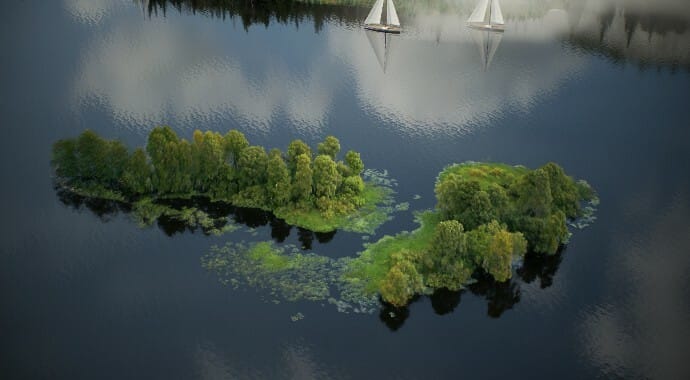
Render environments from real-world captures directly in Vantage. Freely add or modify 3D objects to suit your creative vision while leveraging ray-traced splats for added realism — all in real-time.

vantage3-volumes1-690x380.jpg
Volume rendering

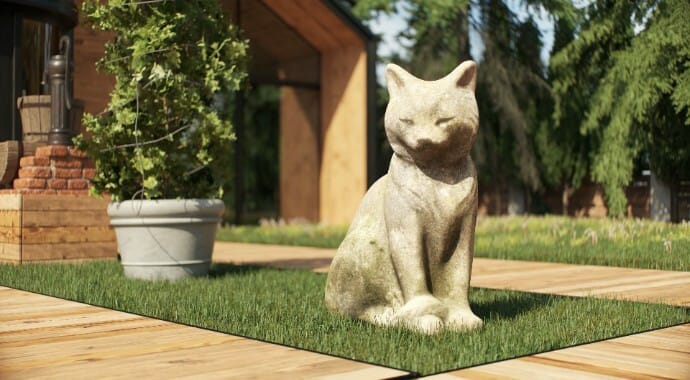
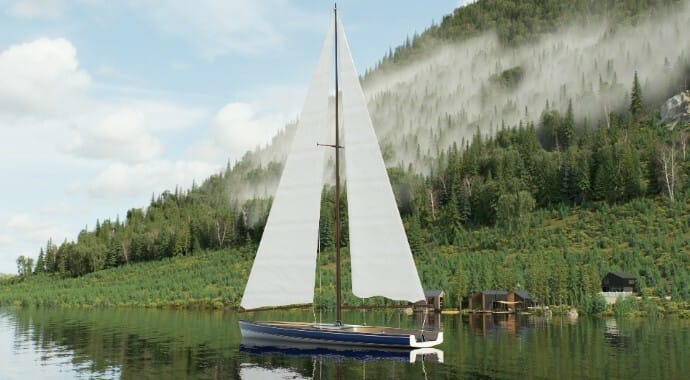
True volumes can now be rendered directly in Chaos Vantage, extending its use in high-end visual effects and archviz scenarios where elements like fog, smoke, or light rays enhance realism and atmosphere.

CAMERAS & ANIMATIONS

Bring real-world camera motion and variety into your animations.

vantage-up3-vantage3-cameratracking-690x380.jpg
Camera tracking

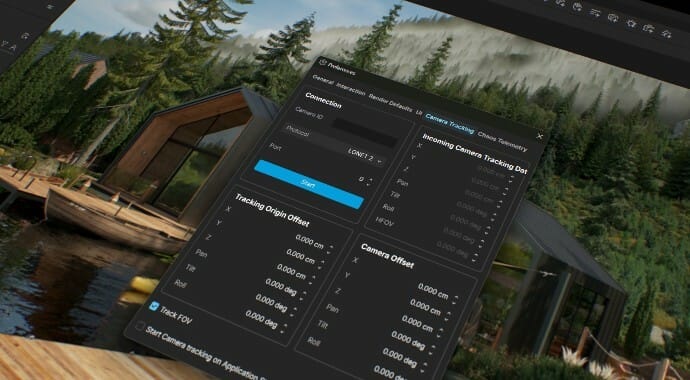
Bring real-world motion into your projects. Record the movement of a physical camera and translate it directly into Vantage for natural, cinematic shots without manual keyframing. Direct and refine sequences faster with authentic camera motion.

vantage3-offsetanim-690x380.jpg
Offset animation

Duplicate animated V-Ray scenes with motion intact and apply spatial offsets that persist throughout playback. Each instance can be transformed independently, making it simple to build animated fields, crowds, or repeating motion from a single source scene.

MATERIALS & TEXTURES

AI-powered material creation and more creative control than ever before.

vantage-3-public-beta-feature-materials-1410x800.jpg
Material editor

Vantage now lets you edit material parameters without switching back to your 3D content creation tool, offering greater creative freedom and a more streamlined workflow for previz and lookdev.

vantage-3-public-beta-feature-ai-materials-1410x800.jpg
AI material generator

AI Material Generator comes in Chaos Cosmos and makes material creation effortless. Upload any photo and instantly turn it into a render-ready PBR material with all necessary maps. Ideal for secondary materials that don’t require extensive art direction, it lets you quickly fill environments and interiors with realistic detail — no third-party tools needed.

blender-vray-thumb-feature-textures-690x380.jpg
Extended texture support

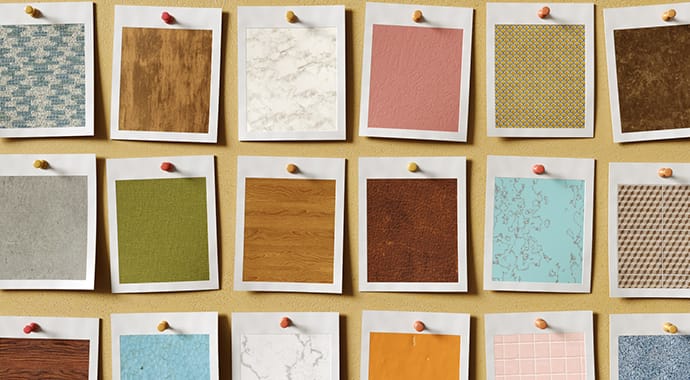
Experiment with more flexibility and control over textures, making material workflows faster and more creative. Apply mapping sources like UVWRandomizer across all sub-maps for simpler setups, fine-tune texture variation with probability controls, and assign different looks to front and back surfaces.

LIGHTING

Take your night renders to the next level.

Night Sky (Stars)


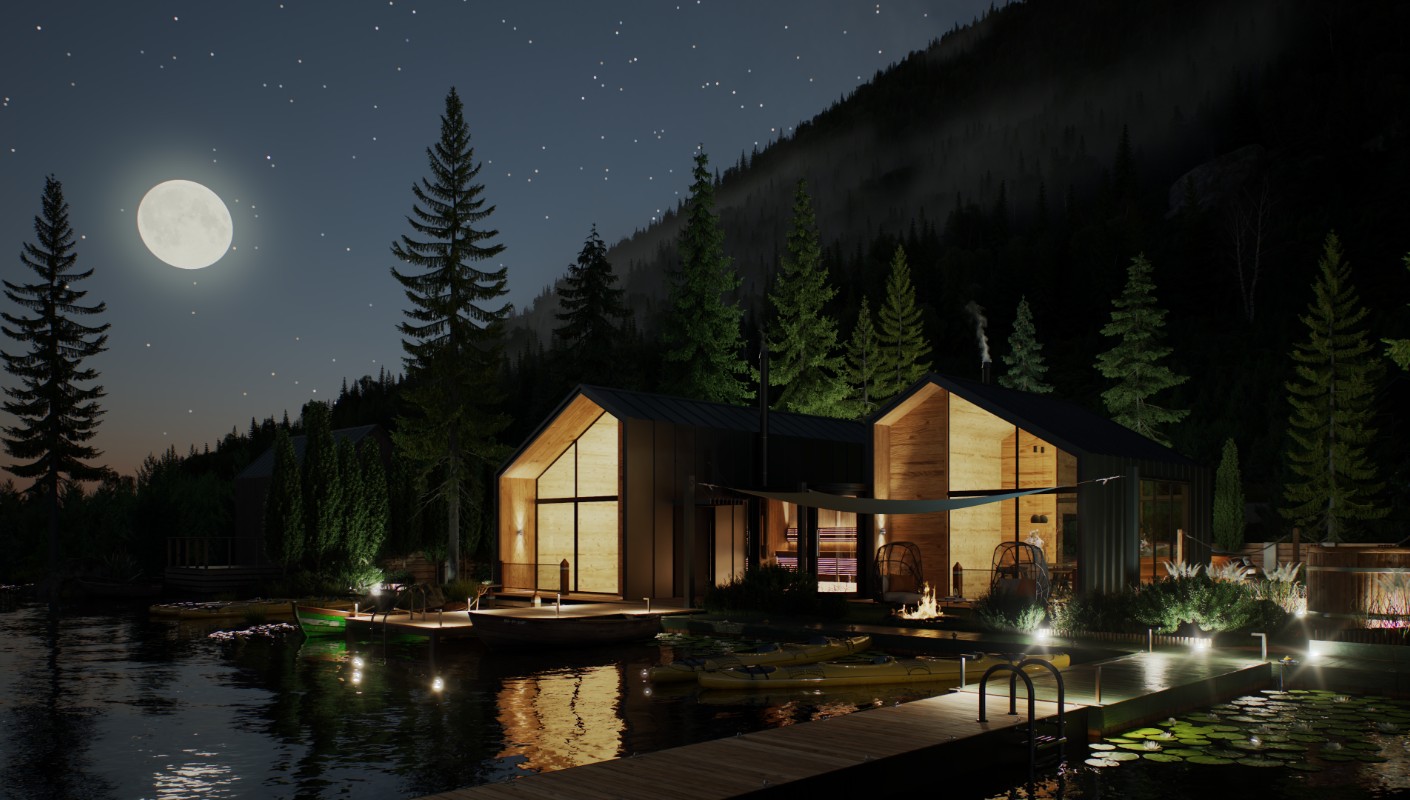
Easily create and render astronomically accurate night skies with realistic stars, Moon phases, and the Milky Way. Set the night sky elements based on real-world parameters such as date, time, and geo-location or by adjusting individual elements.

GEOMETRY

Even more assets to populate your scenes and creative control over scatters.

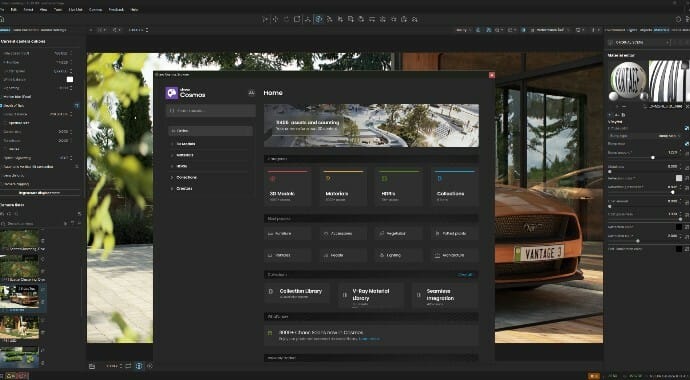
vantage-up3-vantage3-cosmosassets-ui-690x380.jpg
5,000+ new Cosmos assets

Explore over 1,300 new people models, more than 2,000 vegetation assets - including curated Asian varieties, and 1,800+ furniture and accessories, all ready to use for adding believable detail to interior and exterior scenes.

vantage3-scatterclusters1-690x380.jpg
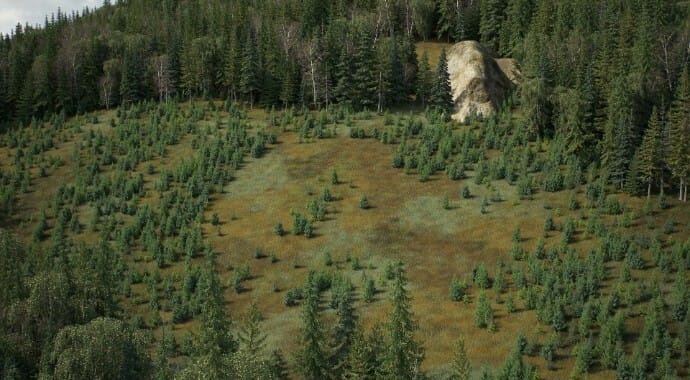
Scatter clustering

Achieve the look you want for landscapes and surroundings faster with versatile clustering modes. Generate Mode creates natural clusters using noise calculations, while Color Map Mode and Layer Paint Mode preserve object placement using color maps and layered painting data from 3ds Max for accurate rendering.

USER INTERFACE

Make use of new render & view modes to further streamline your workflow.

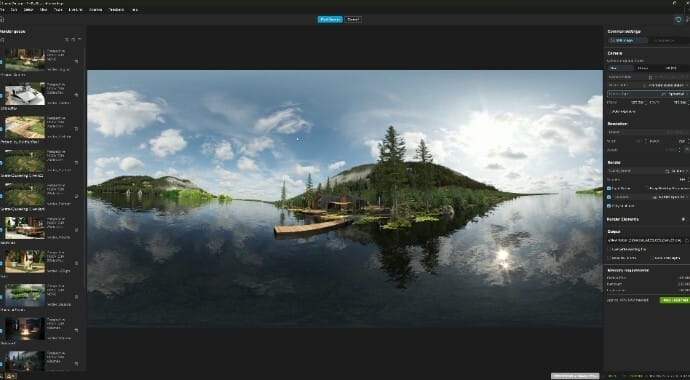
vantage3-rendermode-ui-690x380.jpg
New render mode

See exactly what your final render will look like as you set it up. Switch cameras, adjust resolution, and define sequences with precision — all in a streamlined, non-blocking interface that keeps you in the flow.

vantage3-selectionmask1-ui-690x380.jpg
Selection mask (view mode)

Easily generate black-and-white masks of selected objects for precise post-processing. Copy and paste them directly into compositing apps for faster iteration, seamless adjustments, and quick over-the-shoulder design presentations.

For the full list of new features and enhancements, check out our documentation page >

*System requirements

Windows 10 with Update 2004 or newer (version 10.0.19041)
DXR compatible NVIDIA or AMD GPU (maximum of two)
For NVIDIA GPUs -RTX series or newer, required driver 515 or newer, recommended driver 530 or newer
For AMD GPUs - RX 6000 series or newer
System RAM should equal or exceed GPU memory (minimum 8GB RAM)


Get your free 30 day trial.

Fully functional. Technical support included.
Chaos
© 2025 Chaos Software EOOD. All Rights reserved. Chaos®, V-Ray® and Phoenix FD® are registered trademarks of Chaos Software EOOD in Bulgaria and/or other countries.