Chaos

What are you looking for?

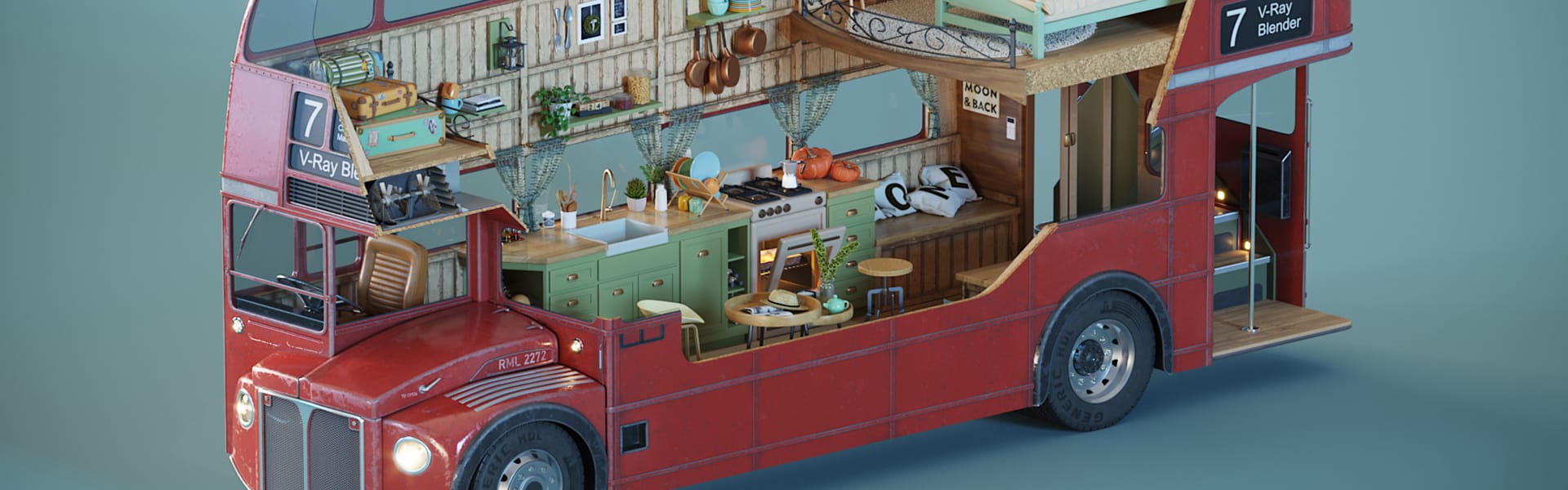
V-Ray for Blender, update 2 adds macOS support, AI-powered tools, and more.

vray-blender-1920x600.jpg

V-Ray for Blender

Industry-standard, production-proven 3D rendering for Blender—now empowering even more artists around the world.
Try for freeSee pricing

The quality your creativity deserves.

High-end rendering for any Blender artist-established or on the path to pro.

High-end realism
Production-grade
Built to scale
Artist-friendly
Fits right in

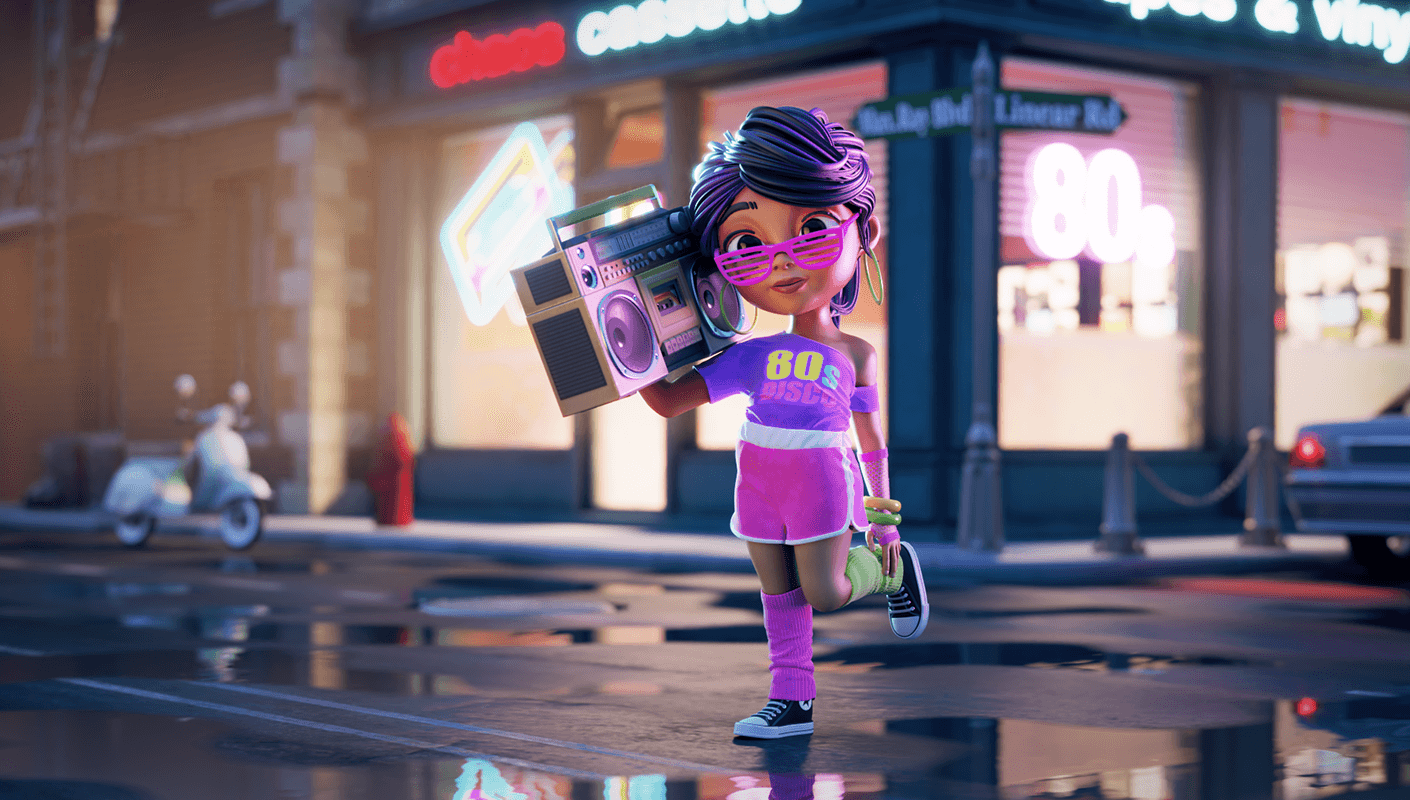
Industry-standard photorealistic rendering

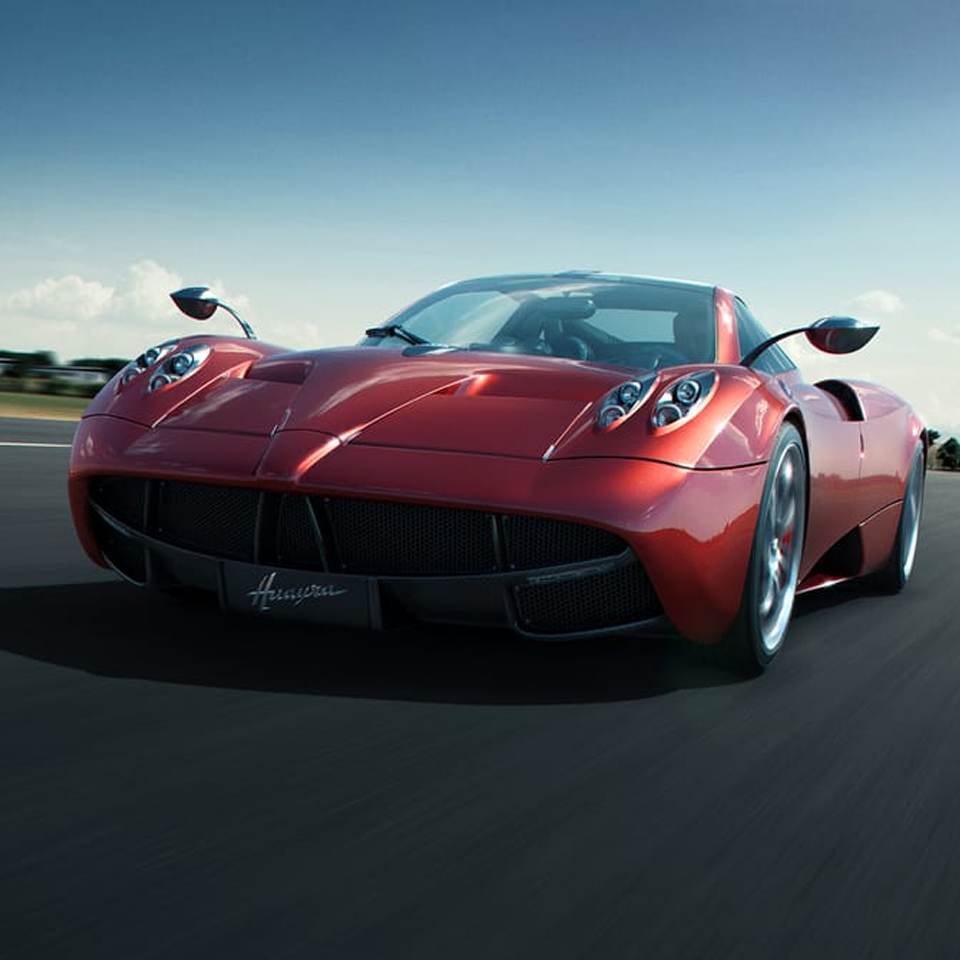
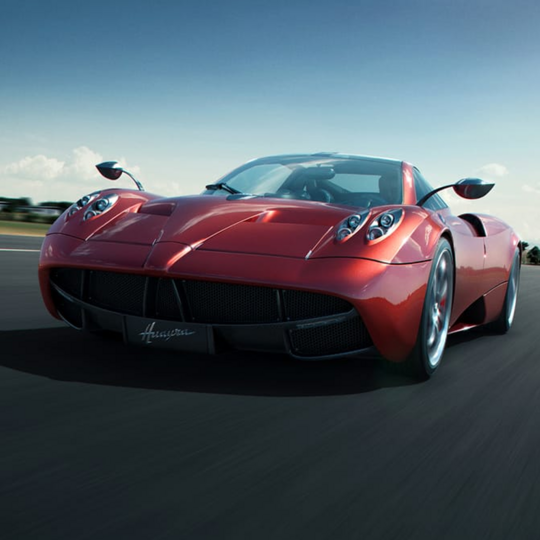
Award-winning ray tracing technology designed for achieving first-class, photorealistic results with ease.
feature-icon-light-bulb-black.svg
Physically-accurate lights

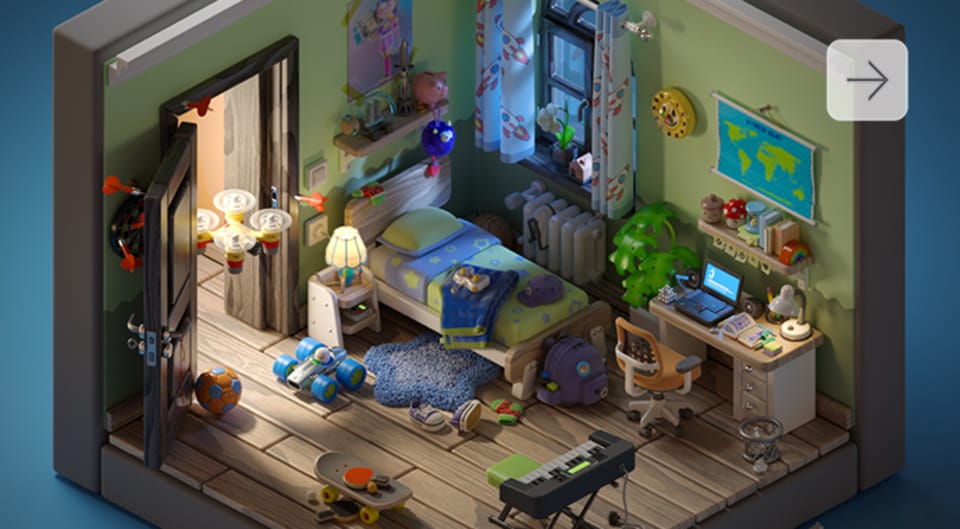
Achieve true-to-life lighting thanks to V-Ray’s Global Illumination and Caustics, delivering ultra-realistic reflections, refractions, shadows, and more.

feature-icon-materials-black.svg
Lifelike materials

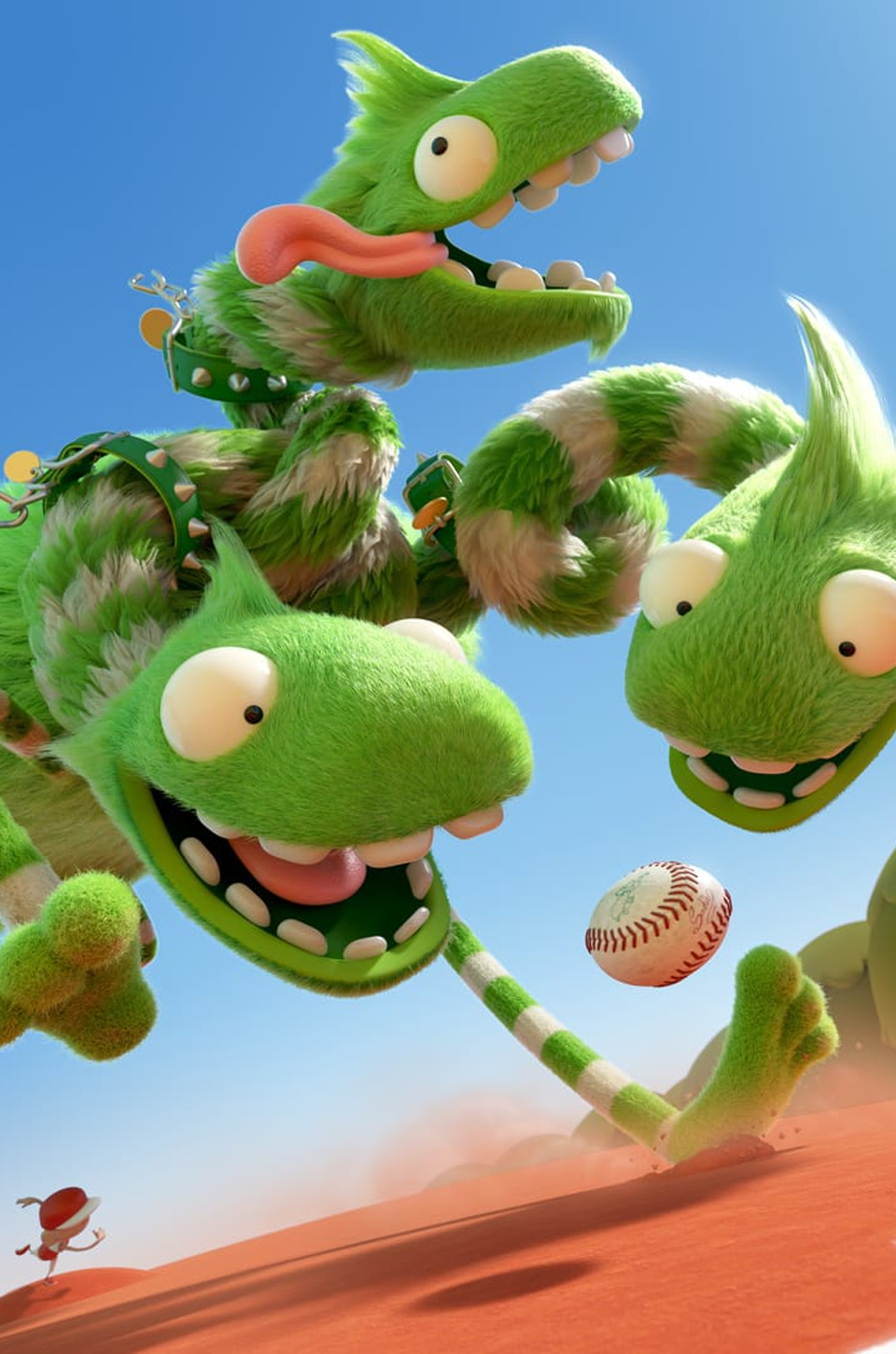
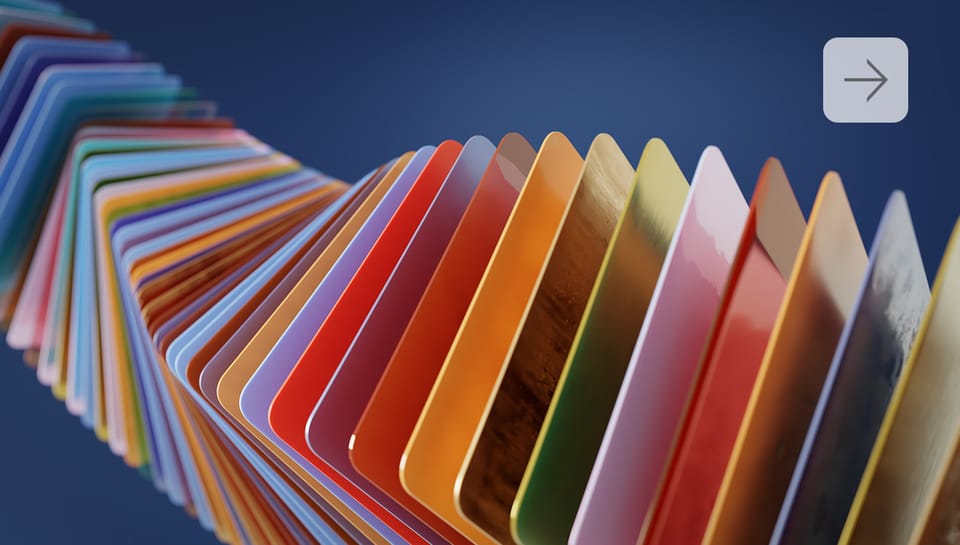
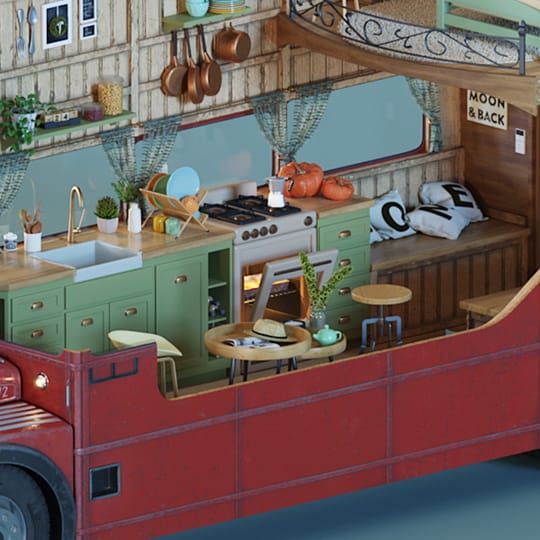
Recreate any real-world material with just a single node using V-Ray’s PBR-ready shader set, including specialized nodes for hair, car paint, and other unique surface types.

feature-icon-clapperboard-black.svg
Real-world cameras & lens effects

Tweak your 3D camera settings as a photographer would and simulate realistic lens effects like bloom and glare.
blender-feature-Materials-1410x800.jpg
blender-video-thumb-3-1410x800.pngblender-video-thumb-3-1410x800.png

See what's new.


V-Ray for Blender, update 2 now available.  

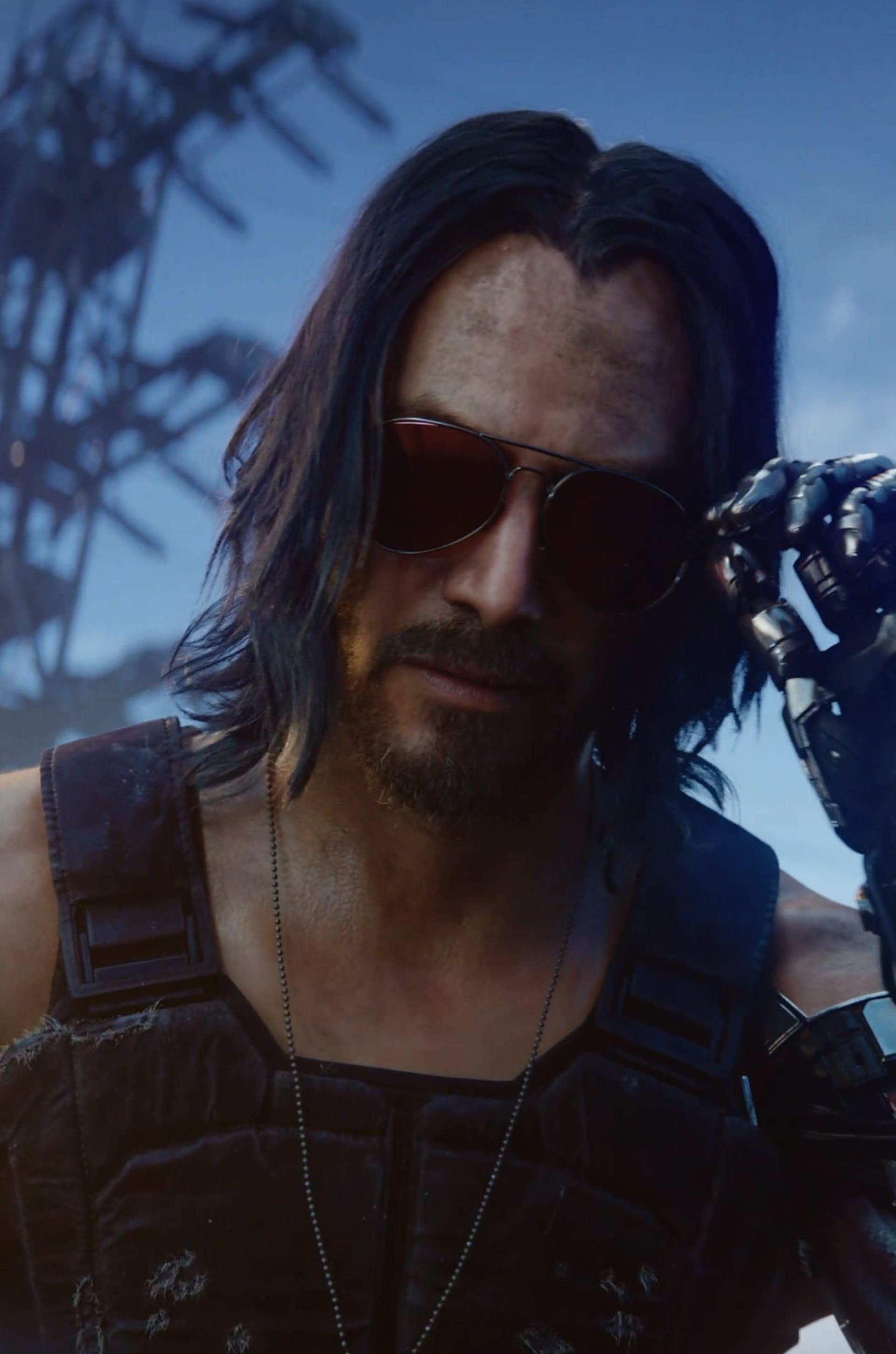
 You can now use V-Ray for Blender on macOS, as well as with Blender 5. Access the latest Chaos technology, including AI-powered tools for image enhancement, material generation, and upscaling—making it easier than ever to create stunning, realistic, high-quality renders. Plus, render faster and more efficiently with distributed rendering to spread the workload across multiple computers.  

v-ray-7-blender-up-2-1920x600.jpgv-ray-7-blender-up-2-1920x600.jpg

Explore key features.


V-Ray for Blender includes all the essential features you need to create stunning stills and animations — plus access to a library of over 8,800 free, high-quality, render-ready 3D assets.
Do your post-processing right where you render, offload local machines to meet tight deadlines with a one-click cloud rendering solution, and streamline collaboration and reviews with a cloud-based sharing and annotation tool.


Trusted by the industry’s best

See bold ideas become visual magic with V-Ray

vray-g2-spring25.svg

4.5

avg. rating on G2.com

Get started

for free.

Get a 30-day free trial and dive into the full range of features we offer. You will also get access to comprehensive training resources and dedicated customer support.

Start rendering with V-Ray today.

Technical requirements

Supported Blender versions

V-Ray for Blender officially supports Blender 5.0, 4.5 LTS, and 4.2 LTS. Our goal is to maintain compatibility with the two latest releases and at least one LTS version at all times. 

Supported operating system

V-Ray for Blender is currently available for Windows and macOS. Support for Linux is also planned. 

System requirements

You can find V-Ray for Blender’s system requirements on docs.chaos.com.  
Join us on the forums

Share feedback, ask questions, and connect with the community to get the most out of your V-Ray rendering experience.

Have any ideas?
Share your thoughts with us.


Chaos
© 2025 Chaos Software EOOD. All Rights reserved. Chaos®, V-Ray® and Phoenix FD® are registered trademarks of Chaos Software EOOD in Bulgaria and/or other countries.