Even faster time to first pixel
Experience highly responsive rendering with a significantly faster time to first pixel. V-Ray GPU IPR now starts up to 2x quicker, thanks to accelerated asset uploads to VRAM and faster texture compression.
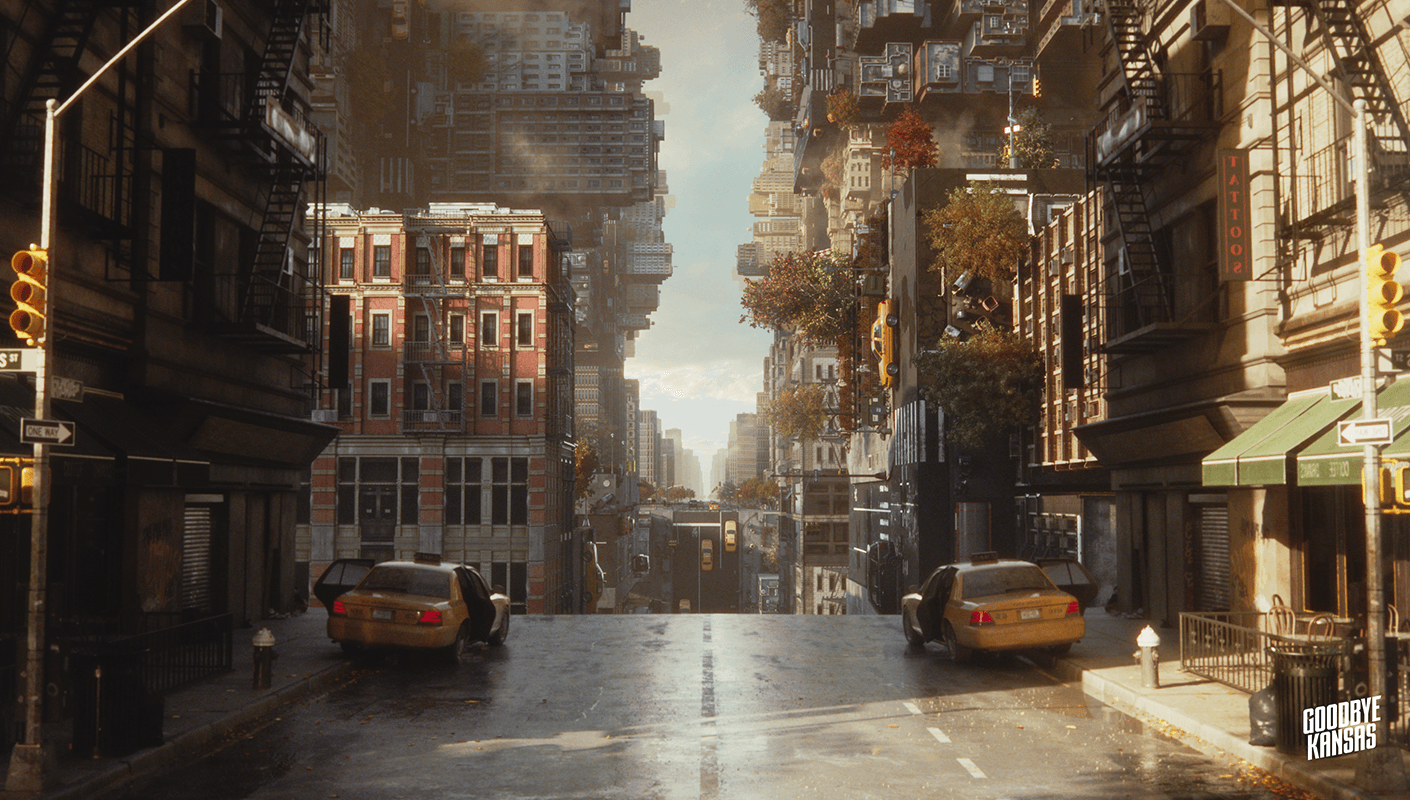
Deliver pixel-perfect shots with maximum efficiency, regardless of your pipeline or hardware configuration. Bring your ideas to life with tools that make complex looks and stunning effects effortless to achieve.
Experience highly responsive rendering with a significantly faster time to first pixel. V-Ray GPU IPR now starts up to 2x quicker, thanks to accelerated asset uploads to VRAM and faster texture compression.

Get up to a 13% performance gain in CPU rendering, thanks to our switch to the Intel® ICX Compiler and the implementation of Hardware Profile-Guided Optimizations supported by Intel® Core™ Ultra processors. Speed up your workflow and experience best-in-class performance to maintain your creative momentum and meet even the tightest production deadlines.

Get cleaner, smoother rendering previews faster and enjoy a significantly improved interactive rendering experience, no longer having to look at a noisy image for long. By applying the denoiser directly to the Light Cache before the actual rendering begins, high-frequency noise is smoothed out instantly. This feature is enabled by default for the NVIDIA Denoiser, delivering better interactive feedback with zero extra setup required for users on the latest version of V-Ray.

Enable the new, quick caustics in V-Ray to easily generate stunning light refraction patterns, bypassing the tedious, trial-and-error setup of the traditional photon-based workflow. Much simpler to control and significantly faster to render, a single depth toggle delivers believable underwater caustics without the high performance cost of full photon tracing. The result is realistic caustics with minimal effort, making complex light simulation accessible, predictable, and highly practical for every artist and project.

Take your shading networks to the next level with the new V-Ray Displacement Material. Designed to simplify the creation of complex surfaces, this material allows you to build and effortlessly blend displacement shaders, apply them to native geometry or V-Ray Proxy objects, and export fully shaded assets with displacement intact to seamlessly transfer them to other V-Ray integrations across your pipeline

Stuck at the ideation stage, or need to refine a scene before a presentation? Veras brings AI-powered ideation directly to V-Ray and Vantage. Start with a basic block-out render from the viewport, upload a drawing or a reference image. Using presets or custom prompts, instantly generate multiple concepts, styles, and camera variations for inspiration. You can also refine renders in post to try new artistic styles, or generate matching asset backgrounds for set extensions. Keep your entire creative process in one seamless workflow, without switching tools.

Support for the latest host app version
Whenever you’re ready to update your host platform to benefit from the latest features, you can do so with the confidence that you’ll maintain rock-solid rendering stability. V-Ray now officially supports Blender 5.2.

Explore and render your ideas in real-time at final-frame quality with а Chaos Vantage. Get immediate feedback, iterate faster, and make more confident creative decisions. Right from pre-production, you get instant, path-traced feedback as you work, delivering stunning realism in real time with physically accurate cameras, lights, materials, and global illumination. No rasterization, no approximations.

Blend Gaussian Splats beautifully and naturally into any environment with seamless real-world scan integration via splat asset relighting. Easily match a Gaussian Splat’s lighting to your scene, making it effortless to blend captured locations, especially those scanned under ambient lighting, directly into your 3D worlds. From early-stage previz to final production, you can freely adjust your scene lights at any time without wasting hours working around baked lighting.
For the complete changelog, please check out our documentation page >