

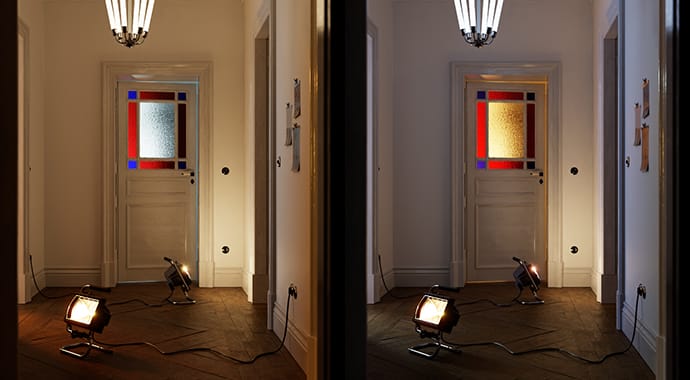
Lighting made simple
With Light Mix, you can instantly adjust the brightness and color of your render’s lights — without re-rendering. Now, you can experiment with lighting scenarios from a single render.

Explore your V-Ray scenes in real-time. Render high-quality lightmaps for light baking. And render photorealistic, ray-traced images and animation. All with V-Ray for Unreal.
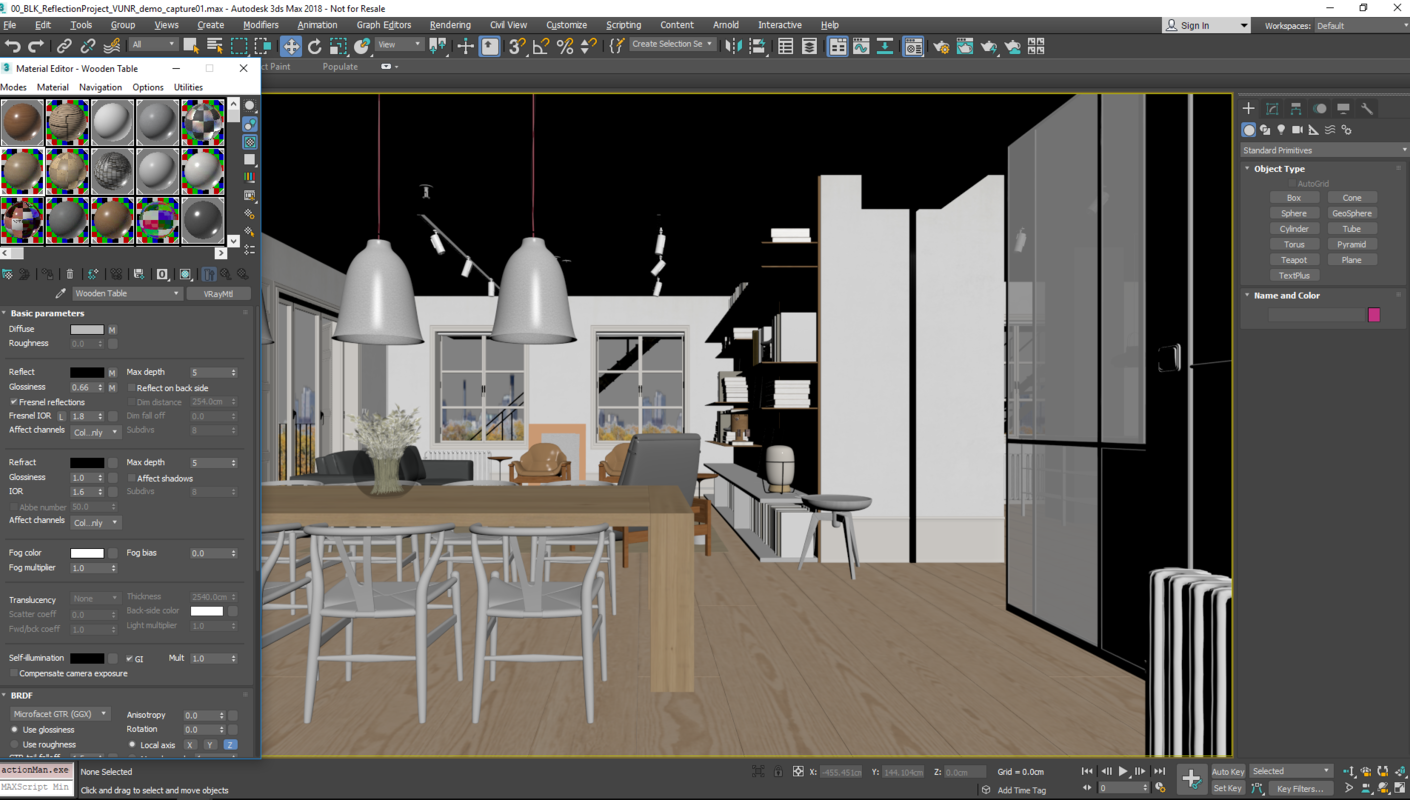
If you're looking for the best way to bring your V-Ray scenes into Epic Games’ popular game engine, then V-Ray for Unreal is for you. Simply create your scene using V-Ray and your favorite 3D application (3ds Max, Maya, SketchUp) and export it when you’re done. Then import the file into Unreal to explore it in real-time, virtual reality, and more.
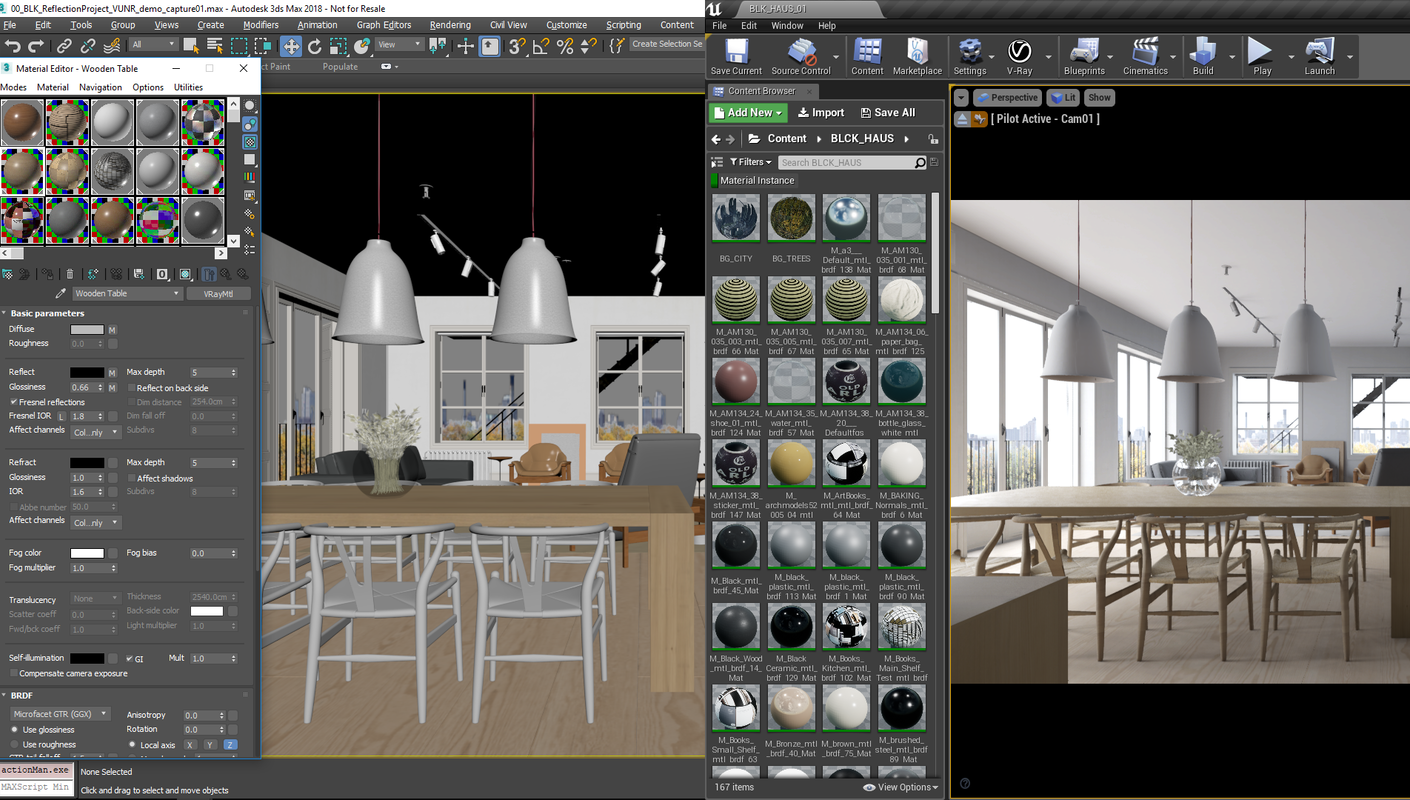
When you import a scene, V-Ray for Unreal automatically converts V-Ray lights and materials to their real-time equivalents in Unreal Engine. You can then edit these in the Unreal Editor using familiar V-Ray controls. What’s more, V-Ray for Unreal keeps track of your original V-Ray materials and uses them whenever you render.
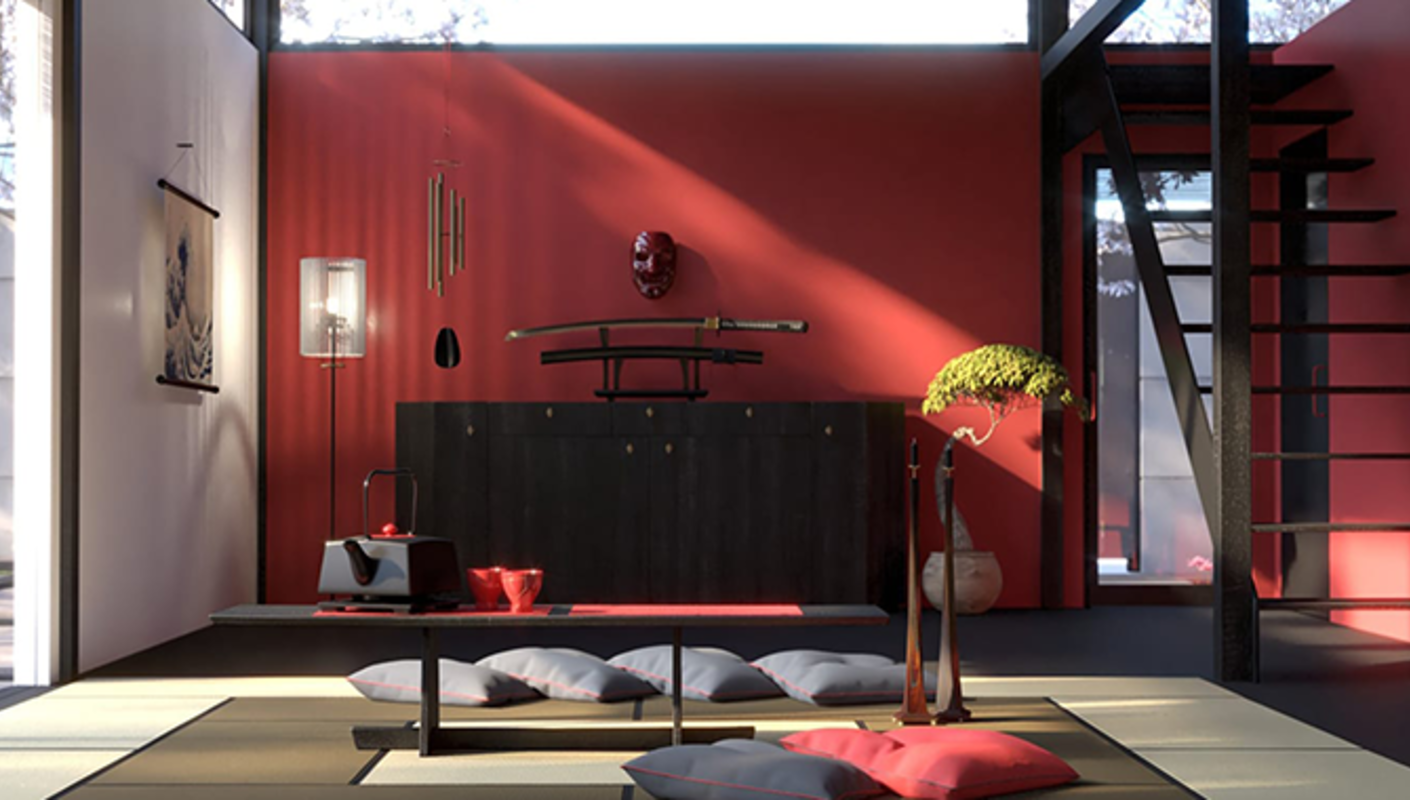
V-Ray for Unreal can render high-quality lightmaps in a fraction of the time by distributing the rendering across multiple machines. You can render on CPUs and NVIDIA GPUs to take advantage of all your available hardware. You can also use the Chaos Cloud service for easy rendering on demand. Because light baking is memory-intensive, V-Ray also provides an easy way for you to export your scene and render it anywhere without the overhead of having Unreal open or tying up your machine.
In addition to helpful light baking presets, V-Ray 5 for Unreal now lets you customize your settings for even more control when rendering lightmaps.
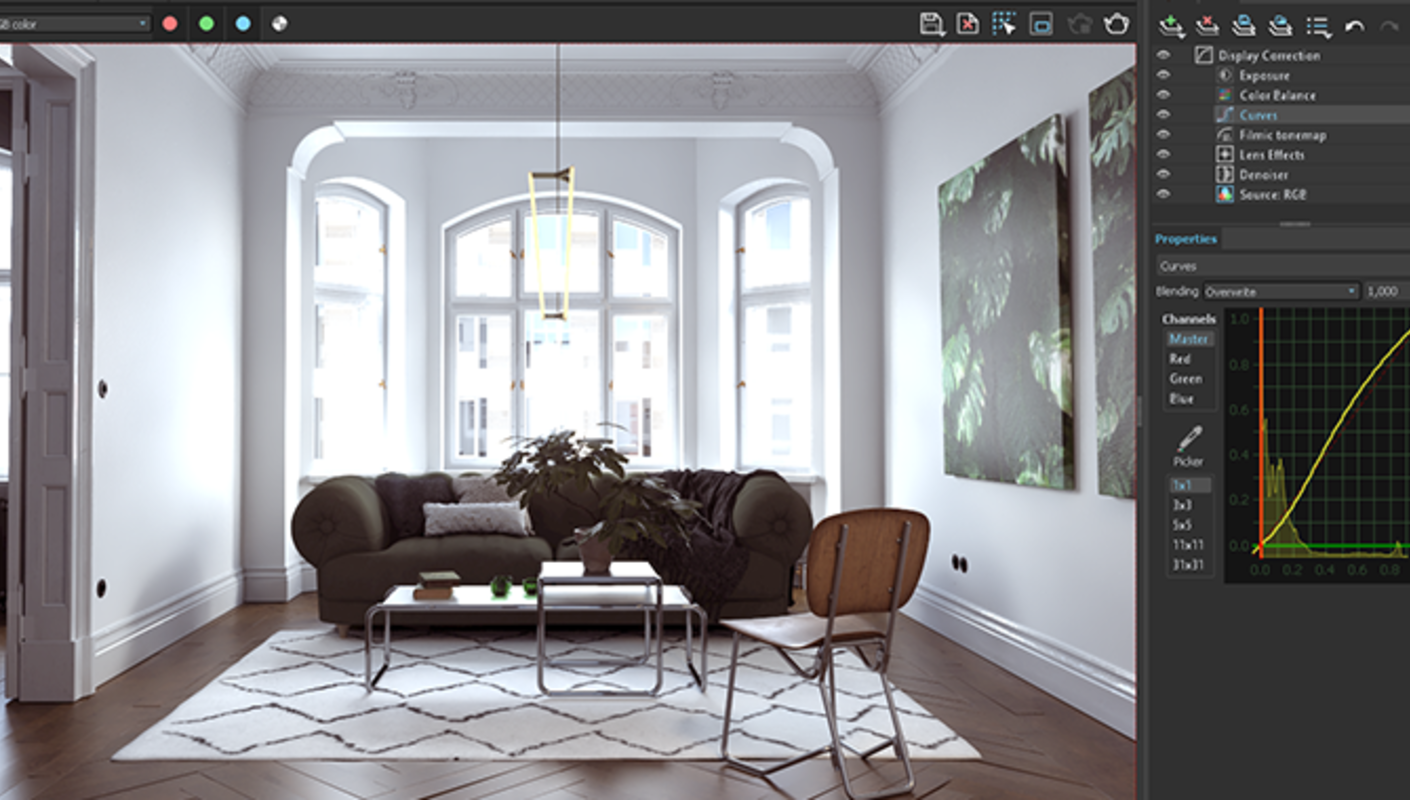
Render photorealistic ray-traced images and animation right from Unreal with the quality that V-Ray is known for.
In V-Ray 5 for Unreal, you can fine-tune and finish your renders right in the V-Ray Frame Buffer. Composite render layers and make color corrections, all without a trip to a separate app.
V-Ray 5 for Unreal, update 1 adds support for Unreal Engine 4.27.
With Light Mix, you can instantly adjust the brightness and color of your render’s lights — without re-rendering. Now, you can experiment with lighting scenarios from a single render.
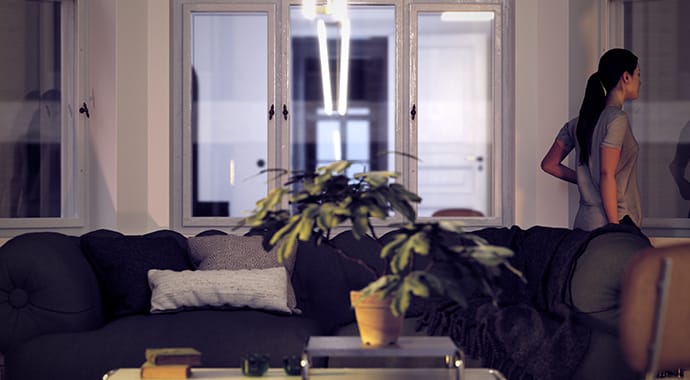
Visualize skeletal meshes in interactive mode for high-quality lookdev before you export animations. And, when you’re ready, you can render animation sequences directly from the Sequencer.
For more information on what’s new in V-Ray 5 for Unreal, update 1 check out our documentation page >
V-Ray for Unreal has enhanced KPF’s visualization process, helping us achieve better, faster results with less applications. The light baking functionality also taps right into our GPU workflow, letting us efficiently bake large scenes at high quality. We cannot wait to see the next developments.
Cobus Bothma, Director of Applied Research, Kohn Pedersen Fox Associates


with the purchase of any Chaos license.
Find the plan that's right for you.
See the available products in each plan
V-Ray integrate with your favourite design applications


Find the plan that's right for you.
See the available products in each plan
V-Ray integrate with your favourite design applications
See the available products in each plan
V-Ray integrate with your favourite design applications
See the available products in each plan
V-Ray integrate with your favourite design applications