


 @ The Boundary
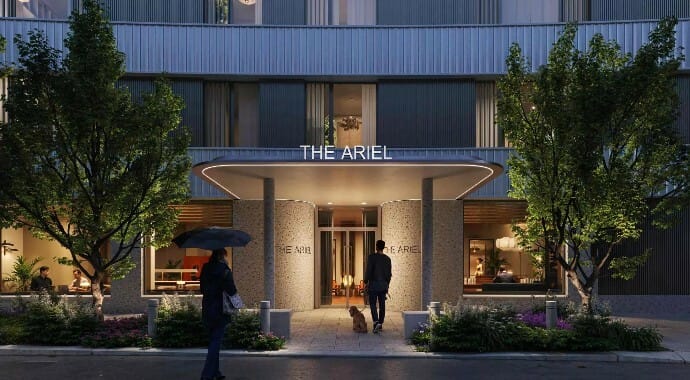
How The Boundary Reimagined the BBC’s Iconic Television Centre with Chaos Corona >
Learn how The Boundary used Corona Renderer to craft striking visuals for The Ariel redevelopment, blending heritage with modern design.


Use Veras to quickly visualize rough ideas, mood, and spatial layouts directly from your design tool.

Instantly test fast design options (furniture layouts, color schemes, lighting moods) to explore what “feels right.”

Present cohesive design directions with realistic visuals early in the process.

Real-time design exploration inside your modeling tools.
Make changes on the fly, see results instantly, and explore multiple ideas during client reviews.

AI-powered design iterations.
Generate multiple variations in seconds. Explore forms, facades, and layouts to unlock creative directions early.

Award-winning photorealistic rendering.
An industry-standard rendering engine offering unmatched realism, speed, and flexibility for 3D visualization across platforms.

Easy photorealism & fast workflows built for archviz.
A simple, easy-to-use rendering engine that delivers high-quality results with minimal setup.

Presentation and storytelling.
Transform designs into cinematic visuals, immersive walkthroughs, and presentations that clients easily understand.

Scene exploration for V-Ray and Corona scenes.
A real-time ray-traced visualization tool for exploring and presenting complex 3D scenes with exceptional quality and speed — no need for lengthy optimizations or conversions.

Present, review, and render — easily perform every step on the cloud.
A secure and reliable cloud-based service that allows you to collaborate during design reviews and render anything from simple visualizations to complex animations.
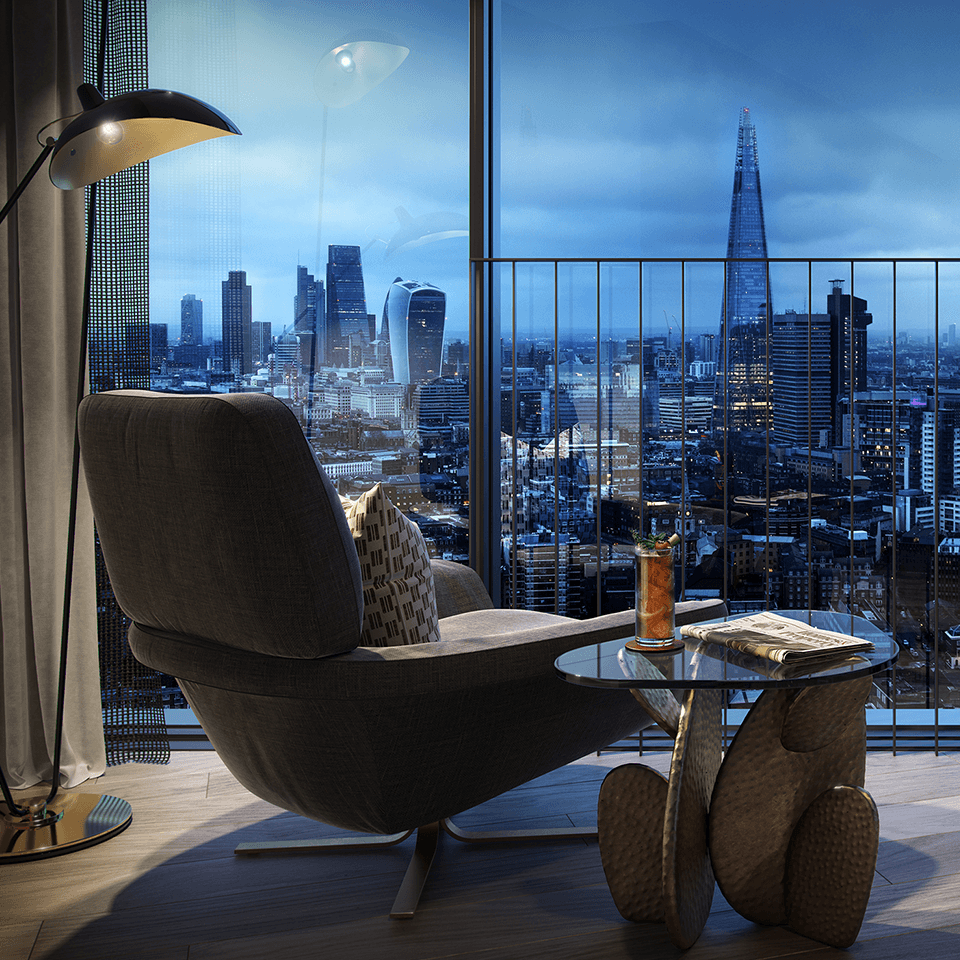
@ The BoundaryLearn how The Boundary used Corona Renderer to craft striking visuals for The Ariel redevelopment, blending heritage with modern design.
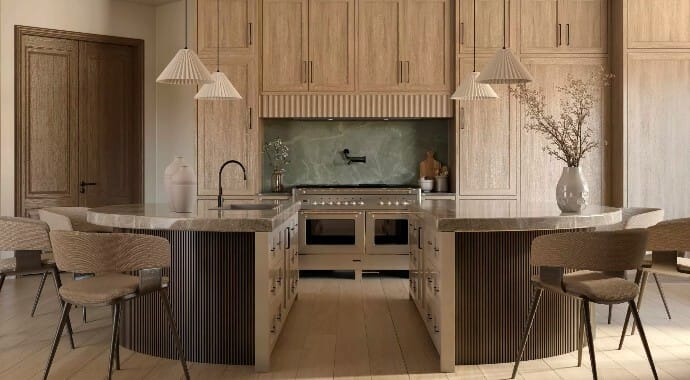
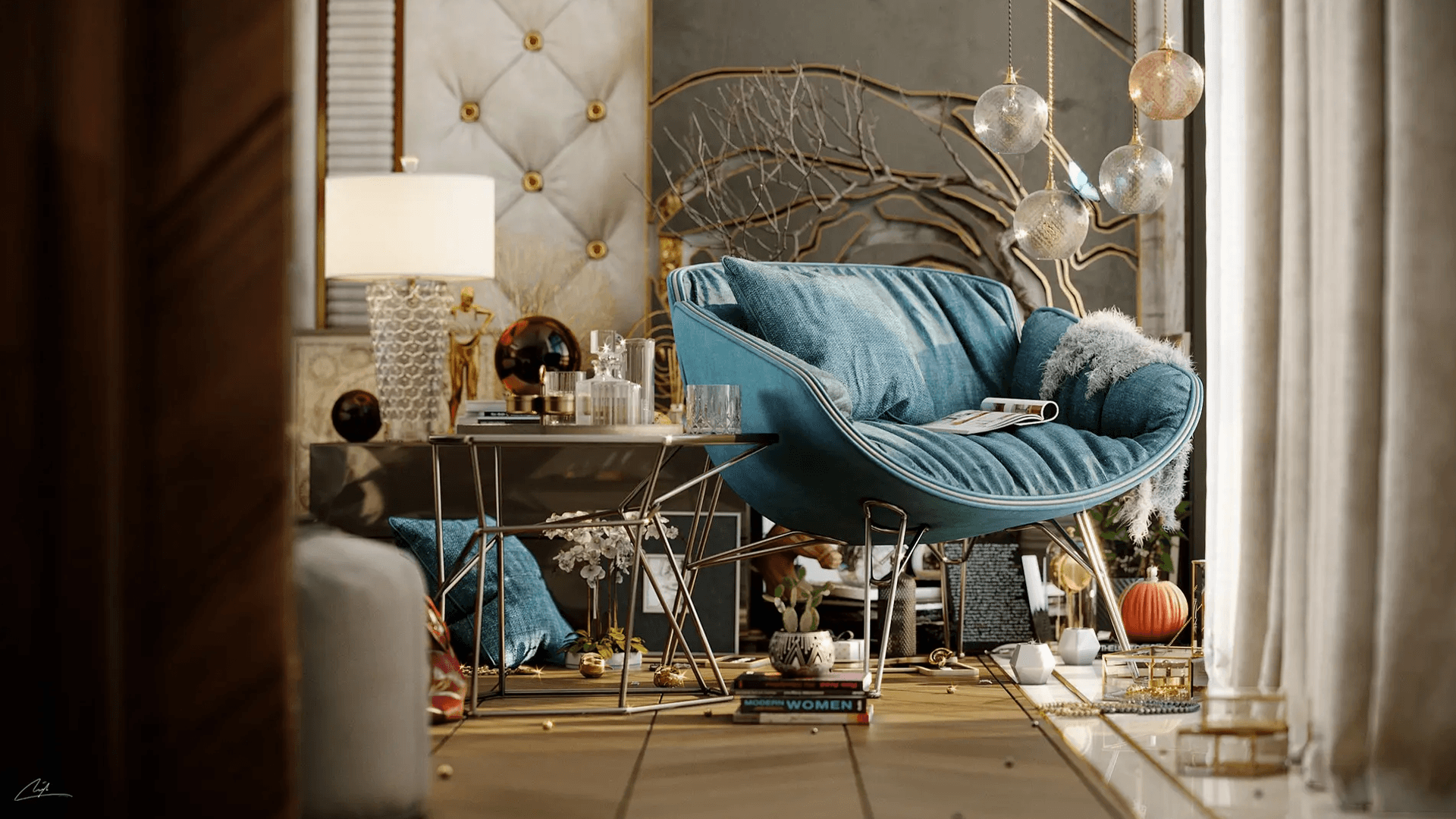
Discover how Ramsha Noaman uses V-Ray for SketchUp to bring emotion and realism into interior design, turning light and story into visual impact.
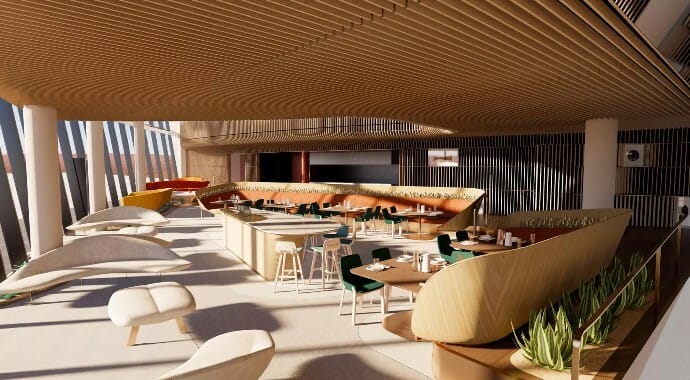
Explore how the team brought Spaceport America to life with Chaos rendering tools, turning visionary architecture into striking, cinematic visuals.
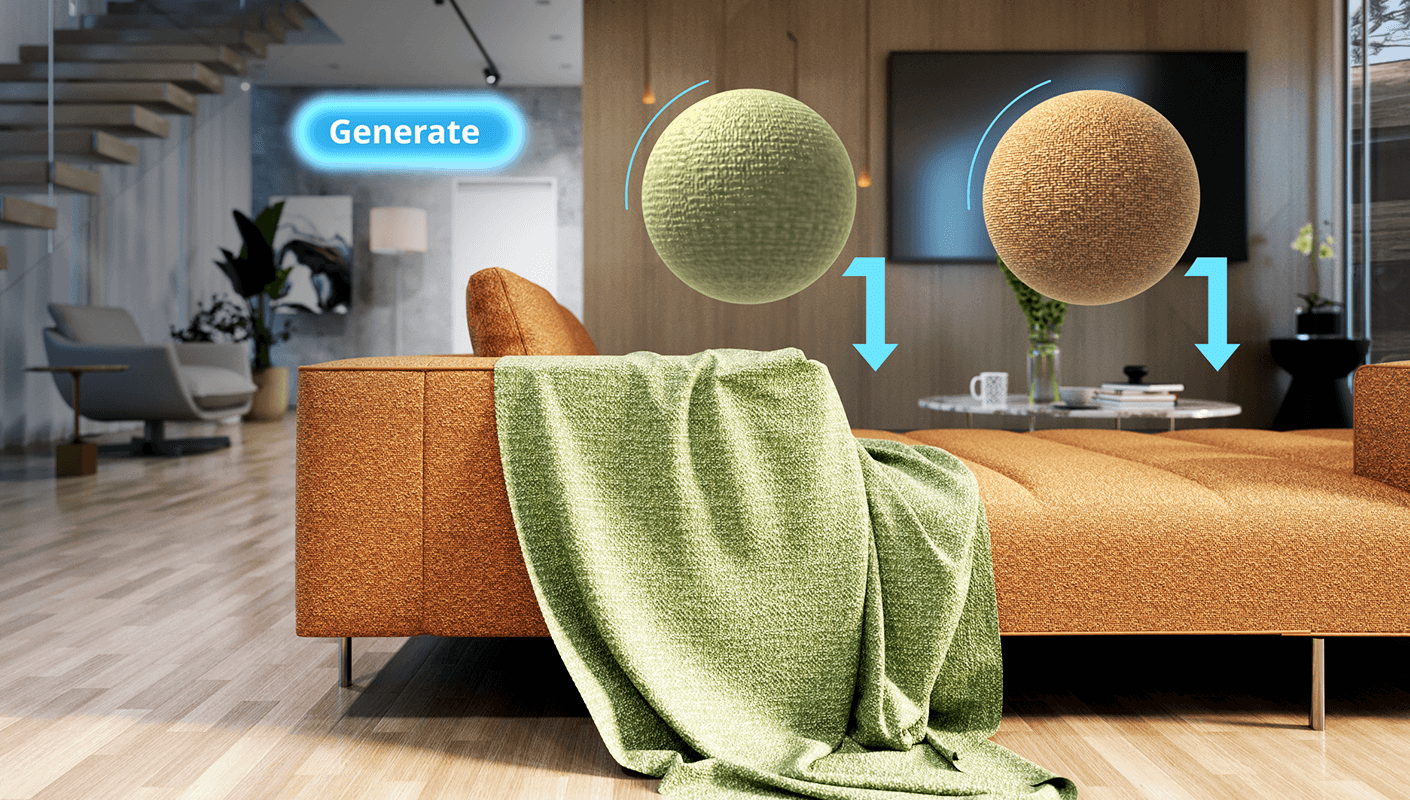
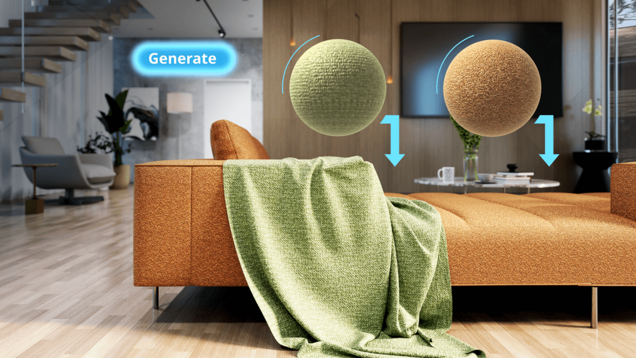



Perfect every detail with AI. Use the AI Enhancer to fine-tune people and vegetation — from age and ethnicity to clothing style. Elevate your renders with the AI Upscaler, which boosts resolution by 2× or 4× in seconds. Available through Chaos Cloud.
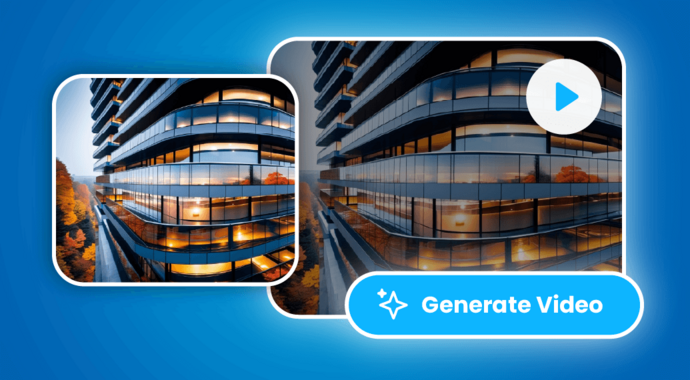

Turn Veras renderings or any image into short, expressive animations with a simple prompt. The new image-to-video feature lets you add cinematic motion — panning, zooming, weather effects, and time-of-day transitions — all directly from your design environment.
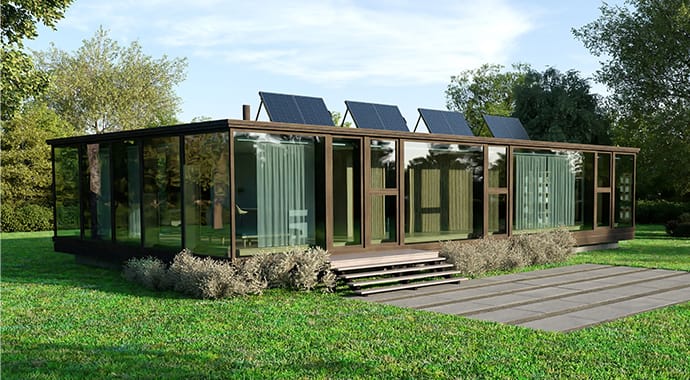

Elevate your SketchUp projects effortlessly in our free, beginner-friendly webinar! Explore the latest AI-powered features in V-Ray, designed to streamline your workflow and help you achieve stunning results faster.
When choosing the best product from Chaos for interior design visualization, it largely depends on your workflow (real-time vs. photorealistic stills), your modeling tools, and how quickly you need iterations.
Yes - you can use Enscape and V-Ray together in the same interior project. Enscape is great for real-time design and walkthroughs, while V-Ray refines the same scene for photorealistic final renders. You can export your Enscape project as a .vrscene file and open it directly in V-Ray, ensuring that materials, lighting, and geometry remain consistent.
Real-time rendering allows you to make instant design adjustments—such as lighting, materials, or furniture—during client presentations, so clients see updates immediately. It also enables interactive walkthroughs, helping them better understand the space. This makes presentations more engaging, collaborative, and efficient.
Yes, with real-time rendering tools like Enscape, you can instantly visualize lighting changes in interior spaces. Adjust daylight, artificial lights, or color temperature, and see the effects immediately, helping you fine-tune ambiance and mood on the spot.
Chaos tools stand out by combining real-time speed, immersive experiences, and photorealistic quality within an end-to-end workflow across all design stages. They support a wide range of CAD and DCC platforms such as Revit, SketchUp, Rhino, 3ds Max, and Cinema 4D, serving industries from architecture and interior design to product visualization and visual effects. Unlike many other rendering tools, Chaos offers a connected ecosystem - from Enscape for instant visualization to Envision for immersive storytelling and V-Ray and Corona for high-end final renders - all sharing materials, lighting, and geometry for a seamless, unified experience.
Yes, Chaos tools like Enscape fully support VR walkthroughs for interior spaces. You can explore designs immersively using VR headsets, such as Oculus or HTC Vive, and experience scale, lighting, and materials in real-time. It’s ideal for client presentations and design reviews, allowing users to “walk” through interiors as if they were already built.
Yes, you can easily import manufacturer furniture and décor models into your visualizations. Applications like V-Ray, Corona, and Enscape support common 3D file formats (such as FBX, OBJ, SKP, or 3DS), allowing you to bring in models from manufacturers or online libraries. You can then apply Chaos materials and lighting to match your scene, ensuring realistic, high-quality integration into your interior designs.