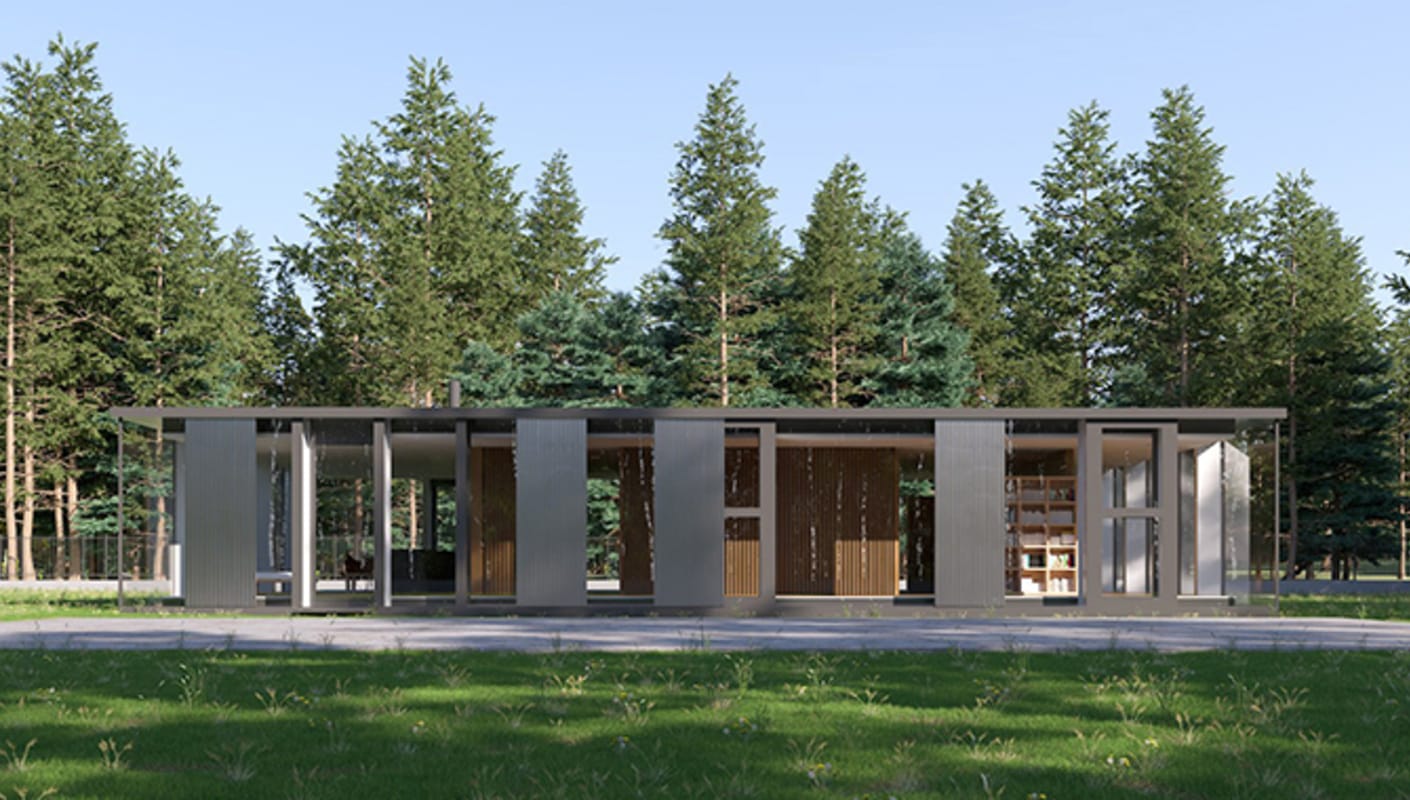
Getting started
Get familiar with the V-Ray for SketchUp user interface and main functionalities, and learn the best render settings to get up and running.




To get started you'll need to download and install the V-Ray extension for SketchUp. It's important to confirm that your system meets the recommended system requirements before proceeding with the installation.
Start with a series of beginner-friendly tutorials that will help you get familiar with the software and master the basics of creating photorealistic SketchUp renders today.
Get familiar with the V-Ray for SketchUp user interface and main functionalities, and learn the best render settings to get up and running.

Learn the essential steps when applying V-Ray materials to your SketchUp scene. Shade your scene with ready-to-use materials from Chaos Cosmos or build one from scratch.
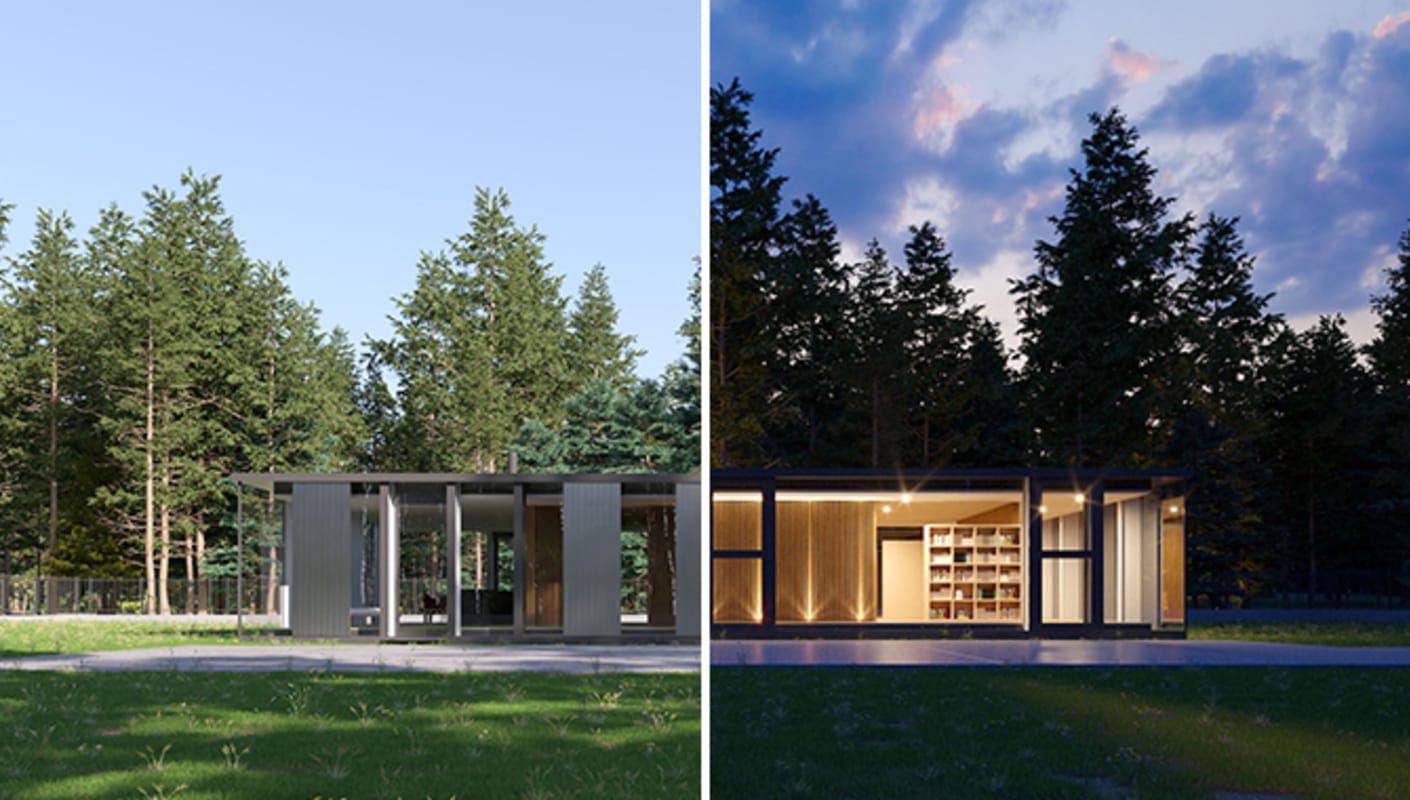
Learn how to add realistic sunlight and artificial lights to your scene with V-Ray for SketchUp.

Watch to learn how to work with multiple camera settings to improve significantly the realism of your renders. Work like a photographer, with controls for exposure, white balance, depth of field and more.
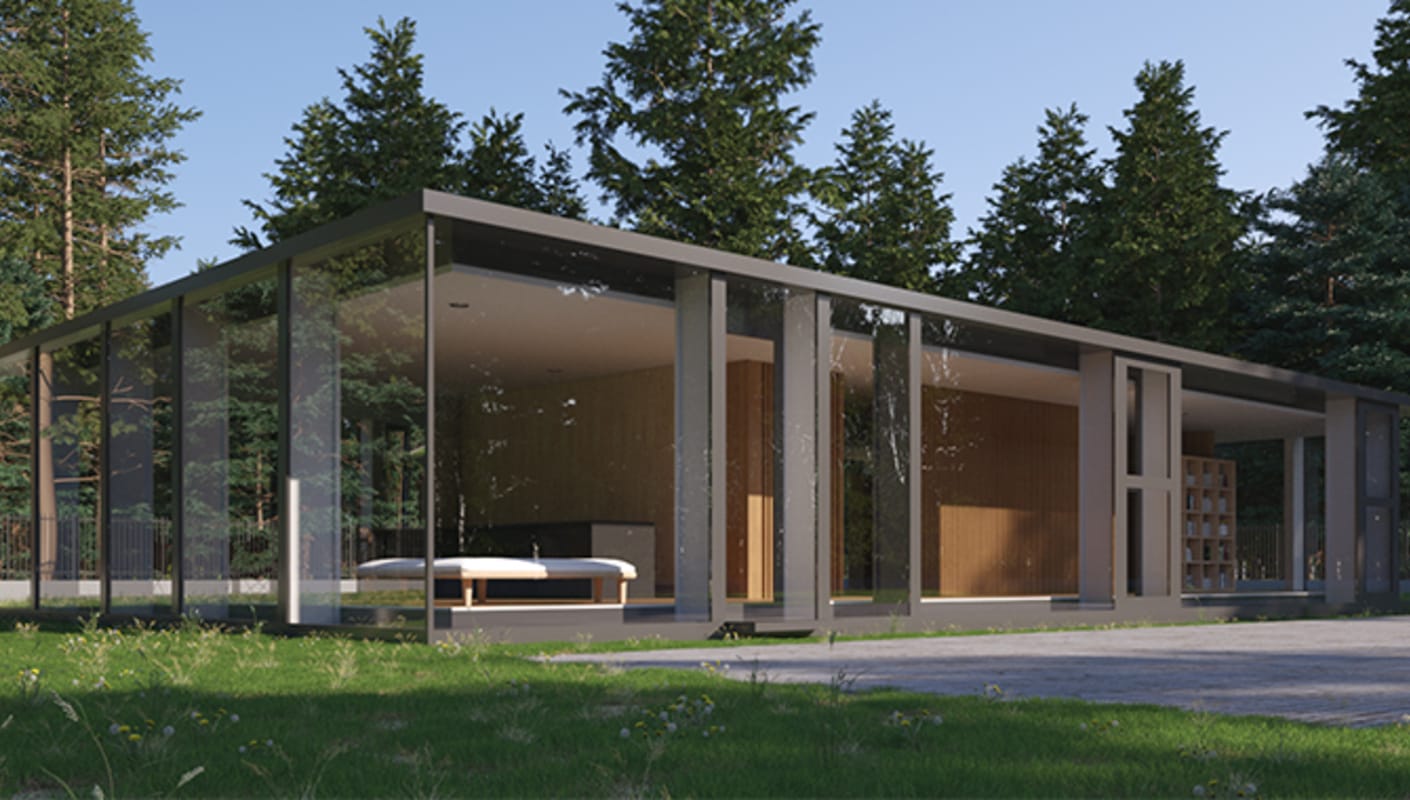
Watch to see how to get your projects ready before rendering and optimize them for your needs. Learn the difference between progressive and bucket rendering, how to enhance the render quality or resolution and how to render on Chaos Cloud.
Watch this video to learn all about the animation options in V-Ray for SketchUp. See how you can set up cloud animations, adjust proxy animations, and all the render settings for animations.

Watch to learn how to apply color corrections and work with the Light Mix to fine-tune the lighting of your scene, without the need to re-render everything.
Want to learn V-Ray tips & tricks before anyone else? Subscribe to  ChaosTV.

Whether you're an architect, interior designer, or visualization specialist, Chaos Academy is your ultimate learning portal. Access tailored training materials designed for your career path. Master essential V-Ray skills, from creating realistic lighting and shading to managing complex scenes with ease. Take your expertise to the next level—join Chaos Academy today!
Unlock the power of V-Ray for SketchUp. In this series, you can watch short video tutorials demonstrating how to make the most of the latest and greatest features.

This tutorial covers creating a stunning bathroom design, from start to finish. You'll learn about camera views, depth of field, auto exposure, and white balance for framing and lighting. Explore lighting options, Chaos Cosmos assets, and material customization.
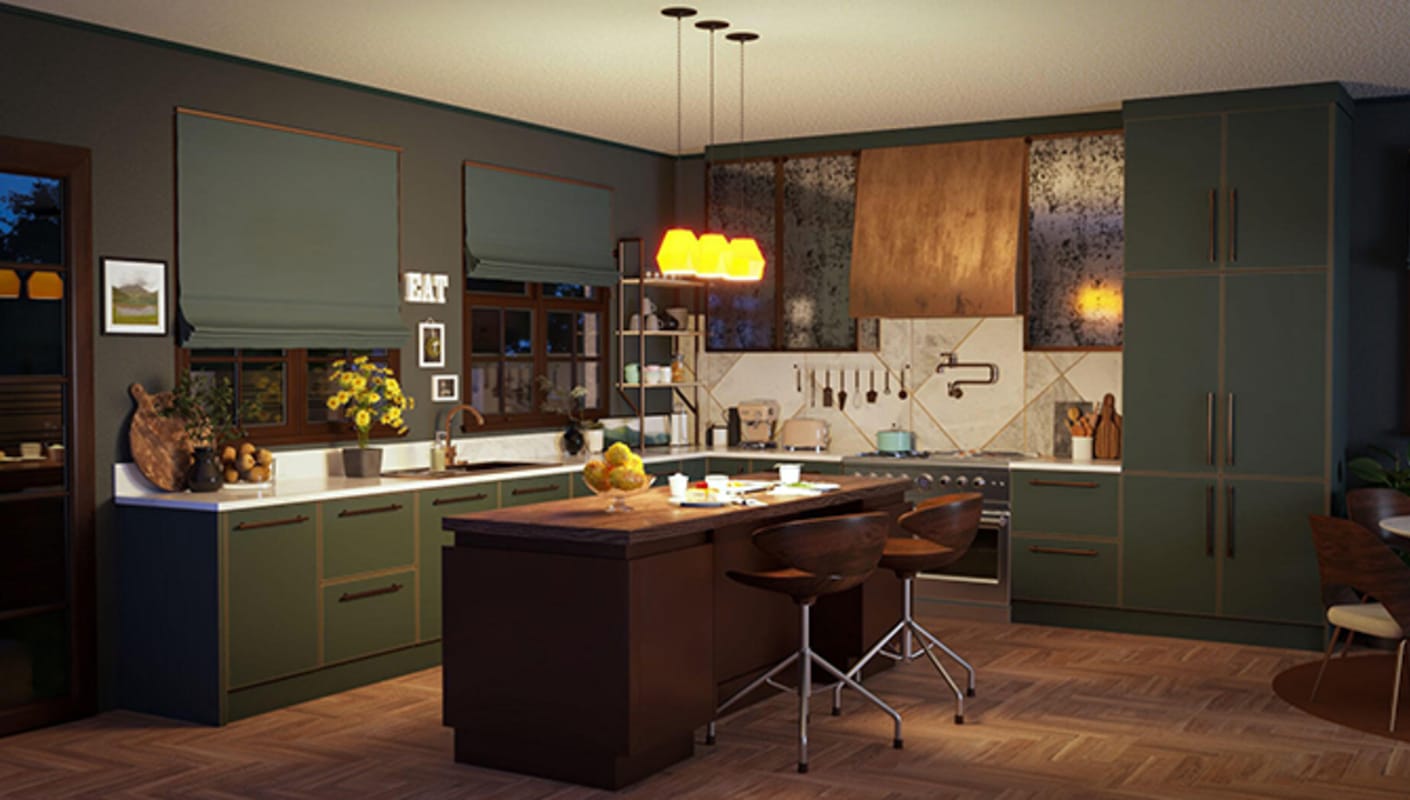
Explore how to create a stunning kitchen render in this video tutorial. Learn to build a scene with Chaos assets, refine lighting, camera angles, and materials, and enhance your render with post-processing effects.

This tutorial reveals how to create a stunning living room design. Use V-Ray's LightGen and multiple light sources for the perfect ambiance, populate your scene with customizable Cosmos assets, and add final touches by editing directly in the VFB.

This tutorial guides you through creating a stunning modern bedroom design with V-Ray. Learn pro camera setups, master lighting, and effortlessly add high-quality Chaos Cosmos furniture.

Learn how to take real-time Enscape projects to V-Ray 6. V-Ray reads Enscape materials, lights, and compatible assets, and allows you to build on your work by fine-tuning components or substituting them with hi-res equivalents.
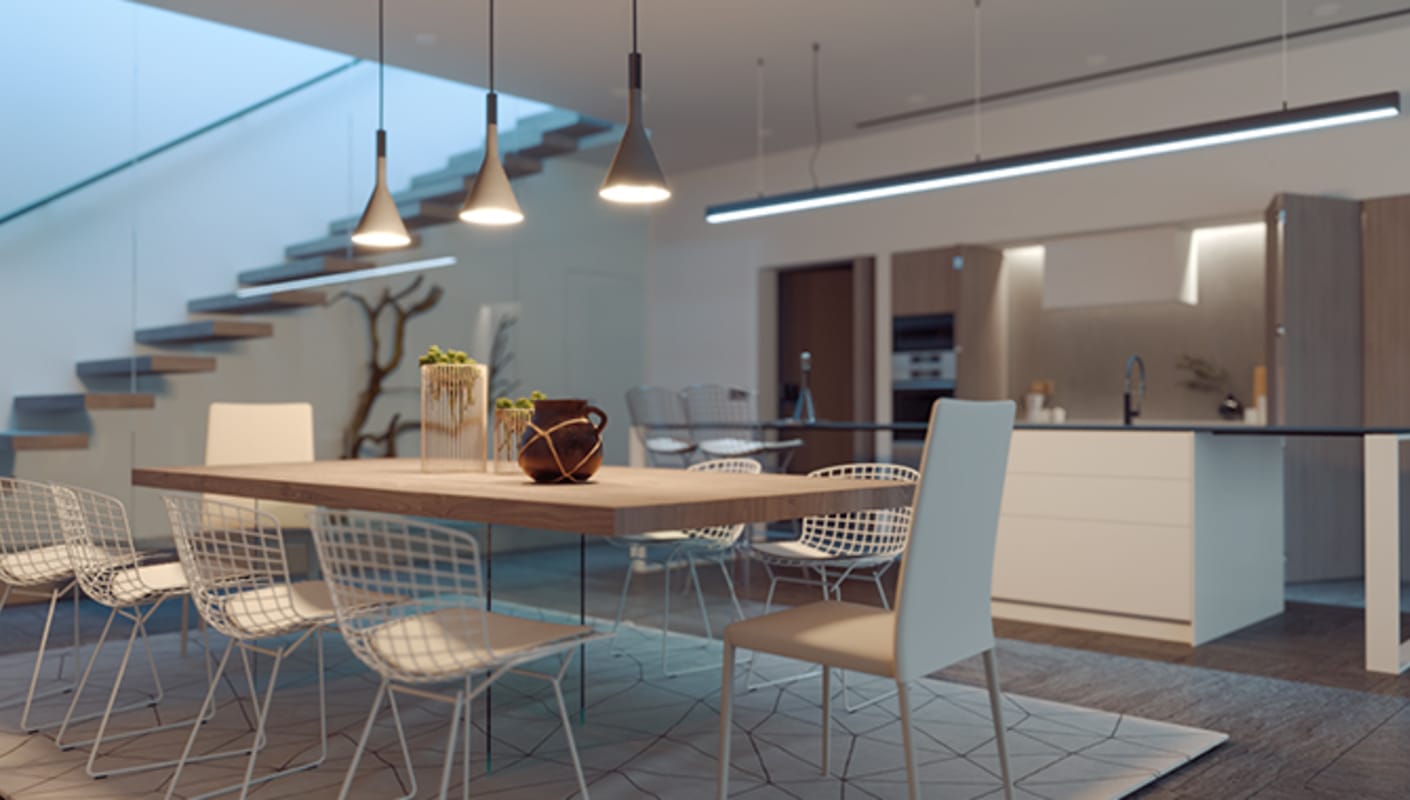
Take your design to the next level with Chaos Vantage. The new live link takes even your most complex scenes to pure ray-traced real-time with zero setup. Navigate and interact with your model’s true lighting and materials, and create animations and images with ease.

Learn how easy it is to stage your scene with Chaos Cosmos assets. Render them as they are or customize their materials to suit your project. You’ll also learn tips about the optimal way to share Cosmos-rich scenes with your colleagues.
.jpg?1660916894)
Chaos’ curated collection of render-ready V-Ray content adds a new category — materials. Make use of an extensive range of tiles, wooden floors, brick walls, and more. Use the Cosmos materials out-of-the-box or customize their color, bump, gloss, and more.
In this video tutorial series, Boyan Petrov, 3D artist at Chaos, demonstrates the essential steps to create stunning photorealistic renders and animations for your SketchUp projects with V-Ray. All scenes and assets are available for download to help you practice.
Join him and learn valuable tips to get the best rendering experience in SketchUp.
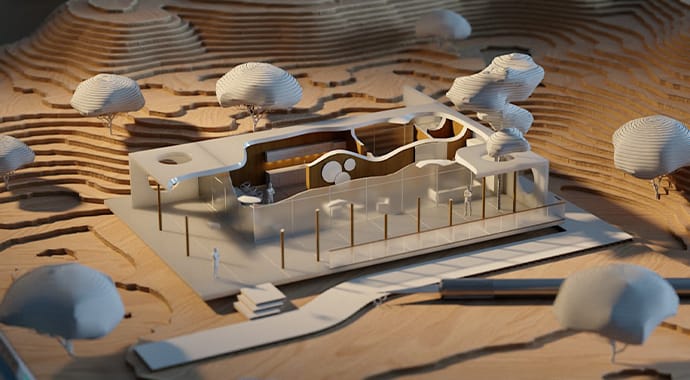
Watch this webinar recording on architectural rendering using V-Ray for SketchUp, and discover the secrets to creating stunning, realistic visualizations.
Whether you're an aspiring visualization specialist, an established architect or designer, or just a curious creative, this webinar is your gateway to transforming your SketchUp models into breathtaking, realistic visualizations.

Learn how to quickly create diverse lighting options for your interior scene with V-Ray's LightGen tool. Use V-Ray Sun and Sky for natural lighting, enhance realism with image-based lighting, and strategically add artificial lights for depth. Master advanced features like Light Mix to fine-tune and experiment with different lighting setups after rendering.

Discover how to apply materials and tweak settings to achieve the desired visual aesthetic. Explore diverse techniques for crafting physically accurate materials, such as gold and metal, as well as lifelike glass materials through perfect reflections and refractions. Learn the efficient use of Chaos Cosmos, our vast collection of pre-configured materials for seamless scene shading with just a few clicks.

These free scenes will give you a head start learning V-Ray for SketchUp. Each scene includes complete assets and renders. You can also use them to follow along with our tutorials.
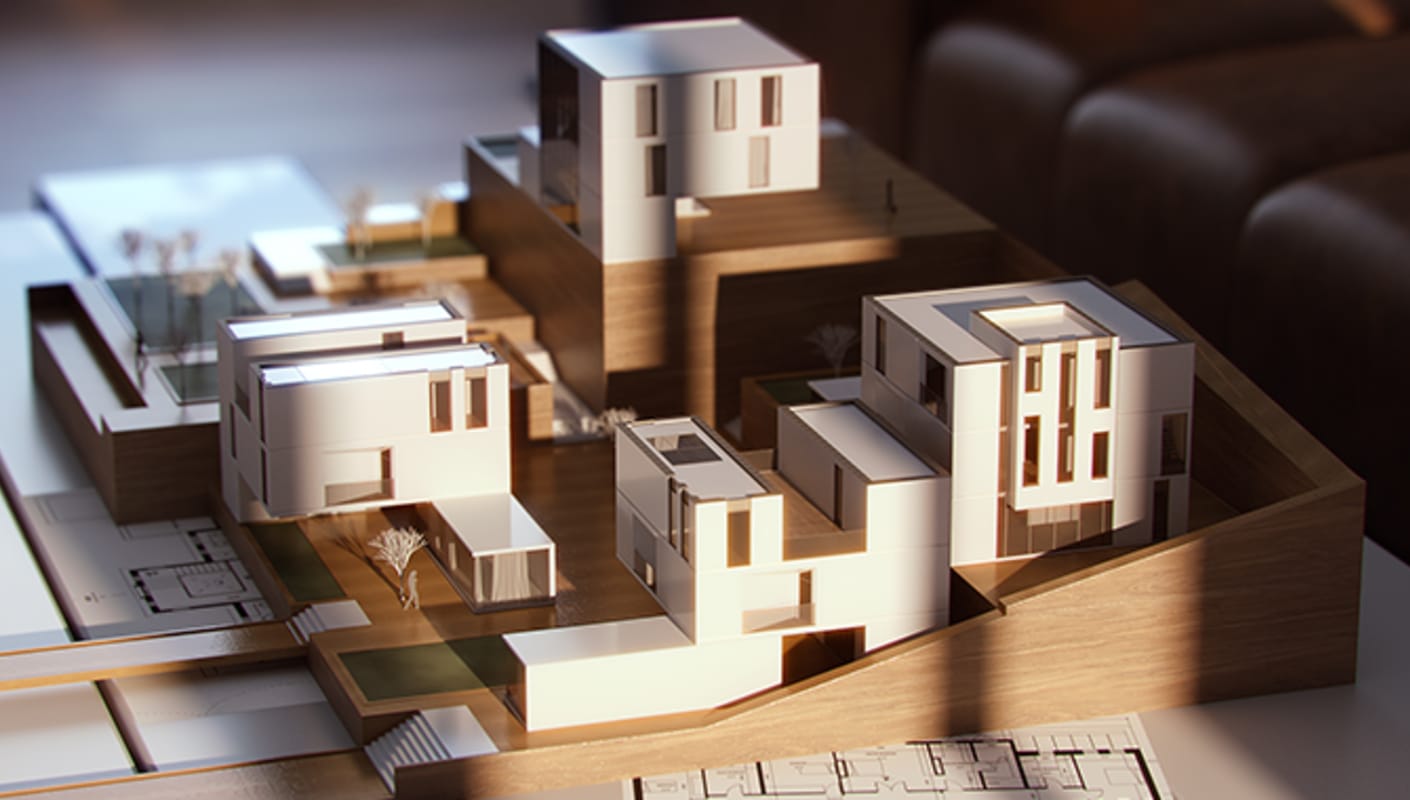
The Chaos documentation site is the best place to find in-depth technical descriptions of V-Ray features and their parameters, as well as useful visual demonstrations of the settings in action.