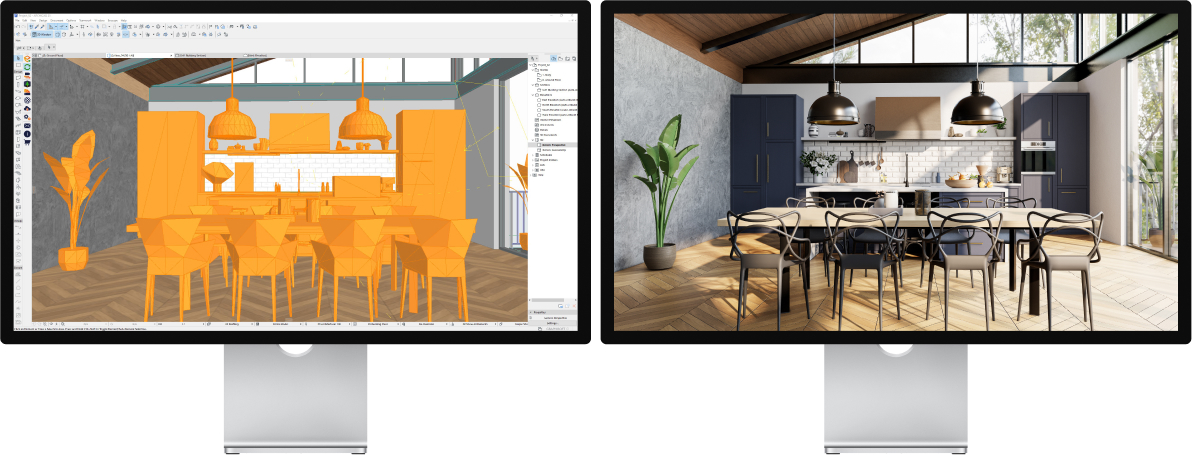
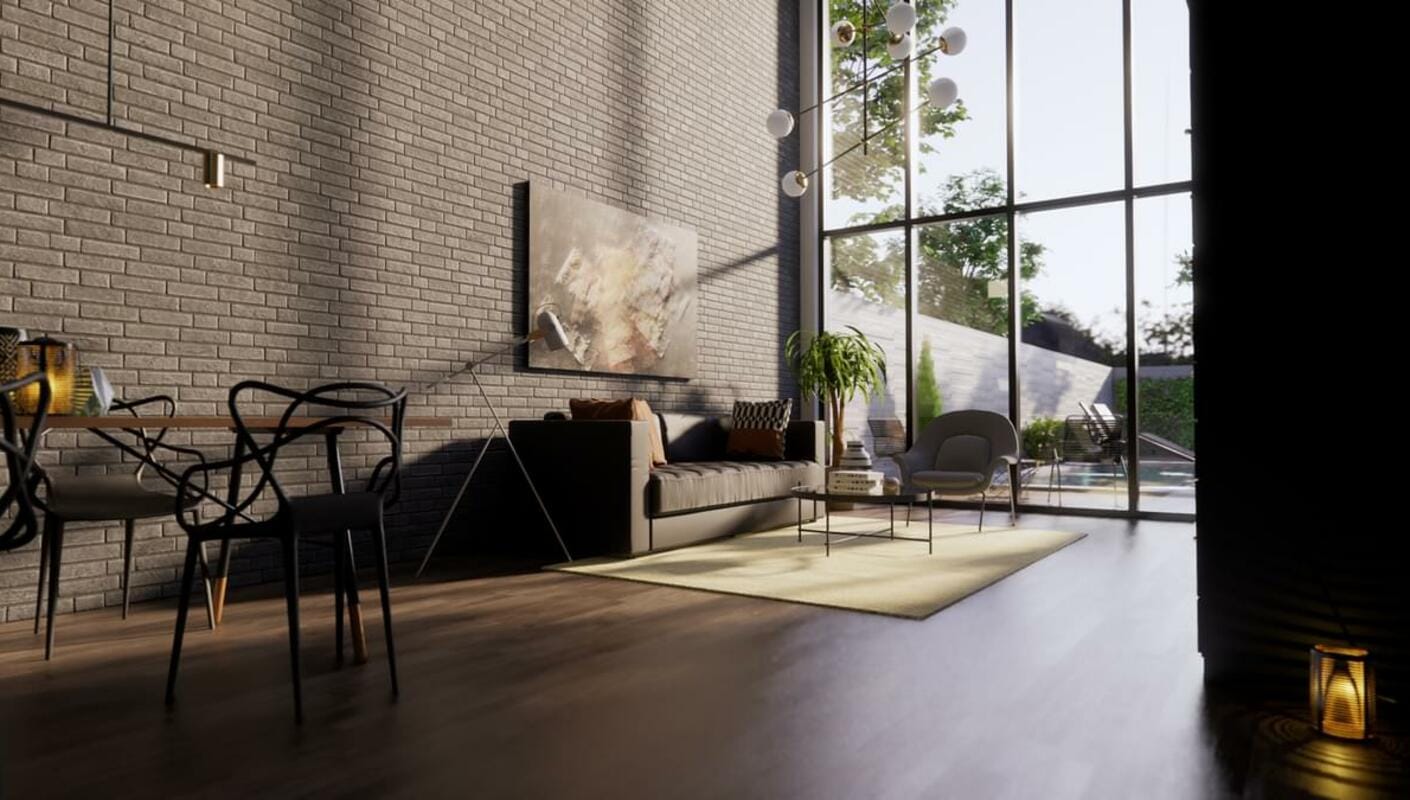
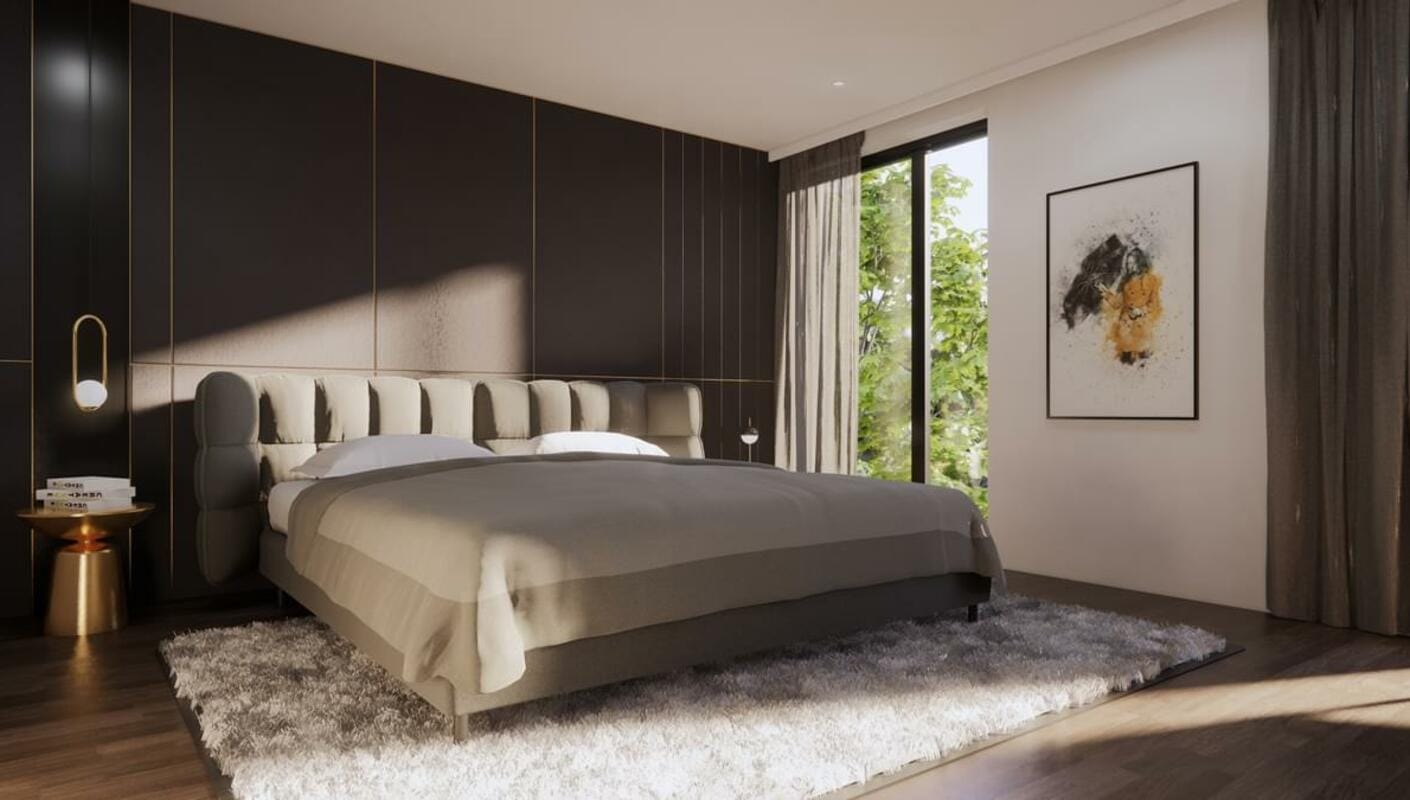
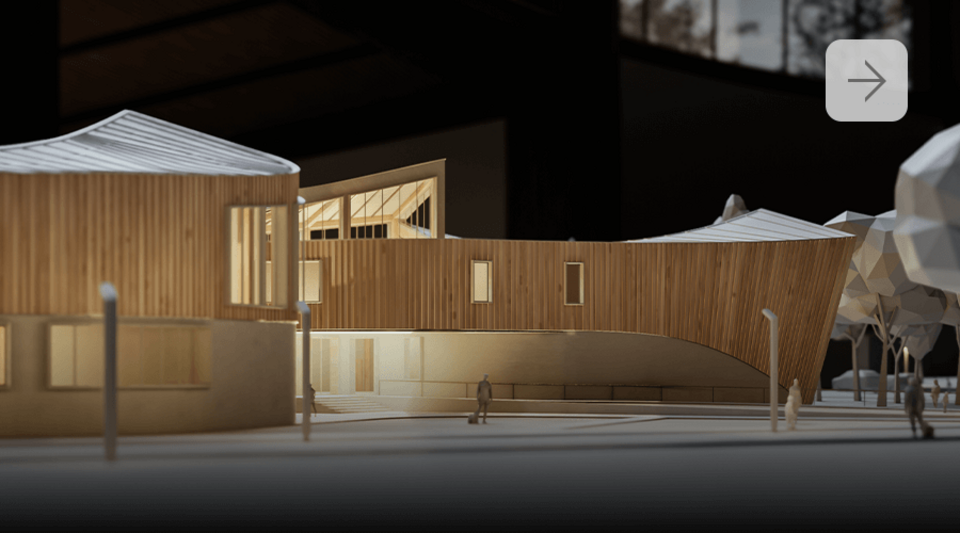
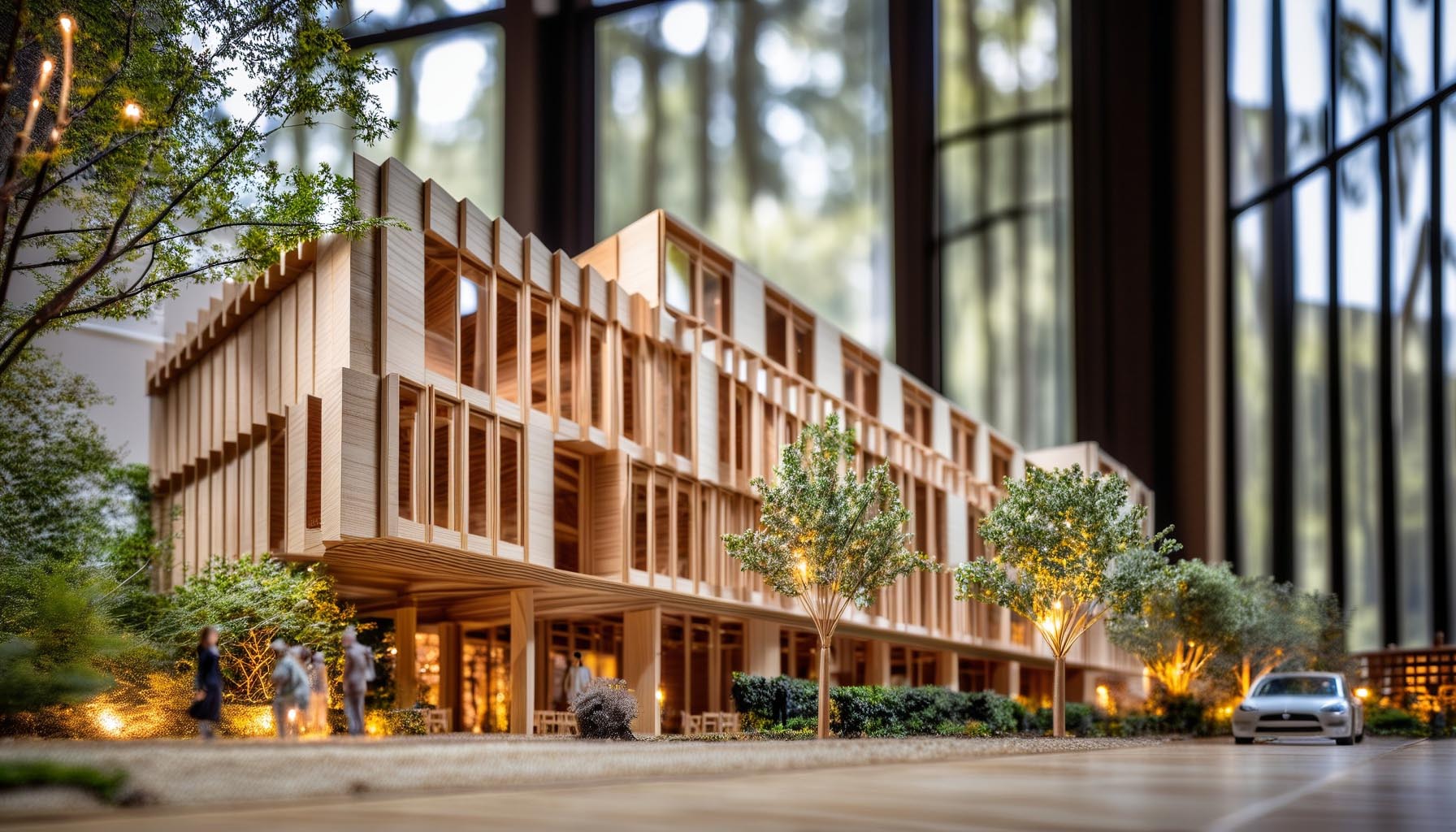
Archicad rendering with Enscape

3D rendering and walkthrough for Archicad in real-time.
ENSCAPE & ARCHICAD

Design intuitively with Archicad rendering

Used by architects, designers, and urban planners, the software is ideal for an enhanced BIM experience and collaboration across project teams. Known for its clean workspace, the platform only displays frequently used functions, and elements that are used often are saved as favorites for quicker access.
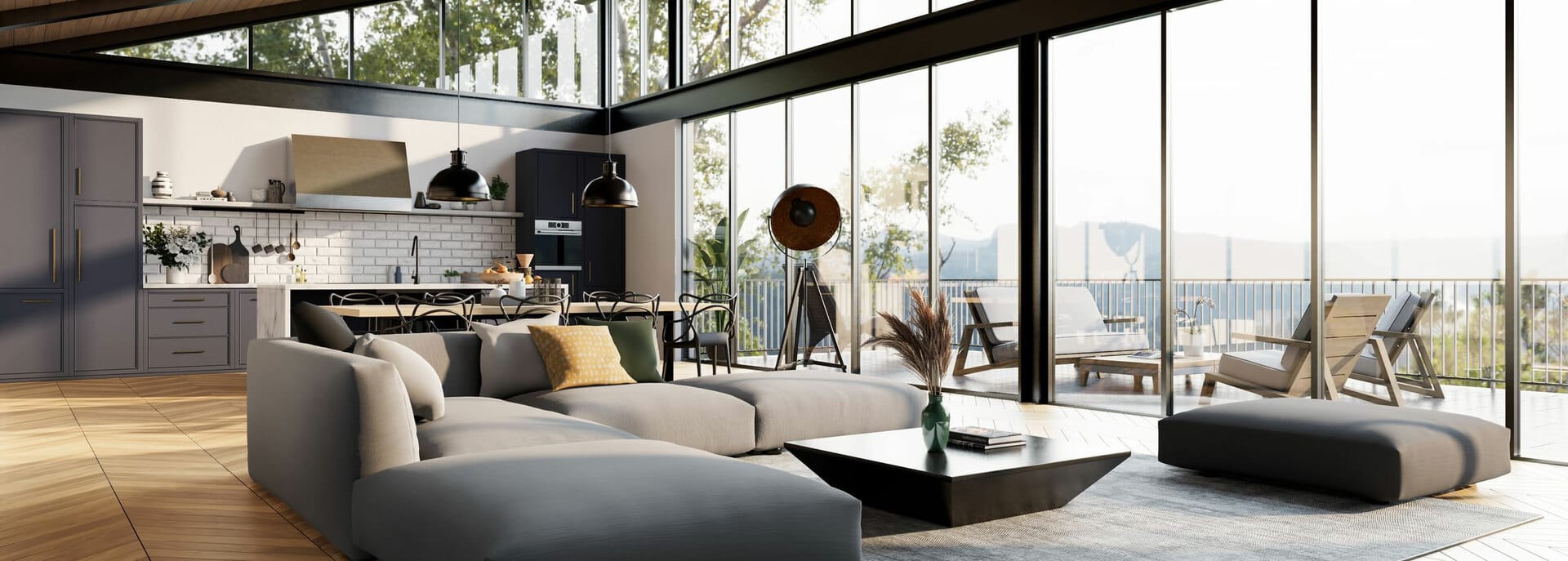
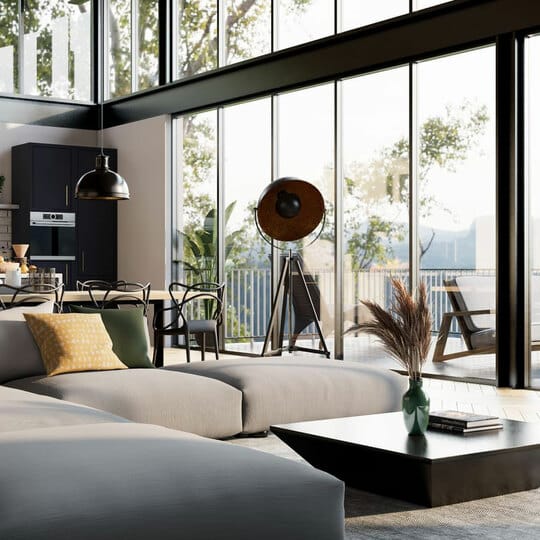
Using Enscape as an Archicad render plugin is a great option for users who want to enhance their designs without disrupting their daily workflows.

INTEGRATED WORKFLOW

Integrate visualization into your design workflow

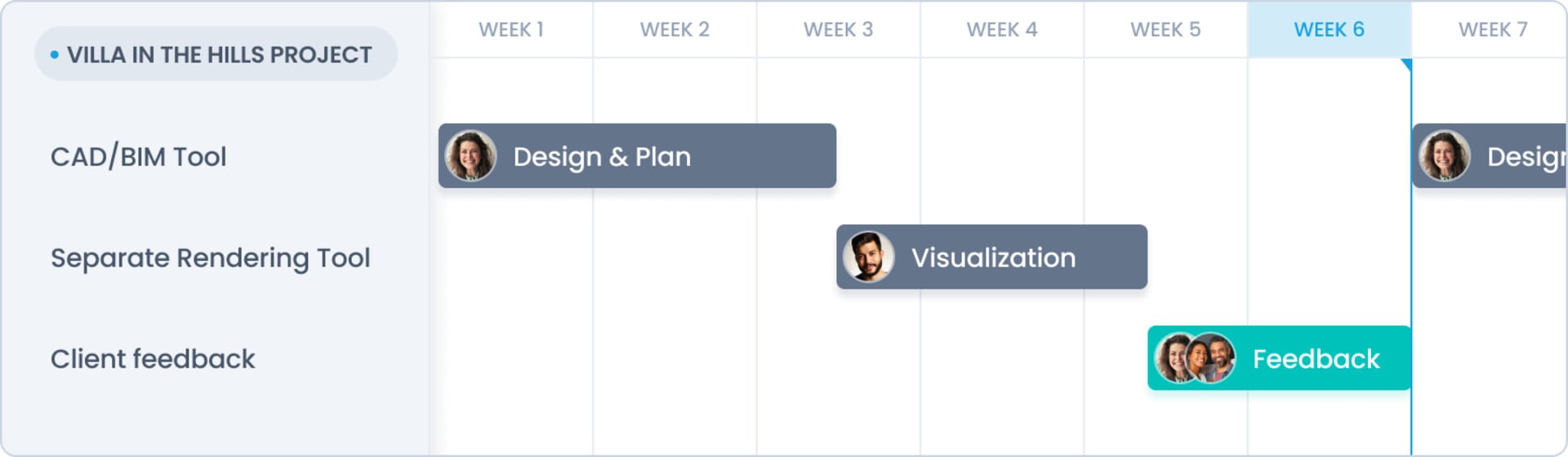
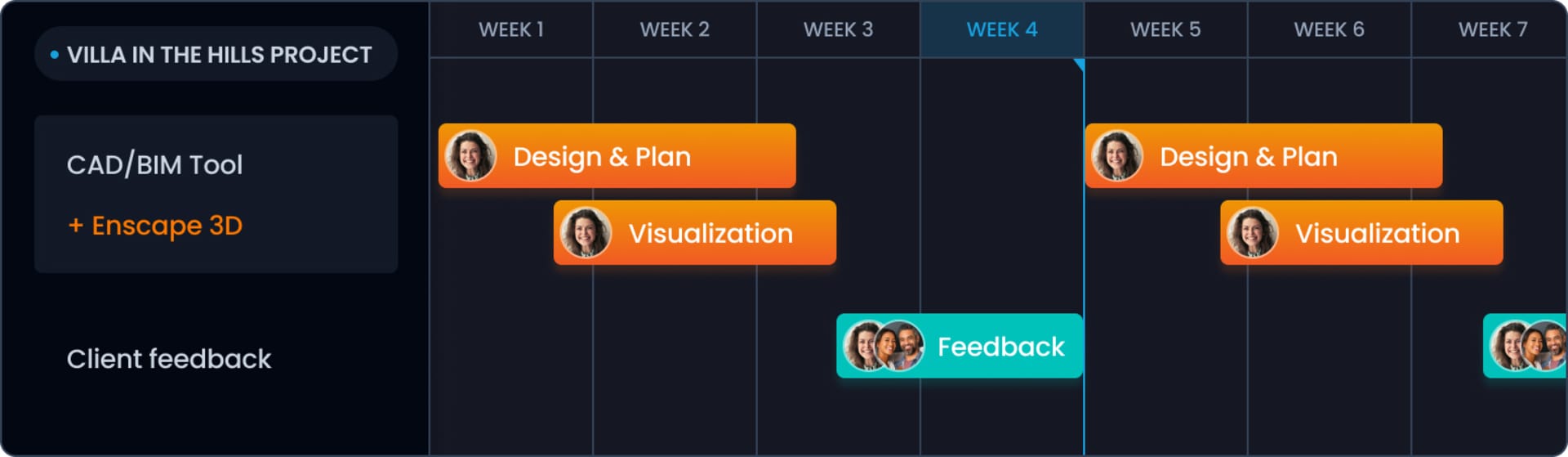
WITH ENSCAPE VS. WITHOUT ENSCAPE

Design and visualize in one model

No more side tracks. No more double work. One single source of truth.

Without Enscape

With Enscape

Why use Enscape for Archicad?

Enscape brings your Archicad designs to life with real-time rendering, helping you visualize projects instantly without disrupting your design workflow.

Easily create photorealistic images, walkthroughs, and immersive VR experiences—all from within Archicad. One click launches virtual reality for a deeper, more engaging way to present your work.

It’s simple to use, with no special training required. You’ll also have access to helpful video tutorials and a comprehensive knowledge base to get the most out of your rendering experience.

Get my free trial

Creating the best Archicad renderings

Once installed, Enscape appears in the Archicad top menu by default. You can also enable a dedicated Enscape Toolbar via the Toolbars settings.

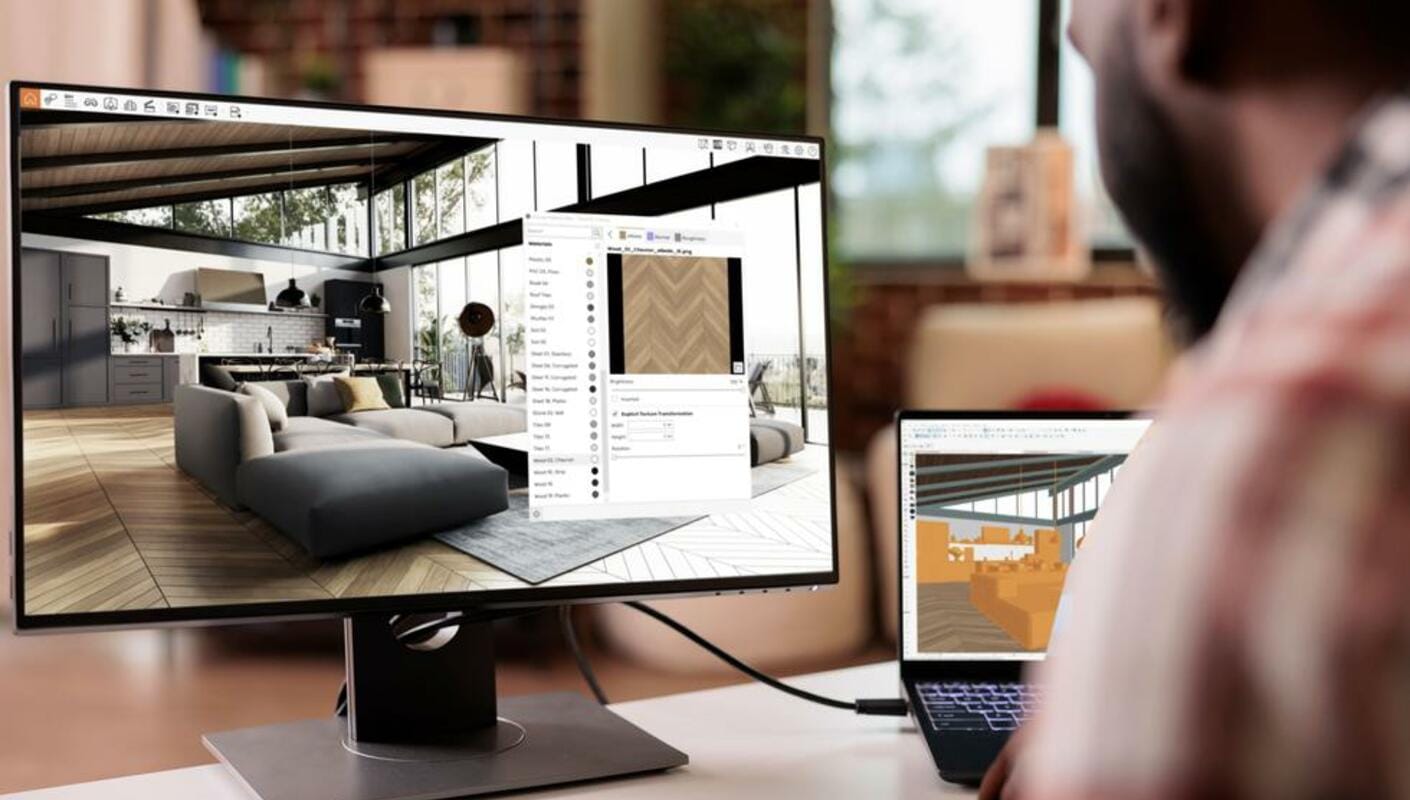
Any changes you make in Archicad are instantly reflected in Enscape, enabling real-time visualization and faster feedback throughout the design process.

Enhance your renders with Enscape’s built-in Asset Library, featuring over 3,000 high-quality assets. Add further realism using the Enscape Material Editor to refine surfaces and textures with ease.

How to Render in Archicad

Follow these best practices to create high-quality 3D renders in Archicad with Enscape:

  • Adjust Texture Hue: Use the Tint control in the Albedo section to fine-tune colors. Standard palettes or custom values in the Advanced tab give you full control.
  • Add Depth with Bump Maps: For a more realistic look, apply a bump map. If none is available, select "Use Albedo" to repurpose your texture as a bump map.
  • Refine Reflections: Use a roughness map to simulate surface details like smudges or scratches, giving materials added realism.
  • Enable Live Update: Turn on Live Update to sync Archicad changes with Enscape in real time.
  • Explore More Tips: Visit our Knowledge Base for detailed guides and tutorials to help you get the most from your rendering workflow.

Get started for free.

Get a 14-day free trial and dive into the full range of features we offer. You will also get access to comprehensive training resources and dedicated customer support.

Start rendering for free in seconds.

Badge

4.6

★★★★★
★★★★★

Avg. rating on G2.com

500k+

Monthly active users

150+

Countries used in

Plans & pricing

From individual creators to the biggest enterprises, we have a plan for you.
Plans
Commercial
Educational
Monthly
Annual
Save 45% yearly
3 уears
Number of licenses
Enscape SoloYour real-time design
companion.
+1
$4790/month

1 license – billed annually $574.80

Named license
Info Icon
Add to cart
Includes
  • Enscape real-time rendering engine
Compare all features >
Preferred choice
Enscape PremiumSupercharge your workflow
with AI.
+1
$5290/month

1 license – billed annually $634.80

Named license
Info Icon
Add to cart
Additionally includes
  • AI-enhanced ideation and image creation
    Info Icon
  • AI-enhanced scene enrichment
    Info Icon
Compare all features >
Best value
ArchDesign CollectionEnhance and animate

your scenes.
+2
$9490/month

1 license – billed annually $1,138.80

Floating license
Info Icon
Add to cart
Additionally includes
  • 100% ray traced real-time with Envision
    Info Icon
  • Animated storytelling & large scene assembly
    Info Icon
  • Design insights supporting sustainability
    Info Icon
Compare all features >
Prices do not include taxes.
Subscription term will automatically renew until you cancel it. All Chaos products are intended for professional use only and not for consumer use.
Always included

with the purchase of any Chaos license.

  • Free learning resources, support & community access
  • 14-day money back guarantee
  • Continuous updates
Collapse
Compare all features

Find the plan that's right for you.

Plans
Commercial
Educational
Number of licenses
Enscape Solo
Named license
Info Icon
$4790/month
What's included

See the available products in each plan

Enscape, Cosmos
Available integrations

Enscape is available for all your favourite CAD platforms

Support & licensing
Info Icon
Support
Info Icon
Continuous updates
Info Icon
Learning resources
Info Icon
Floating license options available
Core features
Info Icon
Real-time speed
Info Icon
CAD/BIM integration
Info Icon
Ease of use
Info Icon
Mac compatibility
Info Icon
Bi-directional data flow
Info Icon
Virtual reality
Info Icon
Revit graphics override
Info Icon
BIM info
Info Icon
Artistic visual modes
Info Icon
.vrscene support
Info Icon
Expanded CAD file format support
Info Icon
Energy dials panel
Info Icon
Energy modelling simulation
Info Icon
3D scene assembly
Rendering performance
Info Icon
Low hardware requirements
Info Icon
Visual presets & rendering styles
Info Icon
Realistic lighting (GI)
Info Icon
HQ images & panoramas
Info Icon
Site context
Info Icon
Advanced denoising solution
Info Icon
100% real-time ray tracing
AI Tools
Info Icon
AI-enhanced vegetation and people
Info Icon
Veras Basic
Info Icon
Veras Pro
Info Icon
AI-powered ideation
Info Icon
AI-scene enrichment
Info Icon
AI-geometry override
Assets & materials
Info Icon
Custom asset library
Info Icon
Enscape material editor
Info Icon
Realistic 3D/4D people collection
Info Icon
Cosmos Solo Library
Info Icon
Cosmos Premium Library
Info Icon
Cosmos Collection Library
Video & animation
Info Icon
Video editor and camera animation
Info Icon
Advanced cinematic effects
Info Icon
Advanced environmental animations
Info Icon
Large scene support
Info Icon
Crowd simulations
Collaboration & interactivity
Info Icon
Project sharing, markup & review
Info Icon
Interactive virtual tour
Info Icon
QR code based project previews
Enscape Premium
Named license
Info Icon
$5290/month
What's included

See the available products in each plan

Enscape, Veras, Cosmos
Available integrations

Enscape is available for all your favourite CAD platforms

Support & licensing
Info Icon
Support
Info Icon
Continuous updates
Info Icon
Learning resources
Info Icon
Floating license options available
Core features
Info Icon
Real-time speed
Info Icon
CAD/BIM integration
Info Icon
Ease of use
Info Icon
Mac compatibility
Info Icon
Bi-directional data flow
Info Icon
Virtual reality
Info Icon
Revit graphics override
Info Icon
BIM info
Info Icon
Artistic visual modes
Info Icon
.vrscene support
Info Icon
Expanded CAD file format support
Info Icon
Energy dials panel
Info Icon
Energy modelling simulation
Info Icon
3D scene assembly
Rendering performance
Info Icon
Low hardware requirements
Info Icon
Visual presets & rendering styles
Info Icon
Realistic lighting (GI)
Info Icon
HQ images & panoramas
Info Icon
Site context
Info Icon
Advanced denoising solution
Info Icon
100% real-time ray tracing
AI Tools
Info Icon
AI-enhanced vegetation and people
Info Icon
Veras Basic
Info Icon
Veras Pro
Info Icon
AI-powered ideation
Info Icon
AI-scene enrichment
Info Icon
AI-geometry override
Assets & materials
Info Icon
Custom asset library
Info Icon
Enscape material editor
Info Icon
Realistic 3D/4D people collection
Info Icon
Cosmos Solo Library
Info Icon
Cosmos Premium Library
Info Icon
Cosmos Collection Library
Video & animation
Info Icon
Video editor and camera animation
Info Icon
Advanced cinematic effects
Info Icon
Advanced environmental animations
Info Icon
Large scene support
Info Icon
Crowd simulations
Collaboration & interactivity
Info Icon
Project sharing, markup & review
Info Icon
Interactive virtual tour
Info Icon
QR code based project previews
ArchDesign Collection
Floating license
Info Icon
$9490/month
What's included

See the available products in each plan

Enscape, Veras, Envision, Enscape Impact, Cosmos
Available integrations

Enscape is available for all your favourite CAD platforms

Support & licensing
Info Icon
Support
Info Icon
Continuous updates
Info Icon
Learning resources
Info Icon
Floating license options available
Core features
Info Icon
Real-time speed
Info Icon
CAD/BIM integration
Info Icon
Ease of use
Info Icon
Mac compatibility
Info Icon
Bi-directional data flow
Info Icon
Virtual reality
Info Icon
Revit graphics override
Info Icon
BIM info
Info Icon
Artistic visual modes
Info Icon
.vrscene support
Info Icon
Expanded CAD file format support
Info Icon
Energy dials panel
Info Icon
Energy modelling simulation
Info Icon
3D scene assembly
Rendering performance
Info Icon
Low hardware requirements
Info Icon
Visual presets & rendering styles
Info Icon
Realistic lighting (GI)
Info Icon
HQ images & panoramas
Info Icon
Site context
Info Icon
Advanced denoising solution
Info Icon
100% real-time ray tracing
AI Tools
Info Icon
AI-enhanced vegetation and people
Info Icon
Veras Basic
Info Icon
Veras Pro
Info Icon
AI-powered ideation
Info Icon
AI-scene enrichment
Info Icon
AI-geometry override
Assets & materials
Info Icon
Custom asset library
Info Icon
Enscape material editor
Info Icon
Realistic 3D/4D people collection
Info Icon
Cosmos Solo Library
Info Icon
Cosmos Premium Library
Info Icon
Cosmos Collection Library
Video & animation
Info Icon
Video editor and camera animation
Info Icon
Advanced cinematic effects
Info Icon
Advanced environmental animations
Info Icon
Large scene support
Info Icon
Crowd simulations
Collaboration & interactivity
Info Icon
Project sharing, markup & review
Info Icon
Interactive virtual tour
Info Icon
QR code based project previews
FAQ

Frequently asked questions

How do you install Enscape for Archicad?
Plus icon
How do you create realistic renders in Archicad?
Plus icon
Do you have Enscape for Archicad tutorials?
Plus icon
Explore Enscape

Latest from the Enscape blog

14-day free trial

Sign up for a free 14-day trial and discover how fast and easy real-time design can be:

  • Full version license
  • Customer support
  • Training resources
  • Community access

Subscribe to our newsletter.

Learn all about the latest news, company updates and recommended content, cherry-picked for you.
© 2026 Chaos Software EOOD. All Rights reserved. Chaos®, V-Ray® and Phoenix FD® are registered trademarks of Chaos Software EOOD in Bulgaria and/or other countries.