V-Ray for Blender Community Edition
A new, free Community Edition of V-Ray for Blender has arrived. Get your license and start creating today.
A new, free Community Edition of V-Ray for Blender has arrived. Get your license and start creating today.
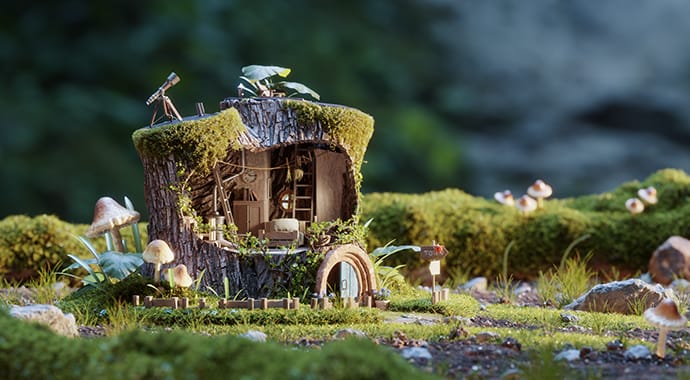
This release introduces powerful new creative tools. Add complex, realistic surface details with V-Ray Decal and the V-Ray Displacement Material, or achieve stylized cartoon looks with the new V-Ray Toon Material.
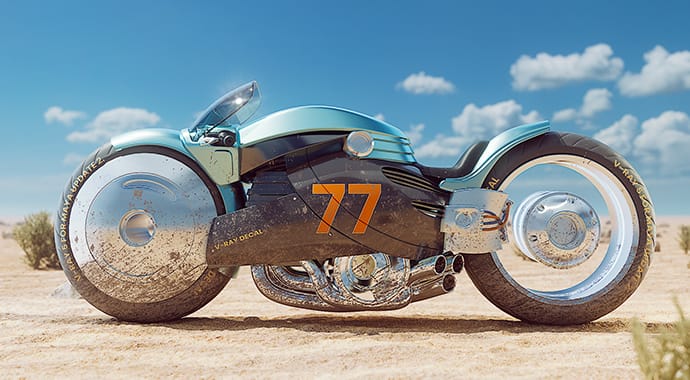
Apply decals to any surface without altering the underlying material or adding UVs. The new V-Ray Decal makes it easy to add stickers, labels, cracks, stains, scratches, and more. Add displacement for even more realistic results.
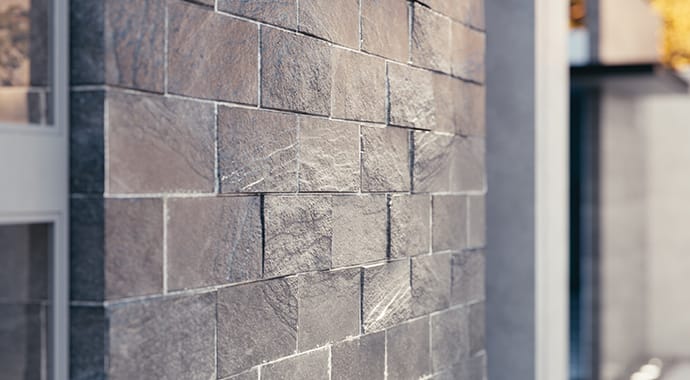
Create complex surfaces with less effort using the new V-Ray Displacement Material. Easily blend displacement across materials, apply it to individual V-Ray Proxy objects, export materials with their displacement, and more.
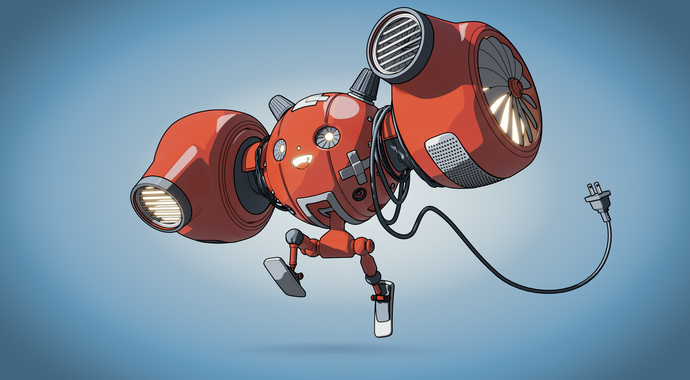
Create stylized, non-photorealistic renders with the new V-Ray Toon Material. Easily achieve cartoon and cel-shading effects.
V-Ray for Blender, update 2, brings in macOS and Blender 5 support. Plus, access the latest Chaos AI-powered tools for image enhancement, material generation, and upscaling—making it easier than ever to create stunning, realistic, high-quality renders. Plus, render faster and more efficiently with distributed rendering to spread the workload across multiple computers.
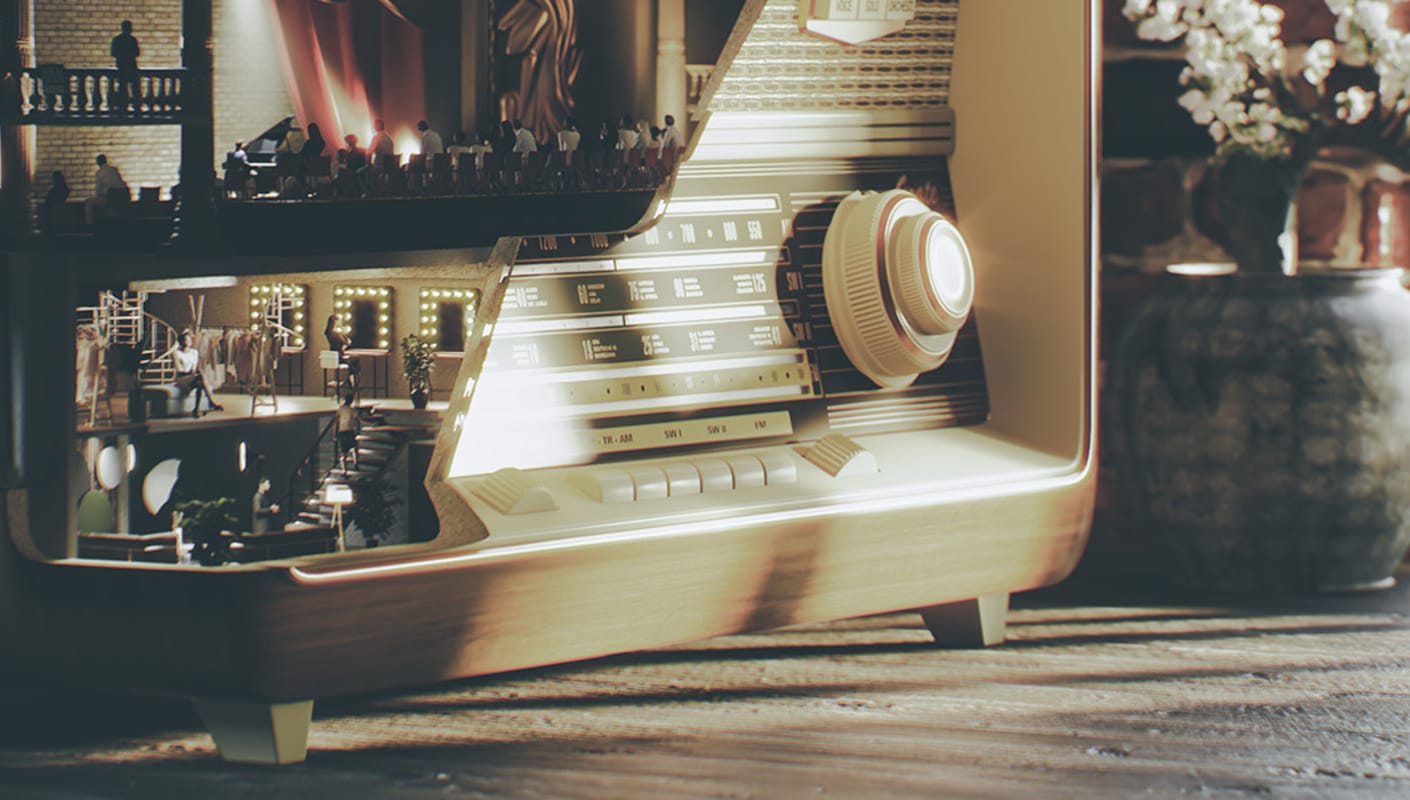
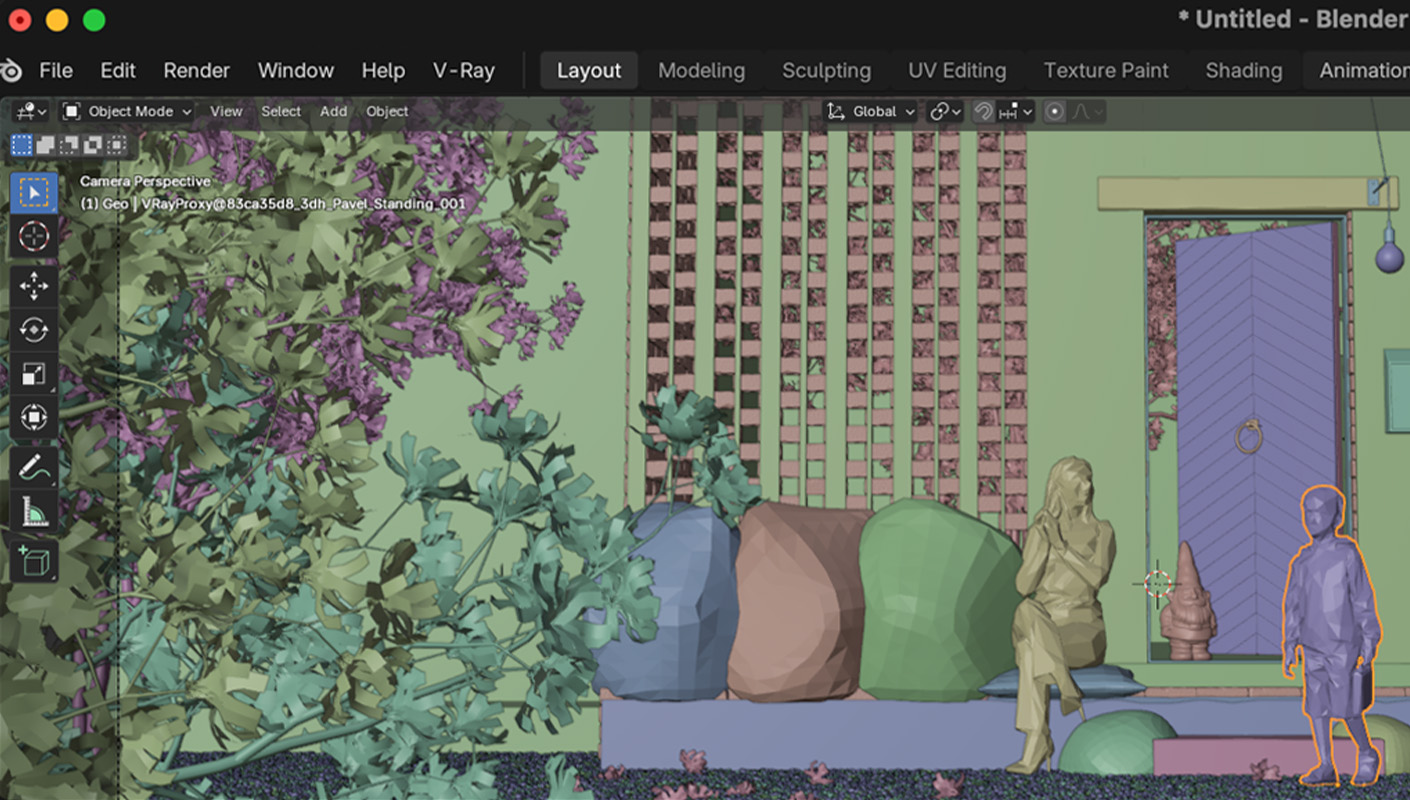
macOS support
V-Ray’s industry-standard rendering is now available on macOS—a highly requested addition from the community that opens the door to high-end, photoreal rendering in Blender for even more artists.
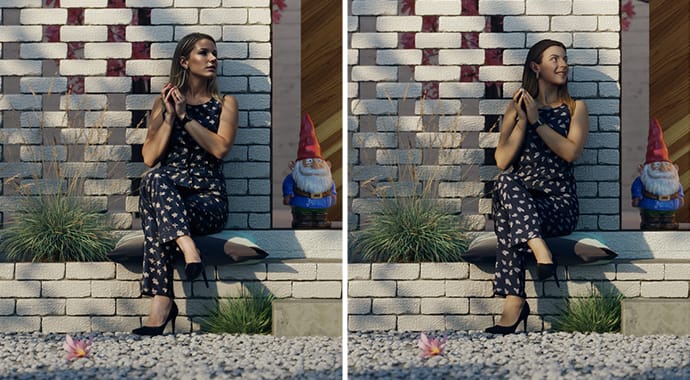
The AI Image Enhancer (part of Cloud Collaboration) automatically adds detail and realism to supporting elements like foliage, people, and terrain—helping you refine renders without tedious rework and time-consuming re-renders. You can also fine-tune specific objects, such as people’s clothing, or refine vegetation for greater precision and consistency.
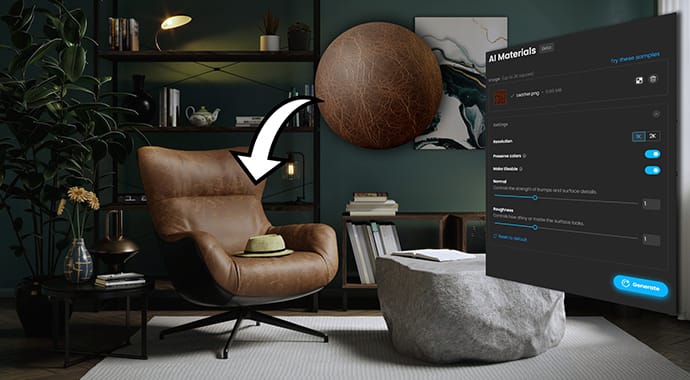
Turn any photo of a real-world surface into a render-ready, PBR material with all the necessary maps in just a few clicks. Part of Chaos Cosmos, the AI Material Generator is ideal for creating secondary materials that don’t require extensive art direction, letting you quickly shade your scenes without time-consuming setups or extra tools.
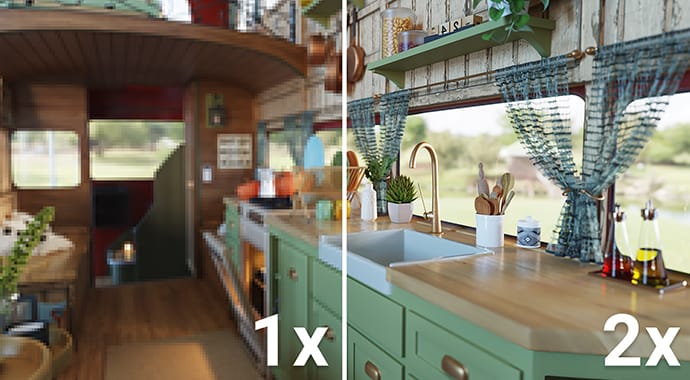
Save hours of rendering time and still get crisp, photoreal results with the AI Upscaler. Available in Chaos Cloud Collaboration, it lets you turn low-resolution images into high-quality, presentation-ready visuals up to 16K in a single click—boosting resolution while also sharpening textures and enhancing fine details.
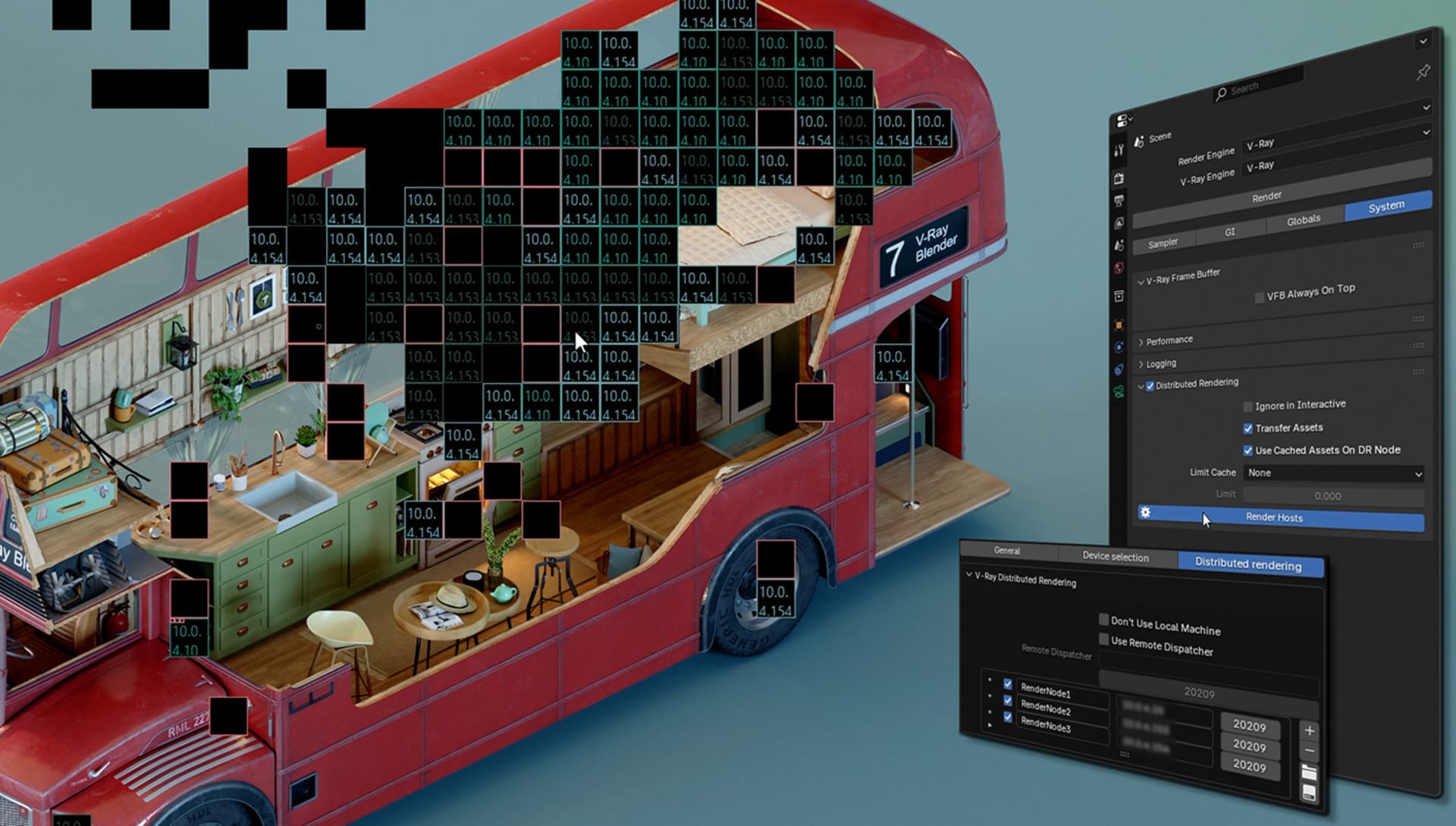
Distributed Rendering
Render across multiple computers to handle any project size or deadline with ease. Update 2 brings cutting-edge distributed rendering technology, enabling faster, scalable performance across any number of machines. With smart caching, efficient hardware utilization, simple setup, intuitive controls, and easy troubleshooting, it's the most seamless rendering experience yet.
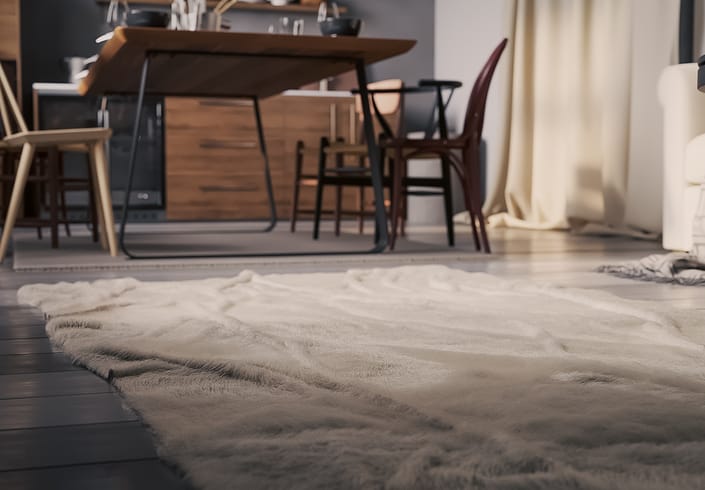
Create realistic, procedural fur faster with V-Ray Fur, optimized for effortless setup and shorter render times. Keep your scenes lightweight while maintaining full control over length, direction, and thickness. Perfect for bringing characters to life or adding believable grass, carpets, and other fine details to your scenes.
You can now render with V-Ray using Blender’s latest version, Blender 5.0.
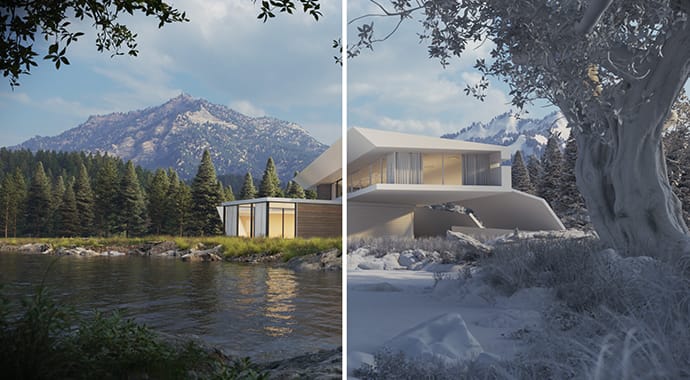
Apply a single material to all scene objects for easier lighting analysis, custom clay and wireframe renderers.
For the complete changelog, please check out our documentation page >