

Download and explore the latest version. Update now>

What’s new in Envision

Explore the latest features

Move effortlessly from design to visualization.


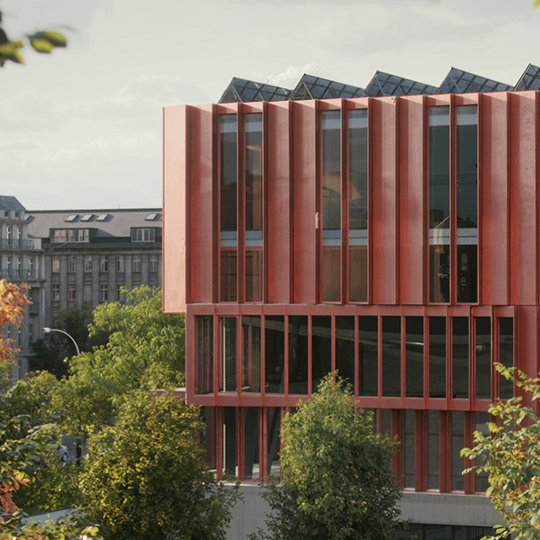
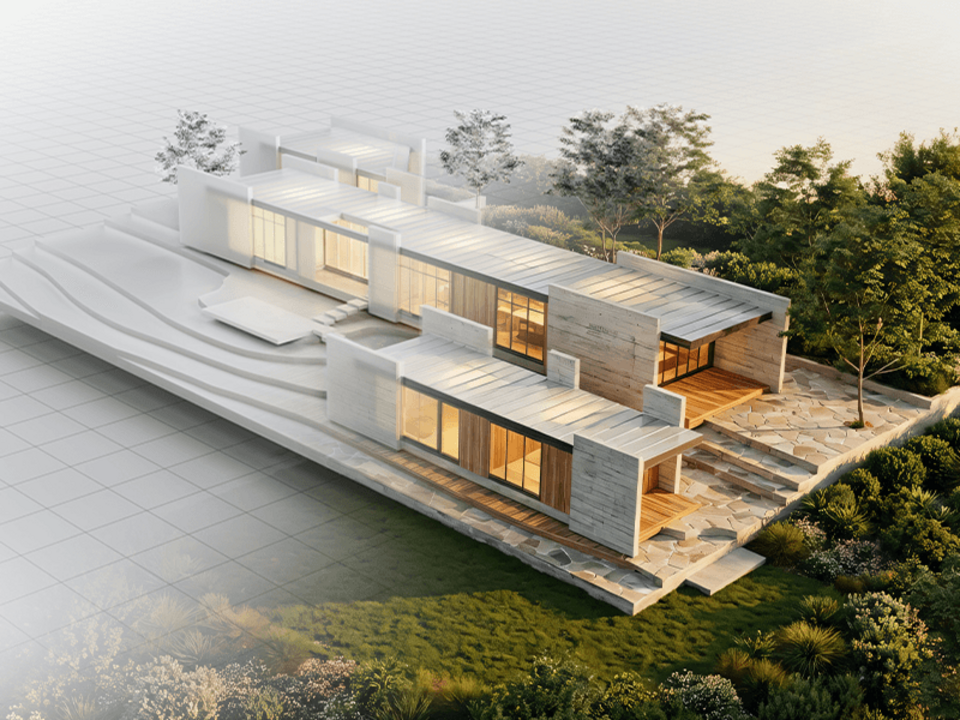
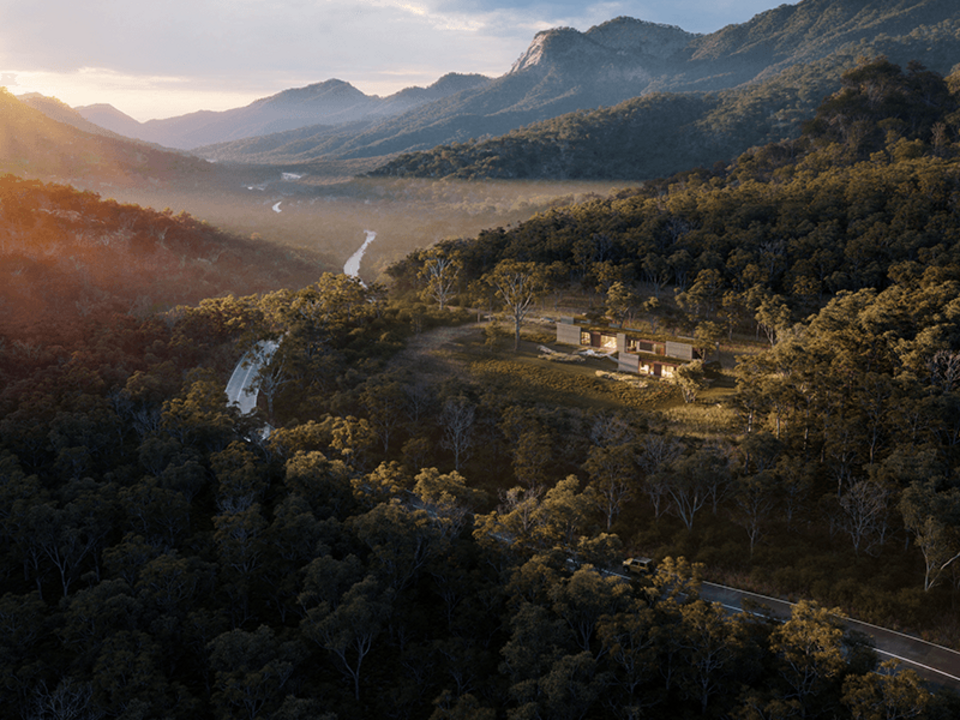
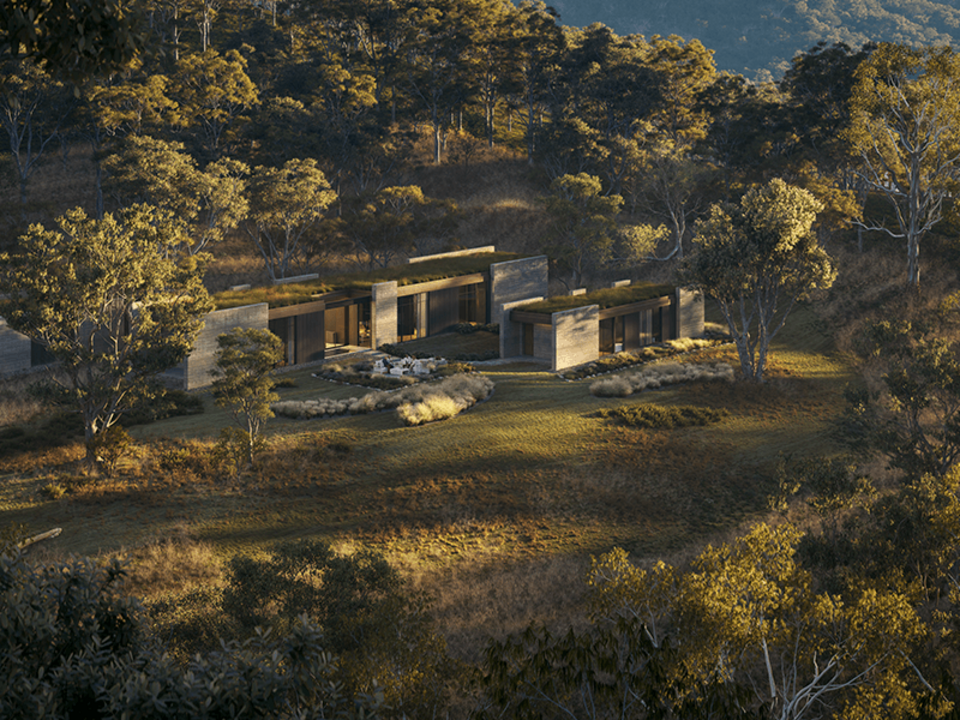
Turn your real-time designs into high-end, client-ready presentations without rebuilding assets or having to start over due to design changes. Envision connects seamlessly to CAD data via the new Live Link and ensures asset and material continuity from Enscape, giving you full control and storytelling power without added complexity. When projects demand it, easily create walkthroughs, fly-throughs, and cinematic animations with precise camera motion, advanced lighting, and animation tools.

New Envision capabilities for higher-end presentation

Move easily from design to presentation.

When the project requires it, take your work further without rebuilding anything.

Cosmos-aware assets

This update improves the transfer of Cosmos assets and materials between Enscape and Envision, ensuring assets and materials remain intact.

Live Link in Envision

Design changes in Revit, SketchUp, or Rhino now update automatically when you move into visualization — keeping your CAD model as the single source of truth.

Improved animation and camera controls

Create smooth walkthroughs and cinematic narratives with easier controls.

Better lighting refinement for final visuals

Achieve higher presentation quality without changing tools or workflows.

See all what's new
Cosmos Integration

The unified Cosmos browser integration in Envision delivers optimized performance and a consistent experience across all Chaos products. Access the latest assets, transfer Enscape content with greater accuracy, and swap low-poly models for high-poly versions for a more refined, polished look.

Learn more >

Library

Through a deep Cosmos integration, Envision has a growing collection of up to 12 000+* high-quality, ready-to-use 3D assets, including furniture, vegetation, people, and vehicles, as well as HDR images and materials that quickly add believable detail to interior or exterior scenes.

Vegetation

Expand your scenes with an expanding collection of high-quality, render-ready vegetation assets, now including Asian landscapes. Curated in a partnership with Evermotion and Globe Plants, animated, and realistic, they bring authentic detail to any environment.

Replace Object & Instances Tool (new)

Quickly swap objects in your scene with alternatives from the project, Cosmos, or custom asset library. Replace a single object or all its instances while preserving position, rotation, and scale.

Intuitive snapping

Quickly and confidently position objects with snapping that’s accurate and respects your scene’s layout. Our smart alignment tools minimize manual adjustments and trial-and-error, letting you place multiple objects effortlessly without jitter or confusion.

AI Material Generation

Create materials in seconds with the new AI Material Generator in Chaos Cosmos. Upload a photo of any real-world surface and instantly get a render-ready PBR material with all maps - perfect for quickly filling environments and interiors without extensive art direction or third-party tools.

AI enhancer + advanced controls

Enhance realism with AI that refines people and vegetation for lifelike results with minimal effort. Advanced controls let you fine-tune traits like age, ethnicity, clothing, or vegetation details for precise, consistent scenes.

Water surfaces

Create realistic, naturally animated water surfaces. With adjustable parameters for wave motion, surface clarity, reflection, and color, Envision brings oceans, lakes and pools to life with believable physical behavior and visual detail.

Support for even larger projects

Handle massive projects with countless unique meshes effortlessly. Envision keeps complex scenes - especially from Revit - smooth and fully interactive in real time, letting you edit and explore without splitting them into smaller chunks or losing performance.

Navigation Presets

Easily switch between navigation styles based on your preferred 3D software. Navigating scenes, interacting with objects, and making adjustments feels fast and familiar. Currently supported: Enscape and 3ds Max, with more coming soon.

Animated tooltips (new)

Learning tools and features is easy - just hover over a tool to see a brief, animated demo of its key functions right in the interface. These visual guides help users learn faster, reduce errors, and unlock new creative possibilities.

Dependency View (new)

Instantly see and navigate object relationships in the Objects Lister. Dependencies such as splines, look-at targets, or sensors are clearly marked, letting you jump directly to linked objects without digging through parameters.

Corner-to-Corner Object Creation

Create perfectly sized objects by simply dragging from corner to corner in the viewport. Define exact bounds or diameter instantly, aligning new geometry with your scene for faster, more precise layouts.

Coordinate Mode Toggle

Seamlessly switch between global and object-based coordinate systems to gain precise control when positioning objects within architectural grids or rotating elements around their own axes. Instantly toggle modes to adapt to your workflow without losing momentum.

*the number of assets varies between Solo and Collection versions of Envision.
images

Get your free 30-day trial

Fully functional. Technical support included.
Go back to product pageSee all features

Subscribe to our newsletter.

Learn all about the latest news, company updates and recommended content, cherry-picked for you.
© 2026 Chaos Software EOOD. All Rights reserved. Chaos®, V-Ray® and Phoenix FD® are registered trademarks of Chaos Software EOOD in Bulgaria and/or other countries.