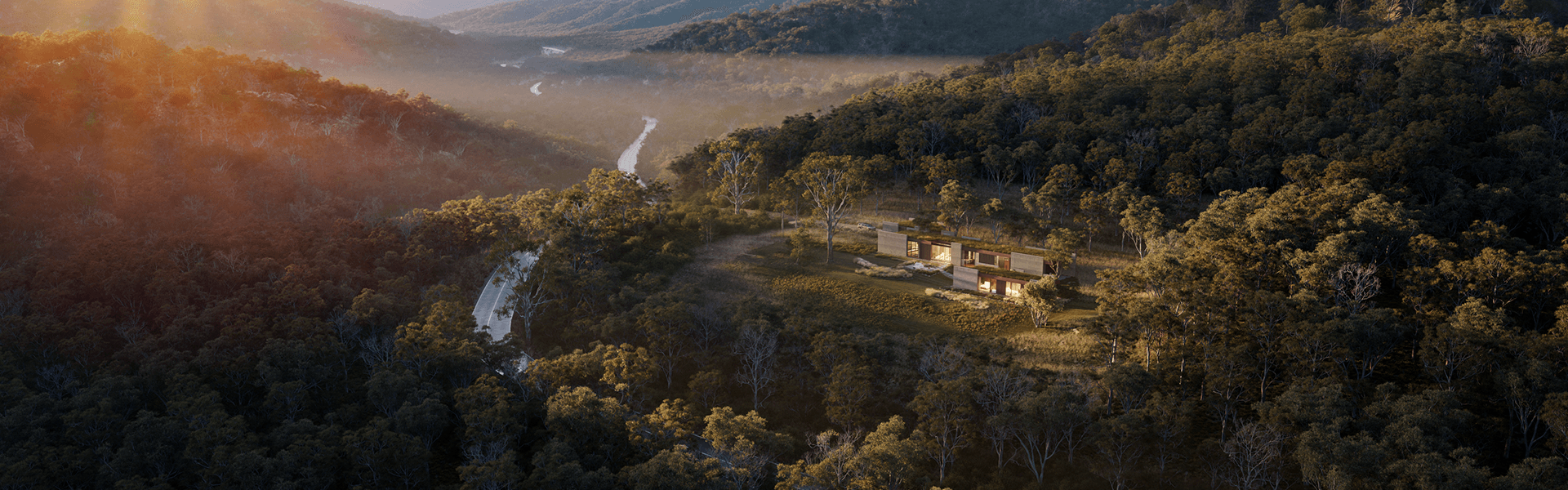
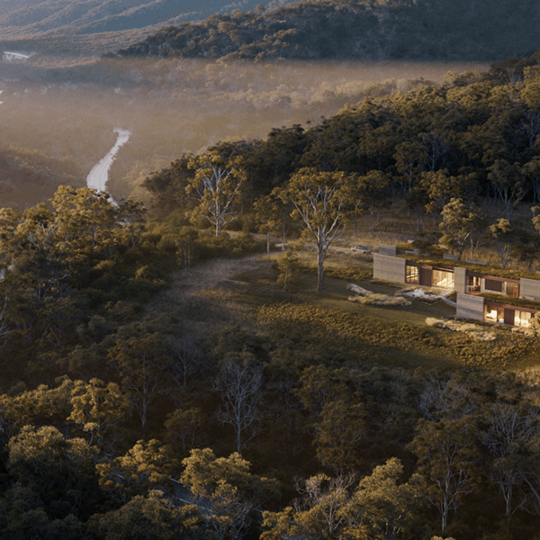


Move from real-time design in Enscape to a ray-traced walkthrough in Envision in a single click, with the Envision live link.

Move from real-time design in Enscape to a ray-traced walkthrough in Envision in a single click, with the Envision live link.

The 2GB scene limit is gone. Work on larger, more detailed models without splitting your project or simplifying geometry.


Enscape supports Revit 2027. Continue working on the latest version without interruption.


Vegetation, people, accessories, and branded objects, all real-time optimized. Describe what you need in plain language and find it faster with semantic search. Collection users also get 1000+ additional high-quality assets.


Generate design alternatives, material variations, and style explorations directly from your CAD.

Generate design alternatives, material variations, and style explorations directly from your CAD.

Target objects and materials with a single click. Make targeted edits without manual masking.


Generate a render from a different viewpoint without needing a 3D model.


Export transparent PNGs for compositing. Isolate your subject in one click.


A simplified interface that reduces the toolbar to essential controls. Navigate, place assets, and capture views without learning the full UI. Switch to the full interface when you need it.

A simplified interface that reduces the toolbar to essential controls. Navigate, place assets, and capture views without learning the full UI. Switch to the full interface when you need it.

Upload a reference image to match its lighting and mood, find materials and assets from Cosmos with a prompt, or get quick answers on features and workflows. Available from Envision 1.5


Color balance, hue, and saturation carry over when you import scenes from Enscape. Less time re-adjusting, more consistency across tools.

Import Enscape camera paths as animated cameras in Envision. Build on existing walkthroughs instead of recreating them.

Water animates in the Envision viewport, just like in Enscape. See dynamic oceans, rivers, and pools without waiting for renders.


Review animations and walkthroughs with your team using timeline comments and annotations at specific moments.

Review animations and walkthroughs with your team using timeline comments and annotations at specific moments.

Get notified about shares, invitations, and collaboration updates directly inside Cloud. Respond faster without relying on email.
