GPT-6 Astra just landed in Veras.
Generate up to 4 models for free.
Try it now

Veras adds GPT-6 Astra. Generate up to 4 models for free.

What's New in Veras

Explore the latest updates.

Stellar ideas, modeled in minutes.

GPT-6 Astra is now part of Veras. It takes an image, sketch, text, or floor plan — you name it — and turns it into a complete, editable 3D scene, natively placed in your design authoring tool.

How it works

  • Veras reads everything you feed it, matching camera angles across every reference, so it understands the whole space — not just one view.
  • It models every part of the scene — walls, roof, structure, materials — and taps into Chaos Cosmos to populate it with real, matching assets where they exist.
  • The finished model bakes natively into Revit, Rhino, or SketchUp — editable geometry, materials, and cameras, ready to refine and build on. No export step, nothing to convert.
Special offer: Generate up to 4 models with GPT-6 Astra for free. Try it now

This offer is powered by 2,000 free Chaos credits for model generation, based on average usage of around 500 credits per model. Actual usage may vary depending on the complexity of each model. The offer runs throughout October, 2026.

Also new in Veras

Also new in Veras
Material generator

Material generator

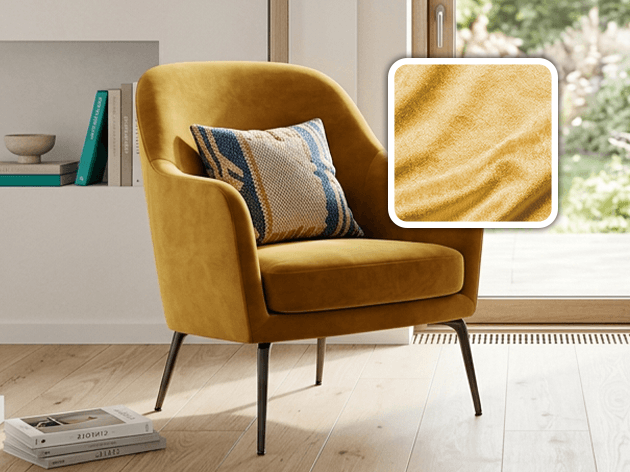
Turn any reference into a material and apply it directly to your model, or match it to a material from the Cosmos library — with mapping, scale and alignment preserved.
Claude Opus 5.5

Claude Opus 5.5

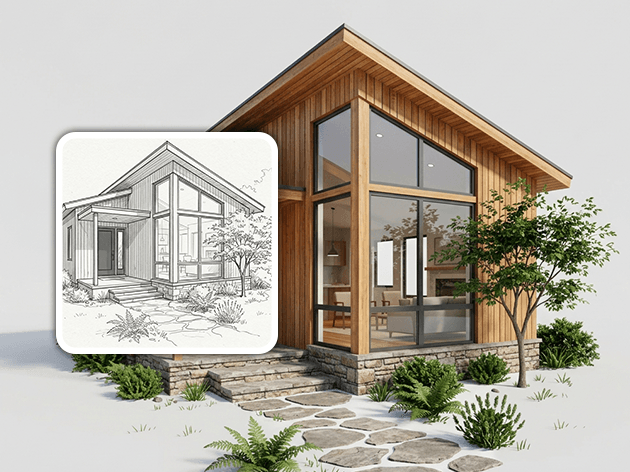
Claude Opus 5.5, now available as an alternative agent for building native 3D models from images, sketches or text, with adjustable effort for more thorough results.
GPT Image 2.5

GPT Image 2.5

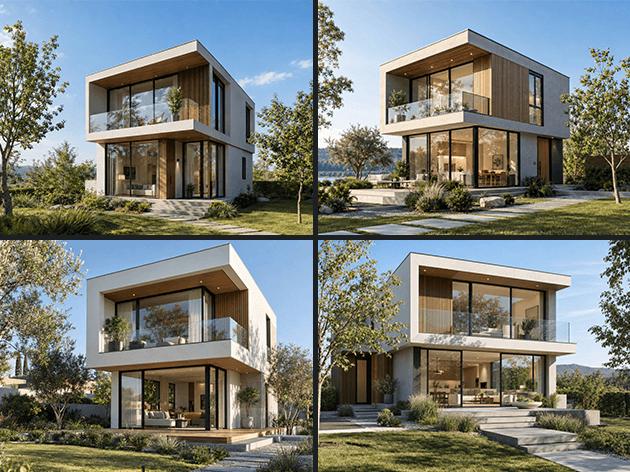
A new image generation engine with Fast, High, Extra High and Max quality options, available at 1K and 2K resolutions.

Grok Imagine 2

Grok Imagine 2

The latest Grok Imagine image engine, now with support for up to four reference images to give you more control over your generations.
Walk through the 3D view

Walk through the 3D view

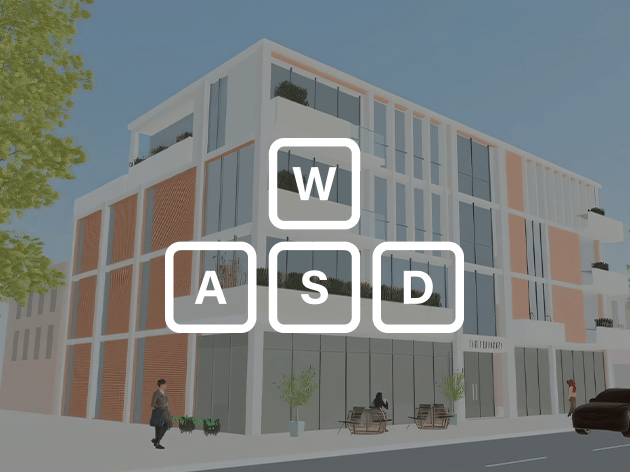
Walk through your 3D models in first-person mode, with intuitive keyboard controls and adaptive movement speed for everything from individual assets to full buildings.
Proxy bake

Proxy bake

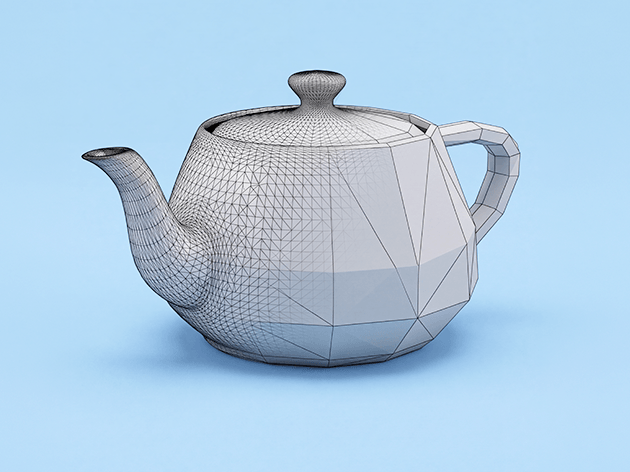
Keep your models lightweight while working with detailed 3D assets. Bake lightweight proxies into Revit, Rhino, or SketchUp while retaining the full geometry for rendering and editing.

Place from Gallery

Place from Gallery

Reuse 3D assets you’ve already created. Pick any model from your Gallery and place it directly into your scene at the right size and orientation — with no new generation or waiting.
More accurate asset placement

More accurate asset placement

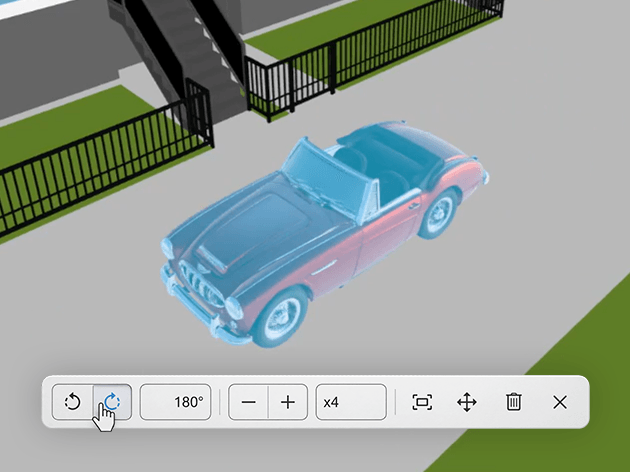
Place assets exactly where you need them, with improved surface detection and more reliable sizing. Imported GLBs can now also be moved, rotated and scaled directly in the 3D view.

Try Veras today

Subscribe to our newsletter.

Learn all about the latest news, company updates and recommended content, cherry-picked for you.
© 2026 Chaos Software EOOD. All Rights reserved. Chaos®, V-Ray® and Phoenix FD® are registered trademarks of Chaos Software EOOD in Bulgaria and/or other countries.