What's New in Veras

Explore the latest updates.

From image to 3D geometry. Right where you pictured it.

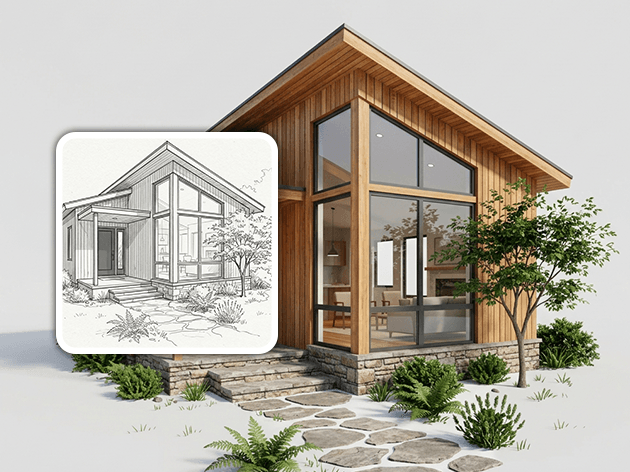
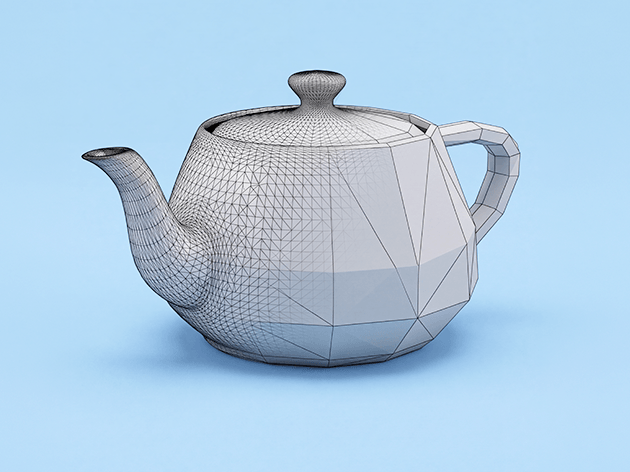
Veras 5.0 turns your AI-generated images into real, scaled 3D geometry, placed in your BIM model.

How it works

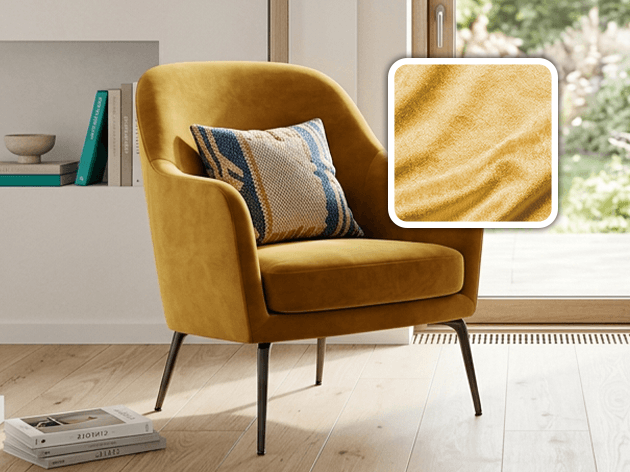
You test ideas in Veras. You find the chair, the fixture, the tree you want. Then you rebuild it manually. Not anymore. Veras 5.0 brings it into your model instead.

  • Match it. Find the closest asset in the curated Cosmos library.
  • Or generate it. No match in the library? Generate new 3D geometry using an AI model
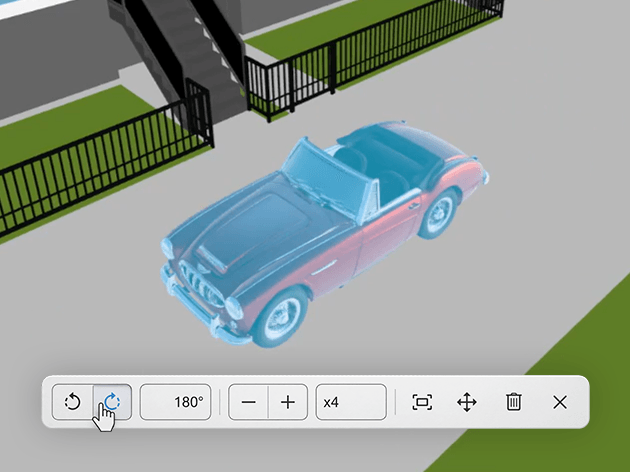
  • Place it. It arrives in Revit, Rhino, or SketchUp at the correct scale and position — furniture, fixtures, entourage, and objects, ready to build on.
  • Keep it. Once placed, the asset stays in your model — so you can iterate freely between AI and design, without starting over each time.

Note: The image to 3D functionality is available in beta, free to use and no credits required.

Also new in Veras 5.0

What's new in Veras

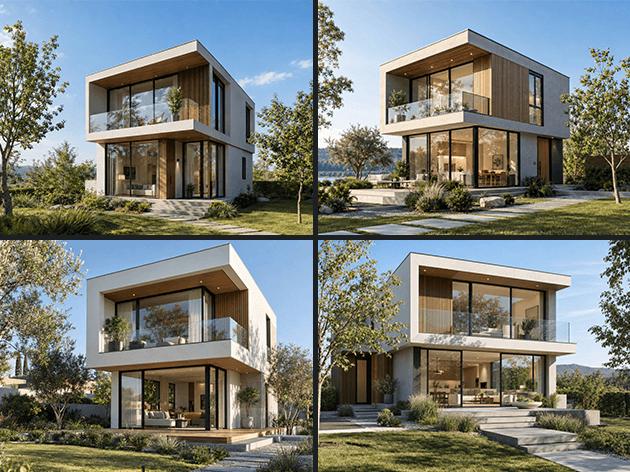
Grok Imagine AI engine

A new high-quality engine for image generation and three engines for video generation, with native audio, multiple resolutions and aspect ratios, and the ability to extend videos beyond the last frame.

Insert images

Bring reference images, logos, or entourage directly onto the canvas, then move, scale, and rotate them freely. Everything is saved and restored exactly as you left it.

depth of field

Depth of field

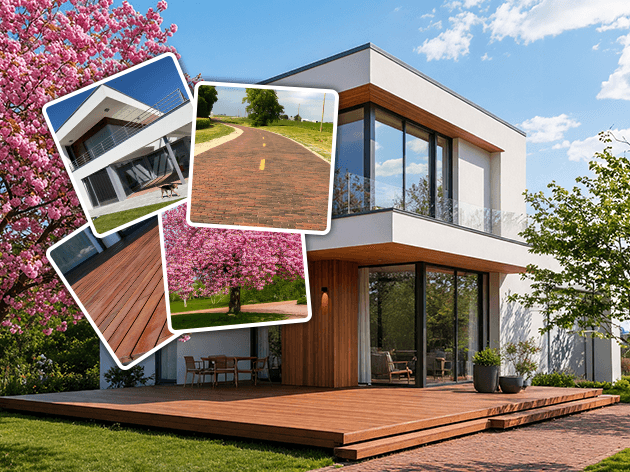
Add realistic, AI-driven depth of field to any render. Simply click to set your focus point, then adjust the blur and focus range for natural, lens-like falloff.

Rhino 3D Sync

See your Rhino model in Veras with accurate materials, textures, and block instances, plus reliable camera syncing across all unit types.

trash and recovery

Trash & recovery

Deleted renders, images, videos, splats, and 3D models are safely kept for 90 days, so you can restore anything to your library in one click.

show last video frame

Show last video frame

Quickly access a video's final frame and bring it back into the property pane to keep iterating, without re-exporting or re-uploading.

3D Viewer display styles

3D Viewer display styles

Choose from Shaded, Arctic Clay, or Textured Clay to study your model clearly, with brighter lighting and the selected style carrying directly into your Veras renders.

Cleaner and flexible UI

A cleaner, more flexible UI

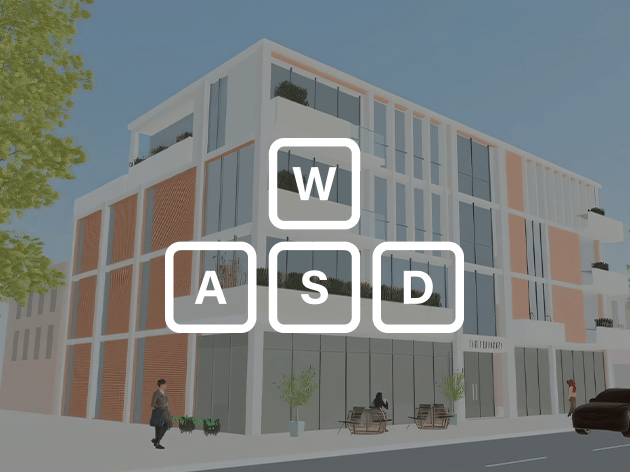
Work comfortably in any layout, with full functionality even on your phone. Veras now fits windows as narrow as 320 px. It also has a reorganized property pane that puts model, prompt, and source controls where you need them.

See pricingTry Veras today

Subscribe to our newsletter.

Learn all about the latest news, company updates and recommended content, cherry-picked for you.
© 2026 Chaos Software EOOD. All Rights reserved. Chaos®, V-Ray® and Phoenix FD® are registered trademarks of Chaos Software EOOD in Bulgaria and/or other countries.