Task
Define what you want Veras to do.
- A clear objective gives your image a focused starting point.

Learn the parts of a Veras prompt, explore examples, and practise writing one for your own project.
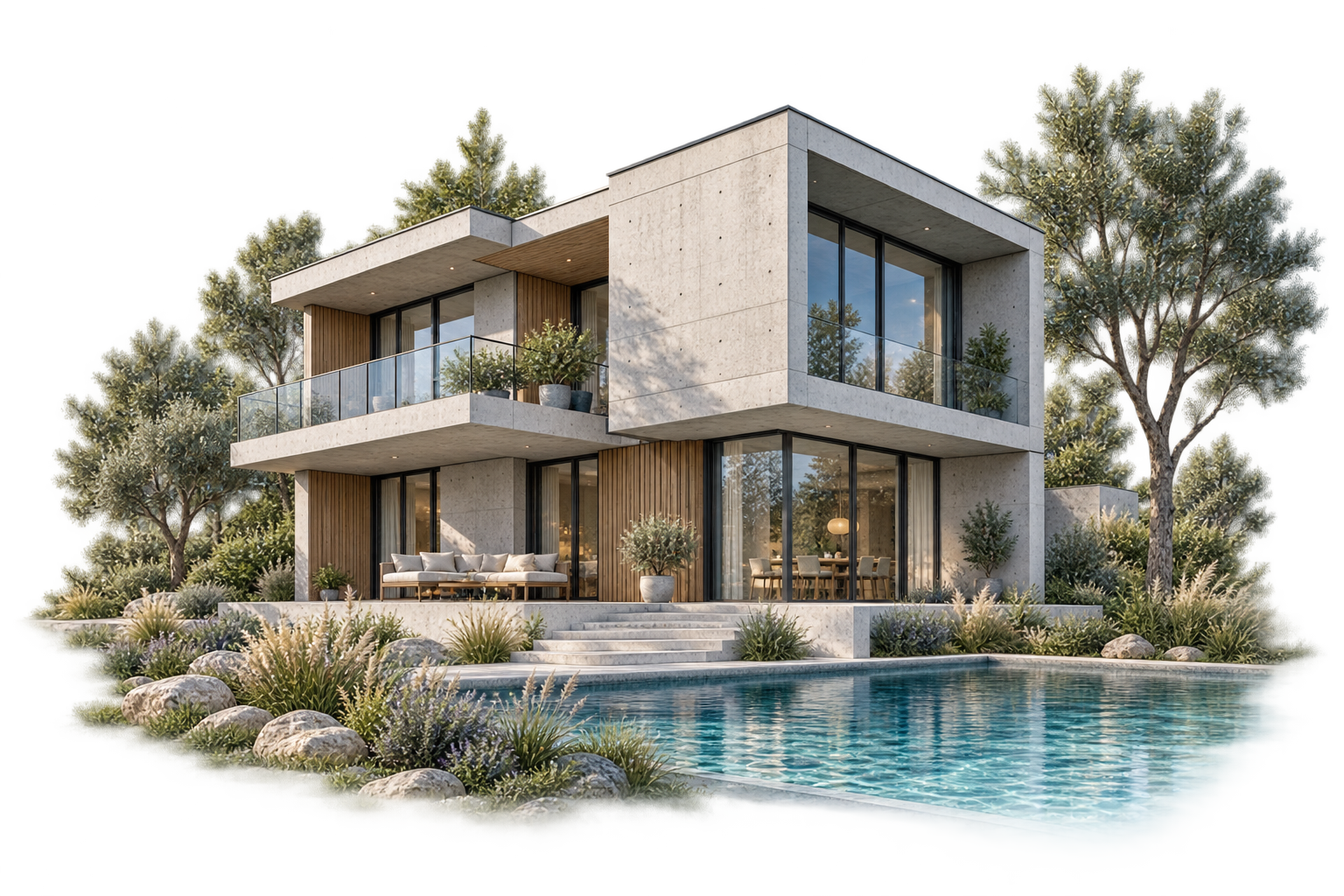
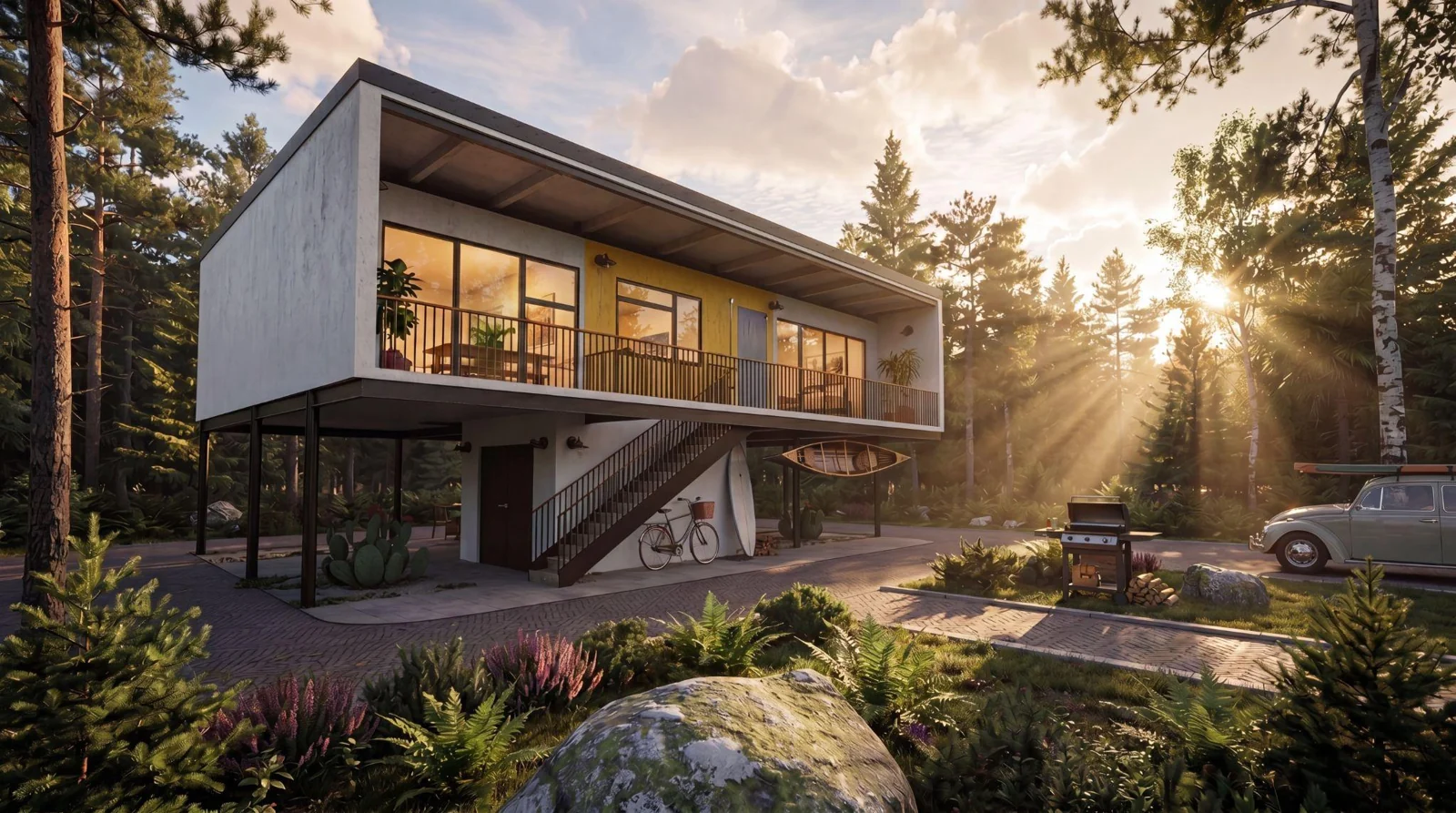
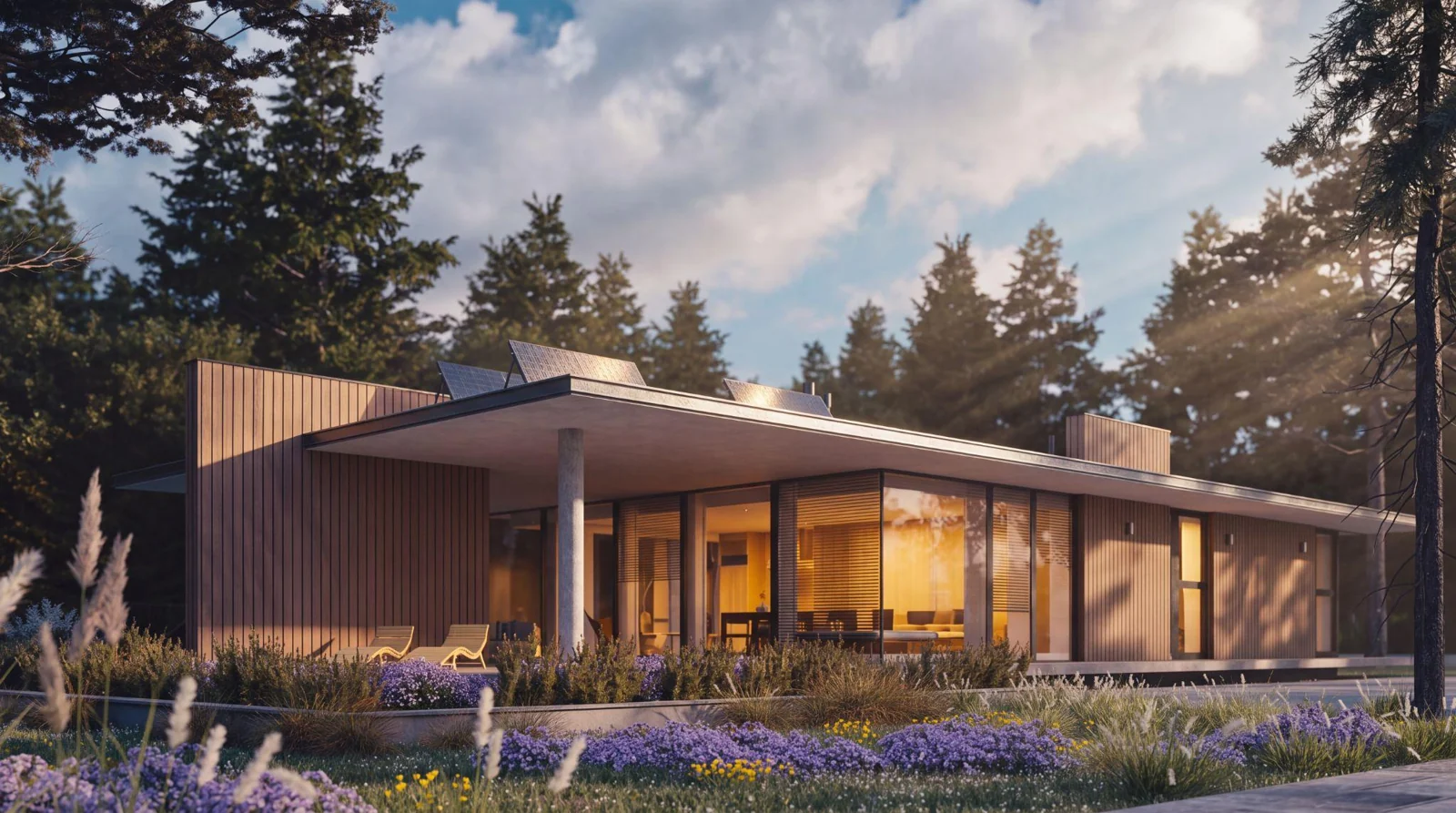
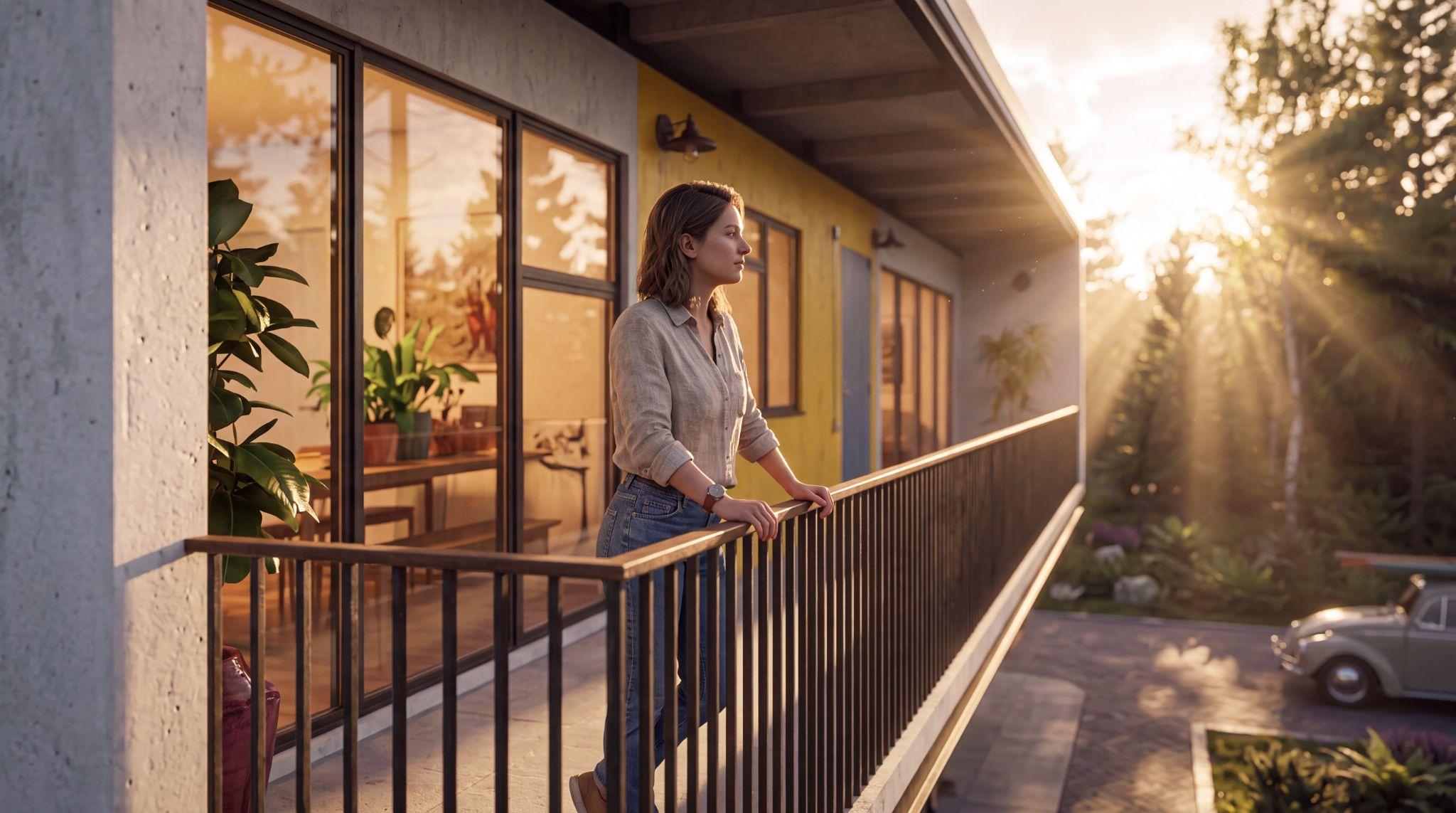
Lit at golden hour, with warm interior light spilling through windows.
BEFORE YOU START
Mastering AI prompt engineering turns Veras into an incredibly fast, highly capable digital studio assistant that brings your architectural visions to life. This guide provides a clear blueprint for controlling AI output so you can consistently generate accurate, high-impact visuals.
Learn the parts of a strong Veras prompt.
Build a complete prompt step by step.
Change one element at a time and compare the results.
The better you explain and the more context you drop, the more mind-blowing the output will be
THE CORE MODEL
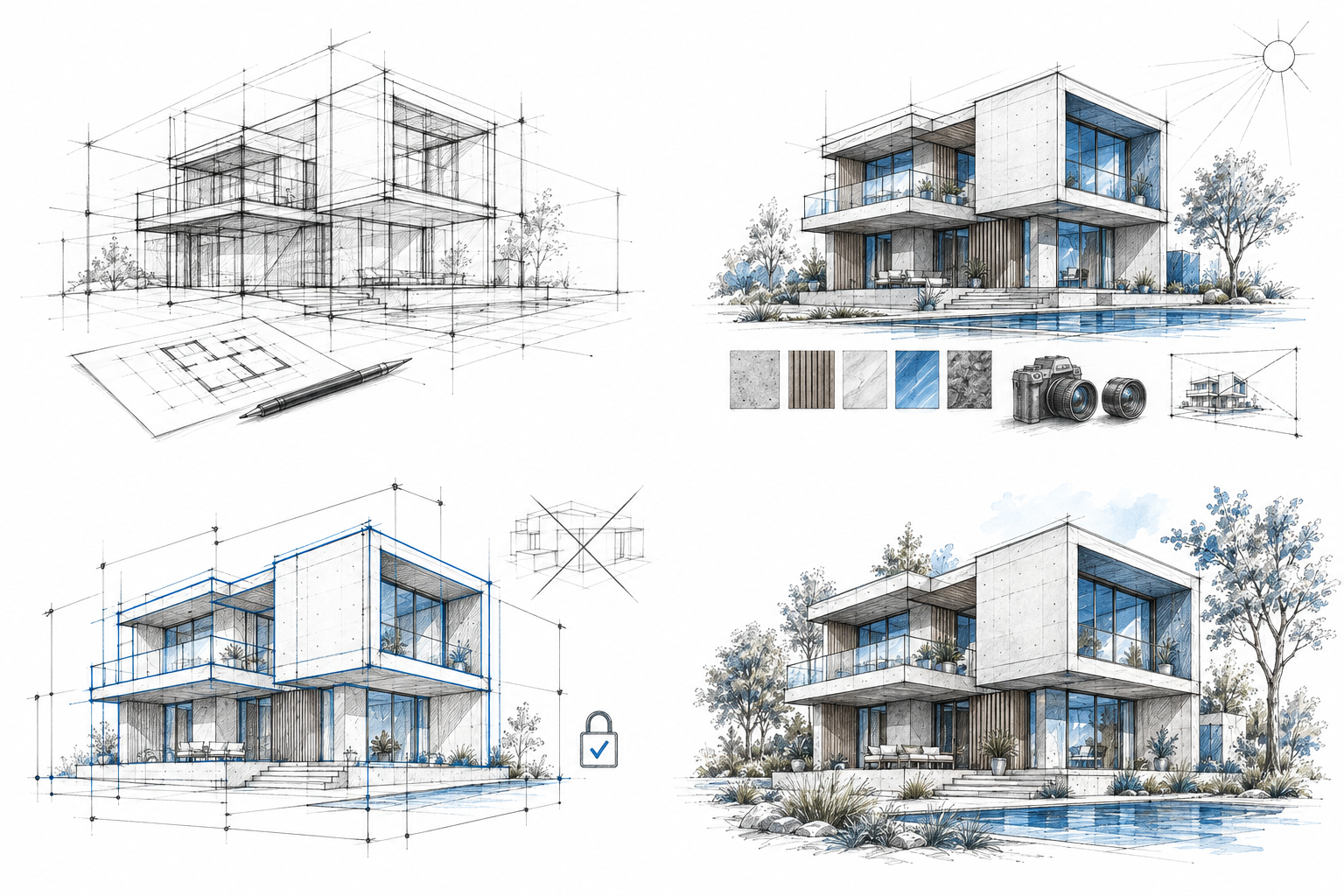
Combine a task, visual attributes, and clear constraints into one prompt to shape your final image.
Define what you want Veras to do.
Describe the look of your image.
Set the rules your image should follow.
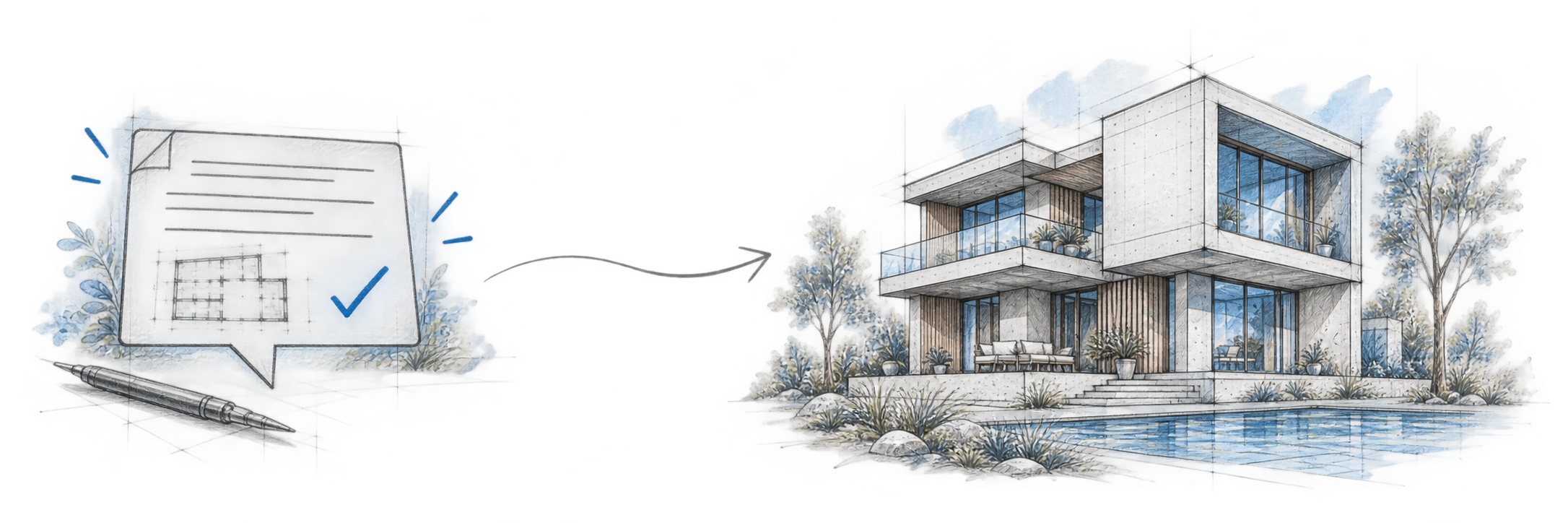
Your brief becomes a visual.
Task, attributes, and constraints combine to guide the result. Compare it with your intent, then refine your prompt.
THE BASICS
Explore the same prompt anatomy in action: Task defines what to create, Attributes describe how it looks, and Constraints set what to keep or avoid.
Task
Tell Veras what you want to do, such as enhance a render or visualize a design. Start with one clear action.
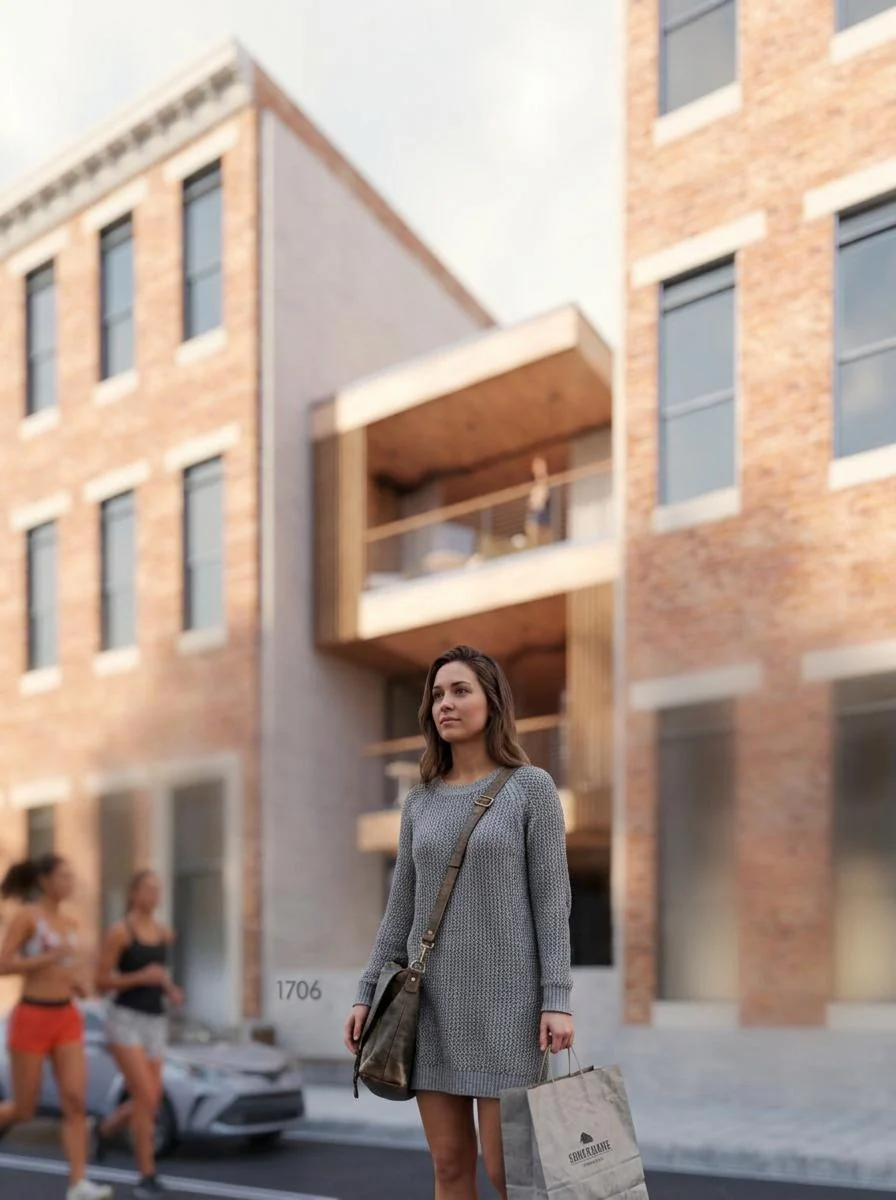
Task Emphasize the intricate foreground figure, Attributes · Components house serving as a background. Attributes · Style & Camera Rich tactile detail, close-up, creamy bokeh. Constraints · Affirmative Ensuring crystal-clear focus, the house should be softly out of focus
Attributes · Components
Describe the main subject, its setting, and its materials. Add people or objects to show scale.
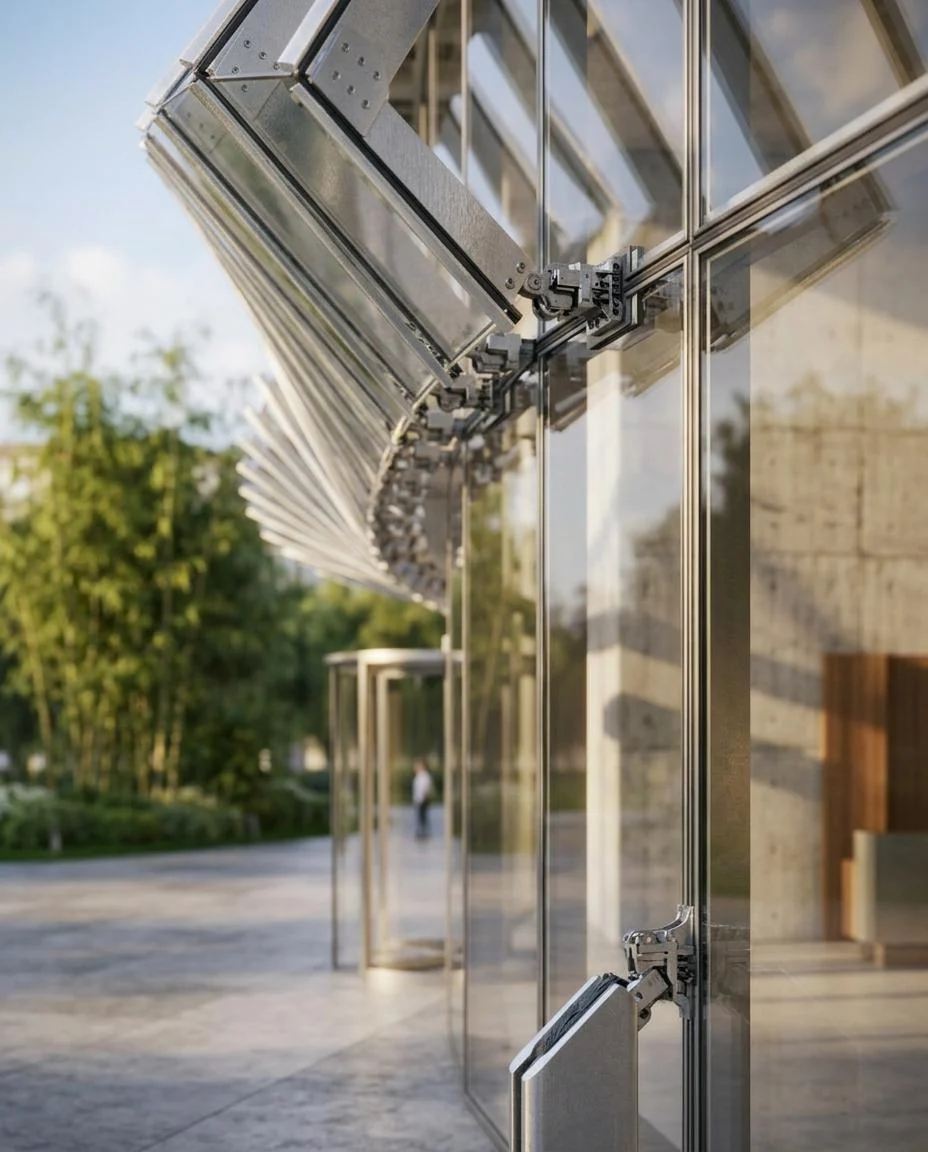
Task Architecture photography of the building facade, showing intricate joinery. Attributes · Components Highly detailed, tactile material focus. Attributes · Lighting & Colour Natural afternoon lighting.
Attributes · Style
Name a photographic style or a reference such as ArchDaily. Keep the look consistent throughout the image.
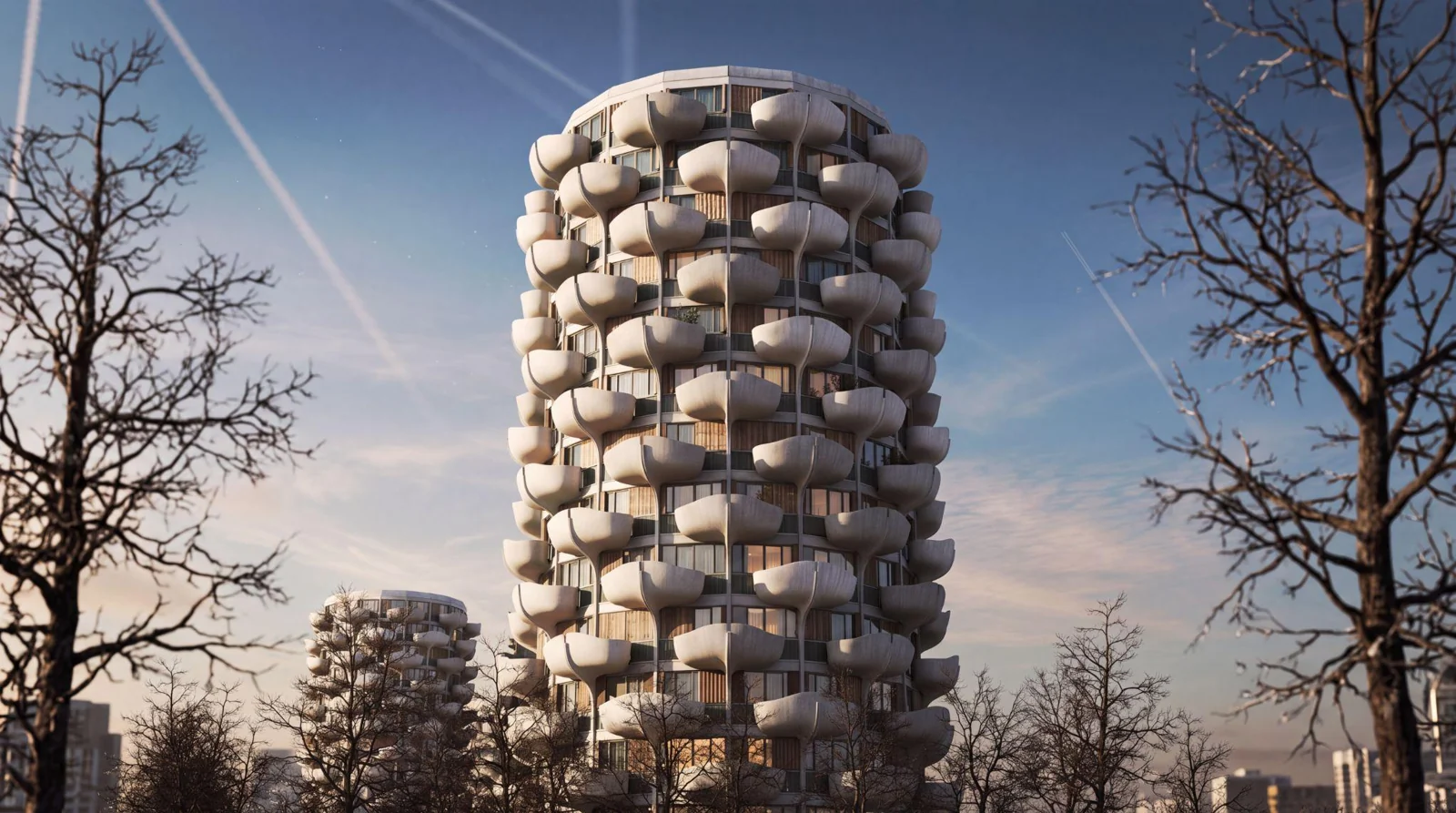
Task Transform the image Attributes · Style to ArchDaily style. Photorealistic, hyper-detailed, Attributes · Lighting & Colour with realistic light bounce and shadows
Attributes · Lighting & Colour
Describe the time of day and how the light falls. Warm interiors against a cooler exterior can add depth.
Task Enhance the provided render. Attributes · Lighting & Colour Natural afternoon lighting. Volumetric sunlight filtering through trees, Attributes · Camera softly blurred background. Constraints · Affirmative Ensure a clear visual contrast
Attributes · Camera
Choose the lens and viewing angle, such as 50mm at eye level. Ask for straight vertical lines where needed.
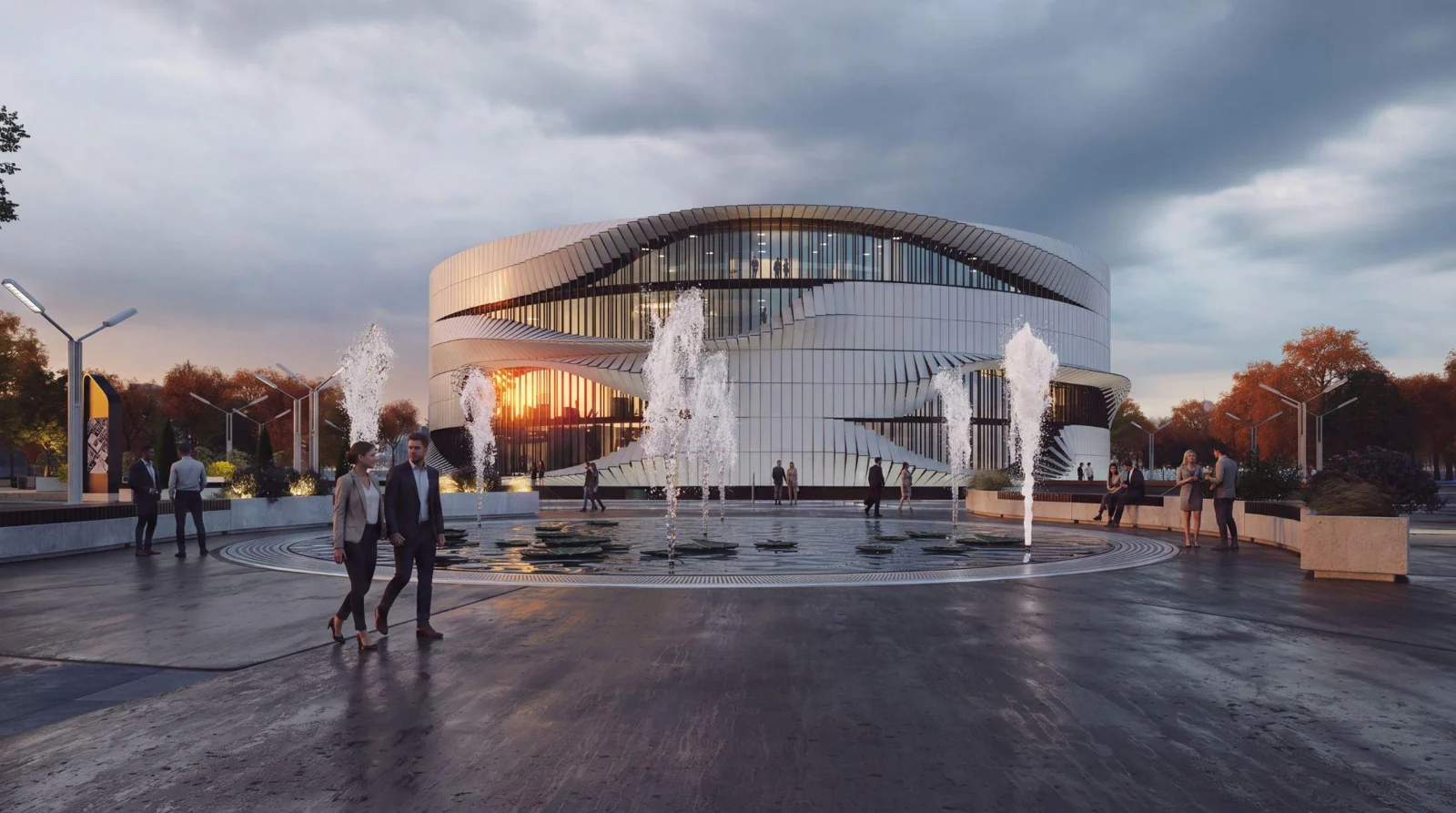
Task Populate the scene Attributes · Components with human figures walking outdoors. Attributes · Camera Eye-level perspective, clear depth. Shot on 50mm lens. Constraints · Affirmative Strictly preserve original architectural design geometry
Constraints
Tell Veras what must stay unchanged and what to leave out. Preserve your design’s shape and details, and rule out unwanted additions or distortion.
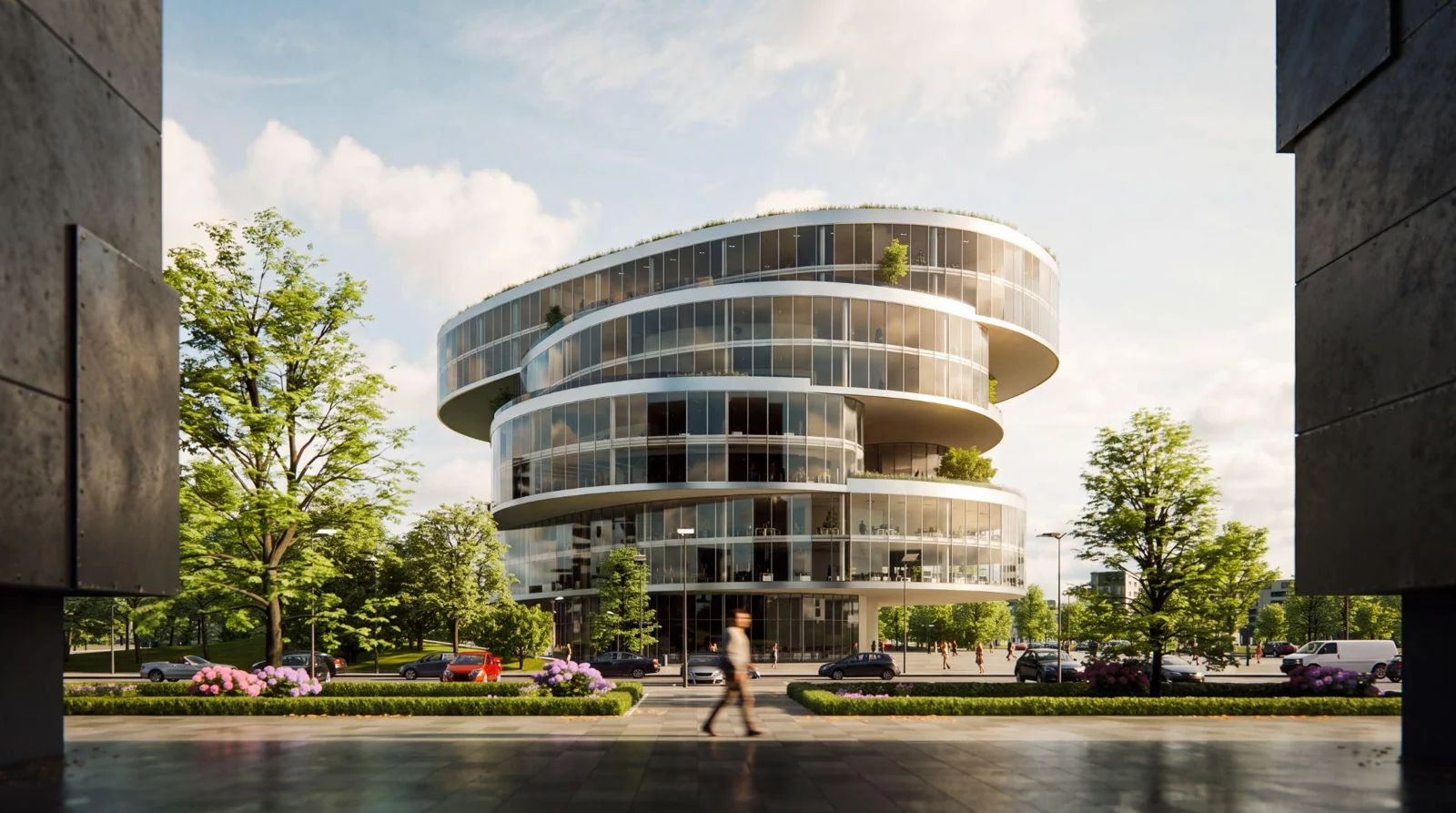
Attributes · Components A blurred person walking in the space, clear human scale. Attributes · Style, Components, Lighting & Colour Photorealistic, tactile material textures, realistic light bounce and shadows. Constraints · Affirmative Strictly preserve the original design geometry and all interior elements. Constraints · Negative Don't add any extra elements to the project.
Practice Exercise # 1
Study the reference image and build a prompt that could recreate it.
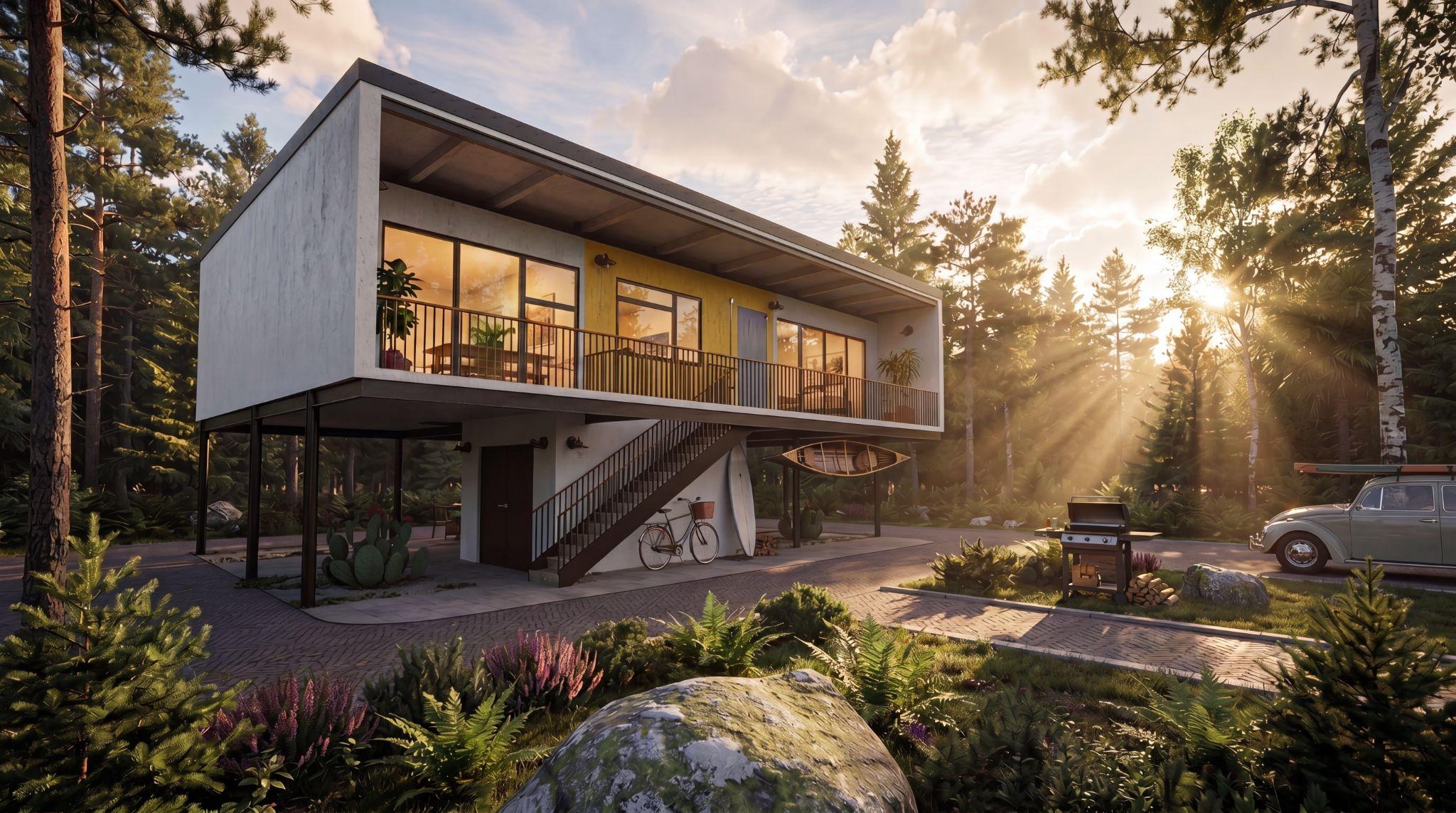
Complete each part of the prompt anatomy, then try your prompt directly in Veras and compare the result with the reference.
Practice Exercise # 2
Compare the base image with each result, then try the prompts in Veras.
Use a close-up and a person to give the architecture a sense of scale.
Close-up of a person interacting with the architecture, clear human scale. Photorealistic, tactile material textures. Cinematic lighting, realistic light bounce and shadows. Shot on 85mm lens, shallow depth of field, bokeh, hyper-detailed. Strictly preserve original architectural design geometry.
YOUR TASK
Choose an image to work with.
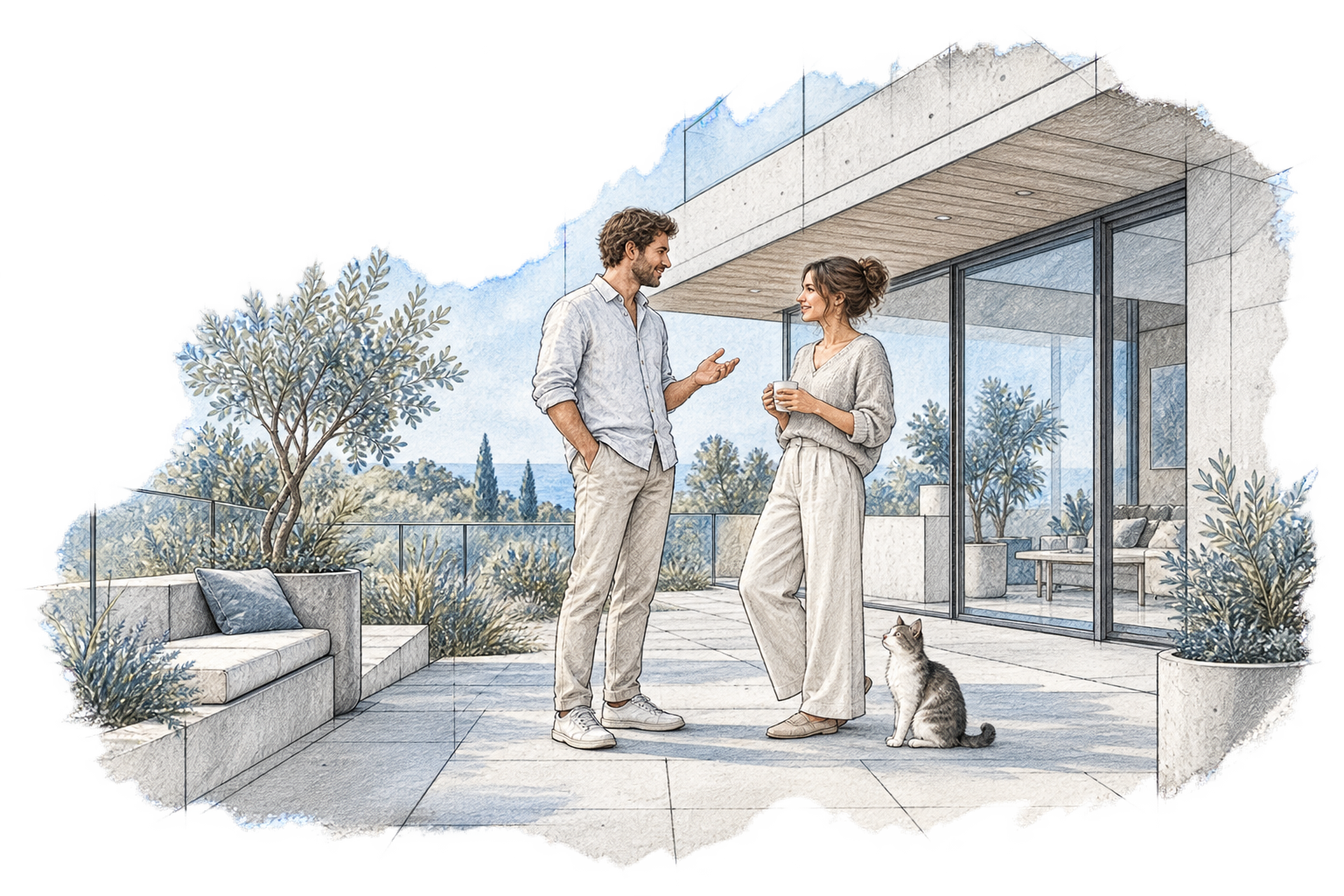
Add a cat and two people talking, then generate the result.
Change who or what you add to the scene and compare the results.
See what happens when you add a person, dog, or robot.
Close-up of a persondogrobot interacting with the architecture, clear humananimalhumanoid scale. Photorealistic, tactile material textures. Cinematic lighting, realistic light bounce and shadows. Shot on 85mm lens, shallow depth of field, bokeh, hyper-detailed. Strictly preserve original architectural design geometry.
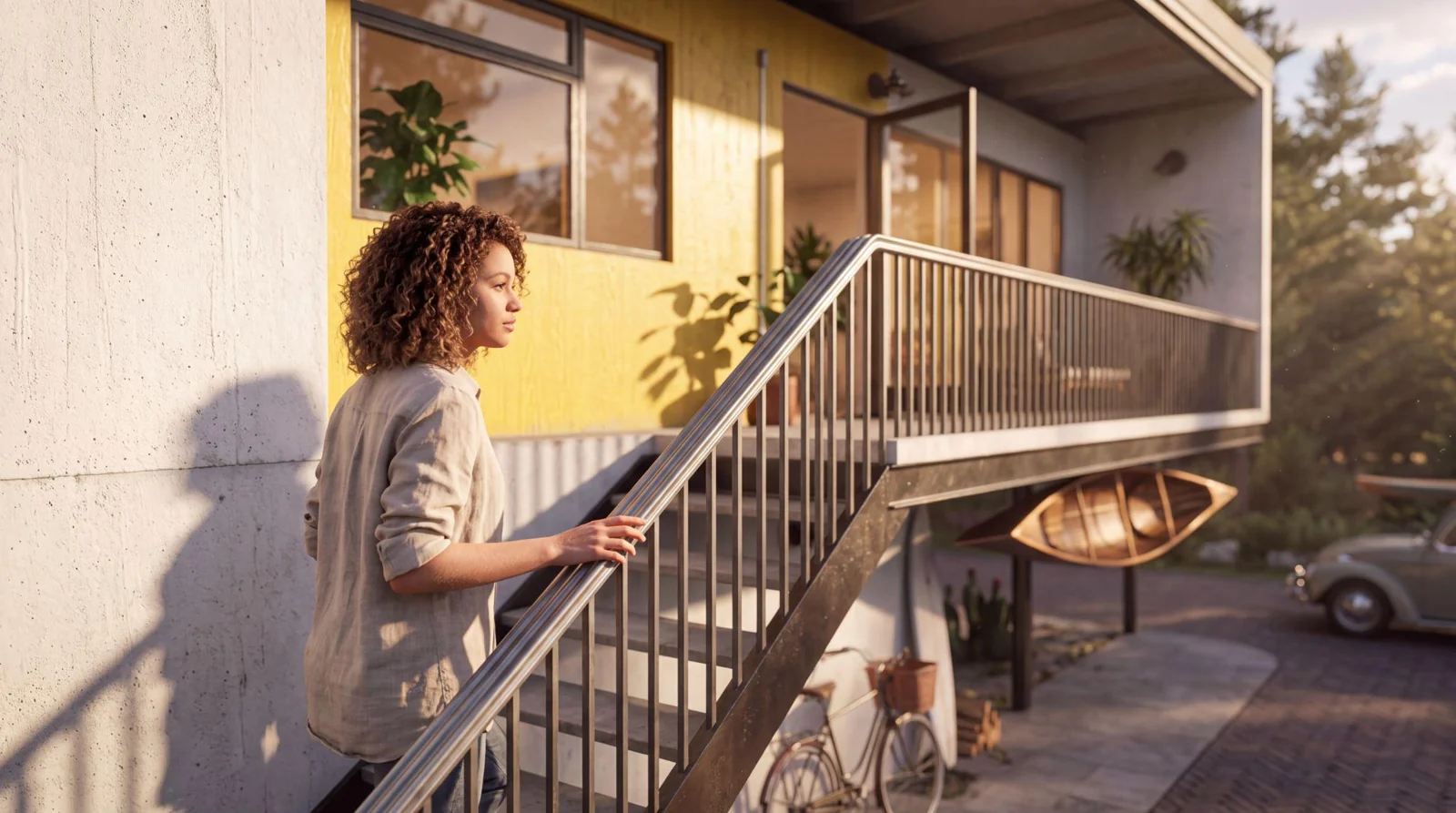
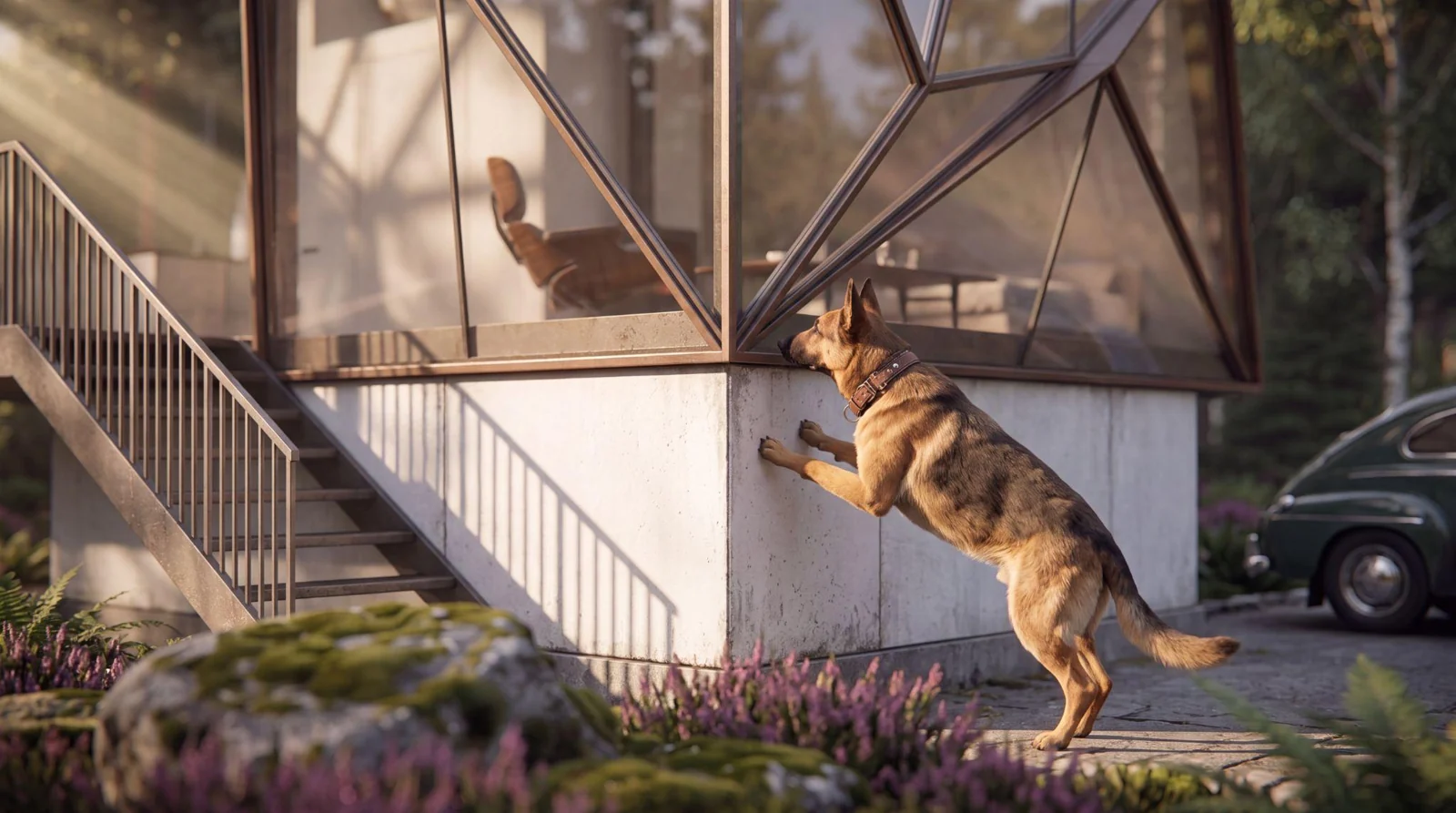
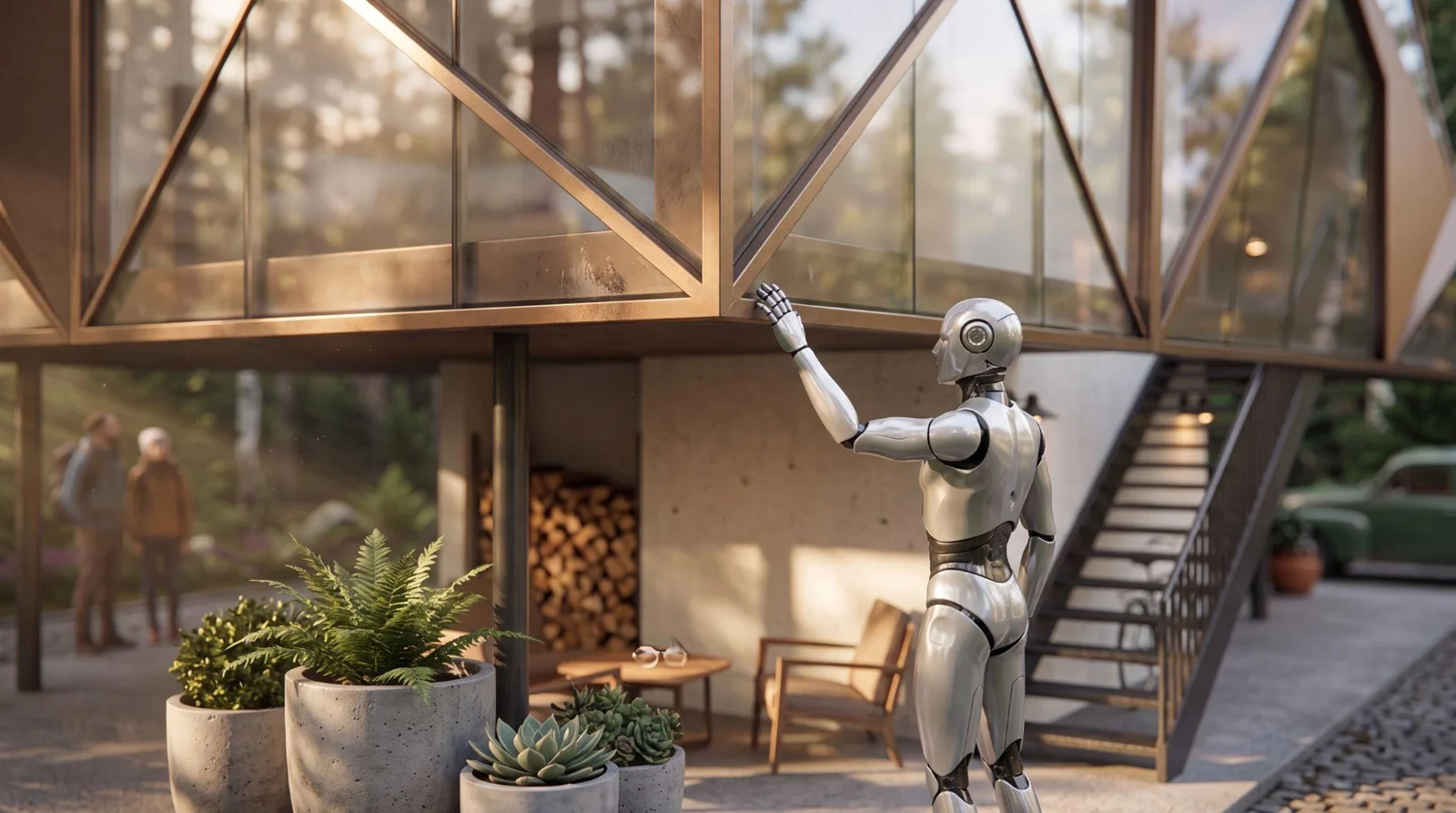
Open the base image in Veras and paste this prompt. Change the highlighted words to compare results.
KEEP LEARNING
Find courses and tutorials for Chaos products.