
Avg. rating on G2.com
Monthly active users
Countries used in
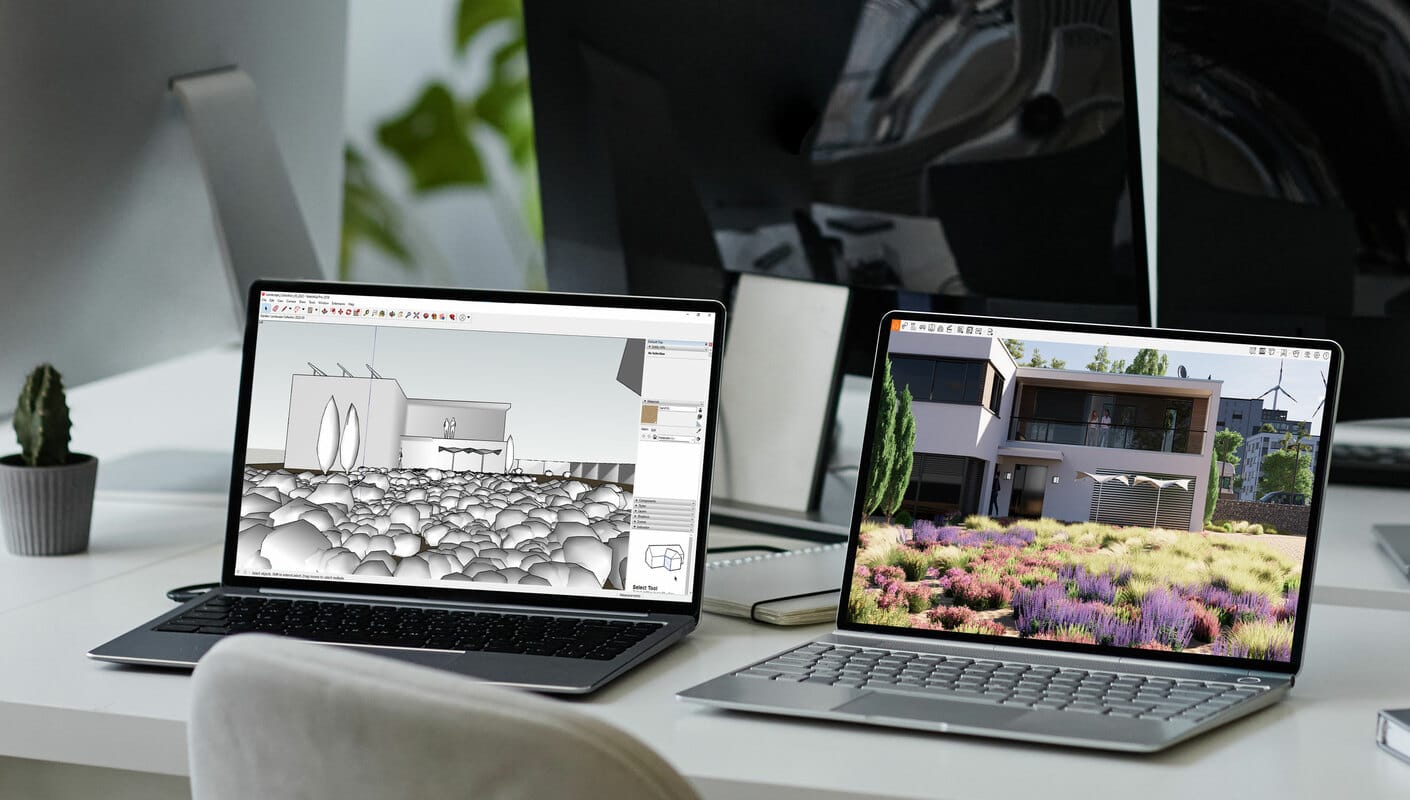
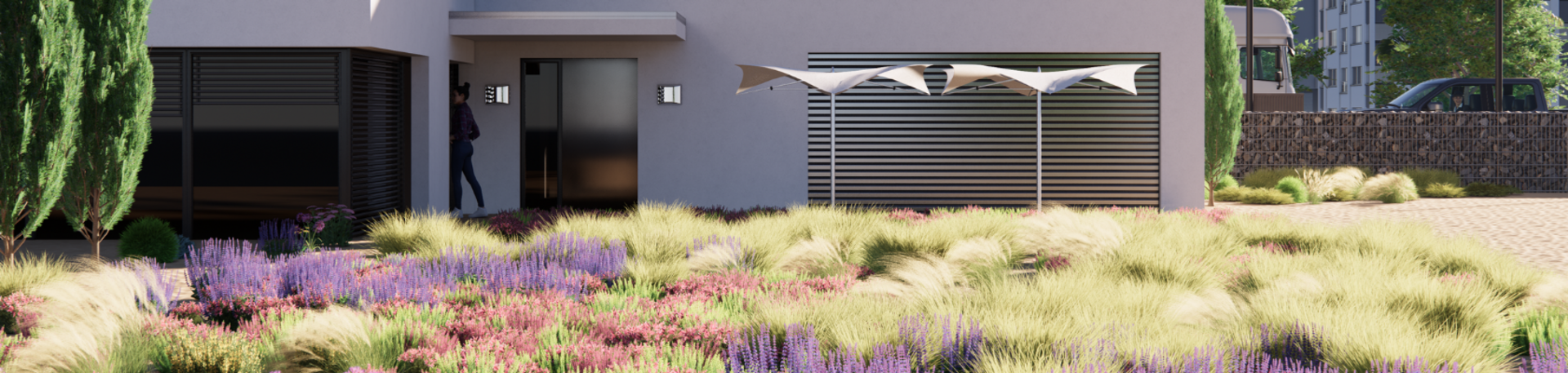
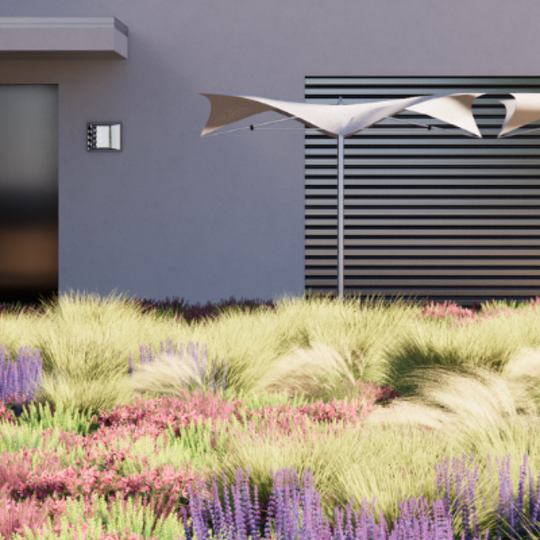
Enscape’s landscape rendering program plugs directly into your modeling software, giving you an integrated design and visualization workflow. It is the easiest and fastest way to turn your landscape designs into immersive 3D experiences by eliminating the inconveniences of production, shortening the feedback loop, and giving you more time to design.

Get started with the landscape sample project and see the capabilities of real-time visualization in no time.

Try Enscape for free and discover how real-time visualization can breathe life into your interior design projects.

Enjoy a special collection of assets that includes plants, shrubs, trees, grass, and more for your next landscape project. *Available for Windows users only.
BIM and CAD modeling and visualization are finally united with Enscape. Unlike other landscape rendering softwares you don’t have to stop design to create high-quality visuals.
The simplicity of Enscape has made it a favorite for many AEC professionals. Compatible with Revit, SketchUp, Rhino, Archicad, and Vectorworks, iIt doesn’t require prior specialized knowledge; start it alongside your chosen design application to create stunning 3D renderings.

Enscape’s 3D landscape design software is suitable for small architecture firms and large offices alike. Find the perfect plan for you with one of our affordable license options.
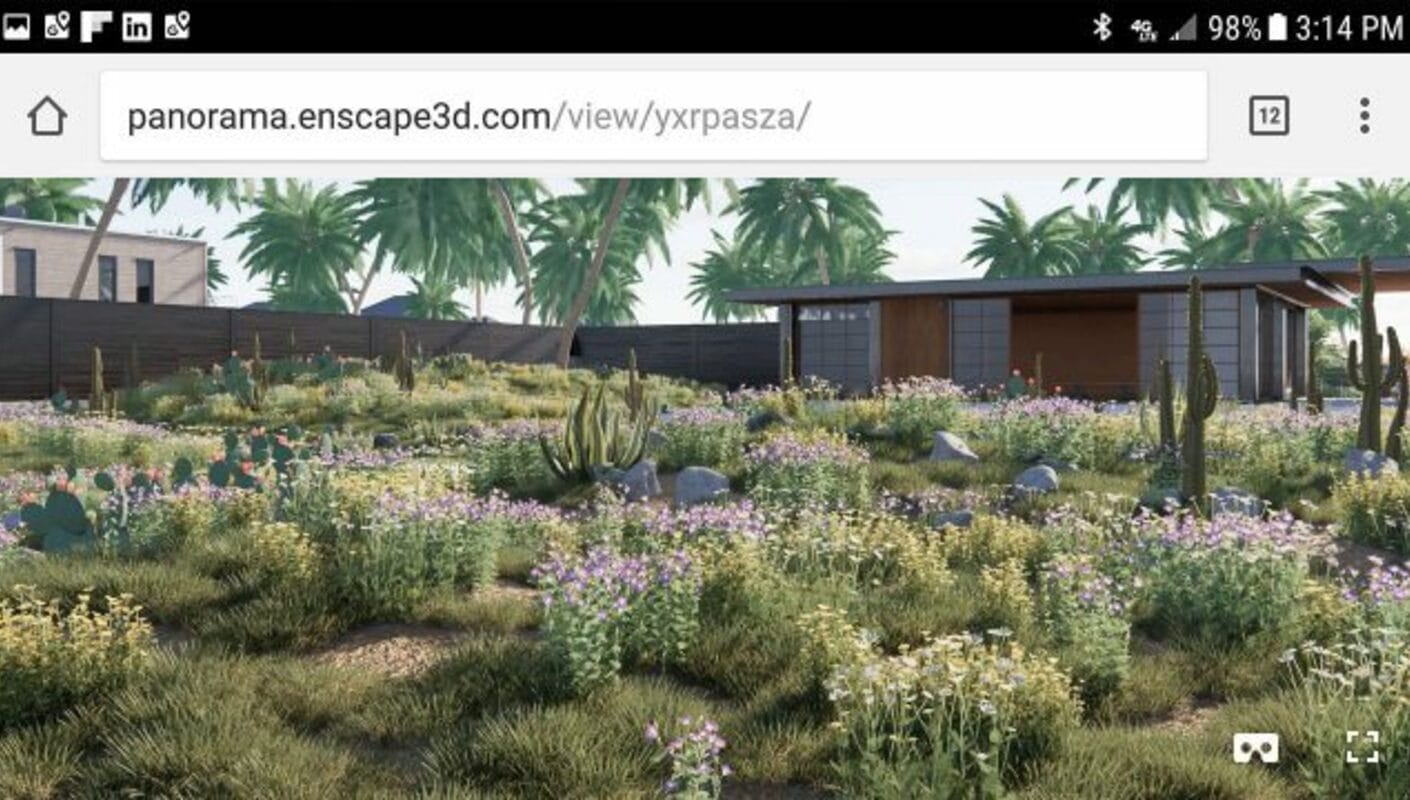
From batch exports, to 360° panoramas, video exports, or even as a web standalone. From now on you can share your work with anyone – without any additional software.
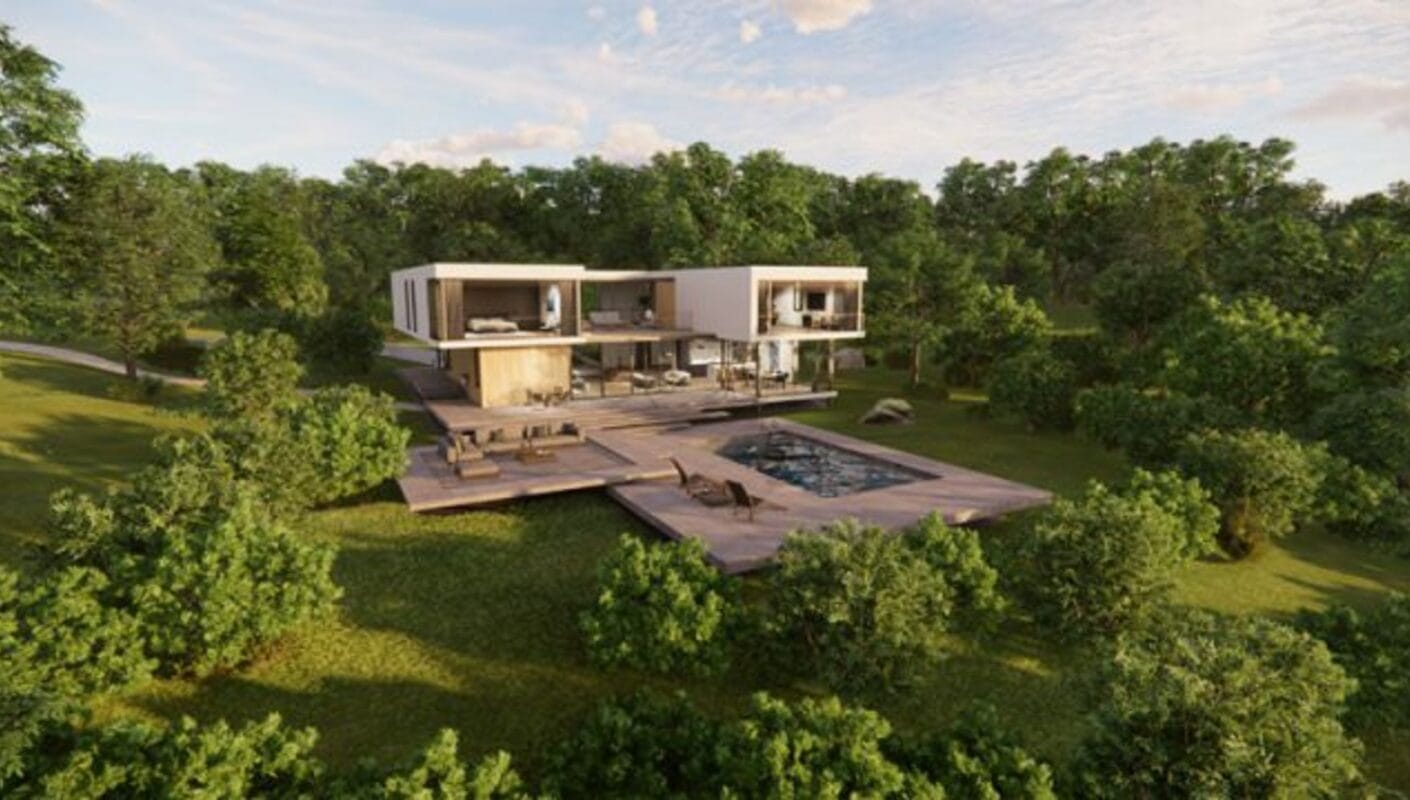
Atmosphere settings such as cloud settings, time of day or image effects like cinematic view.
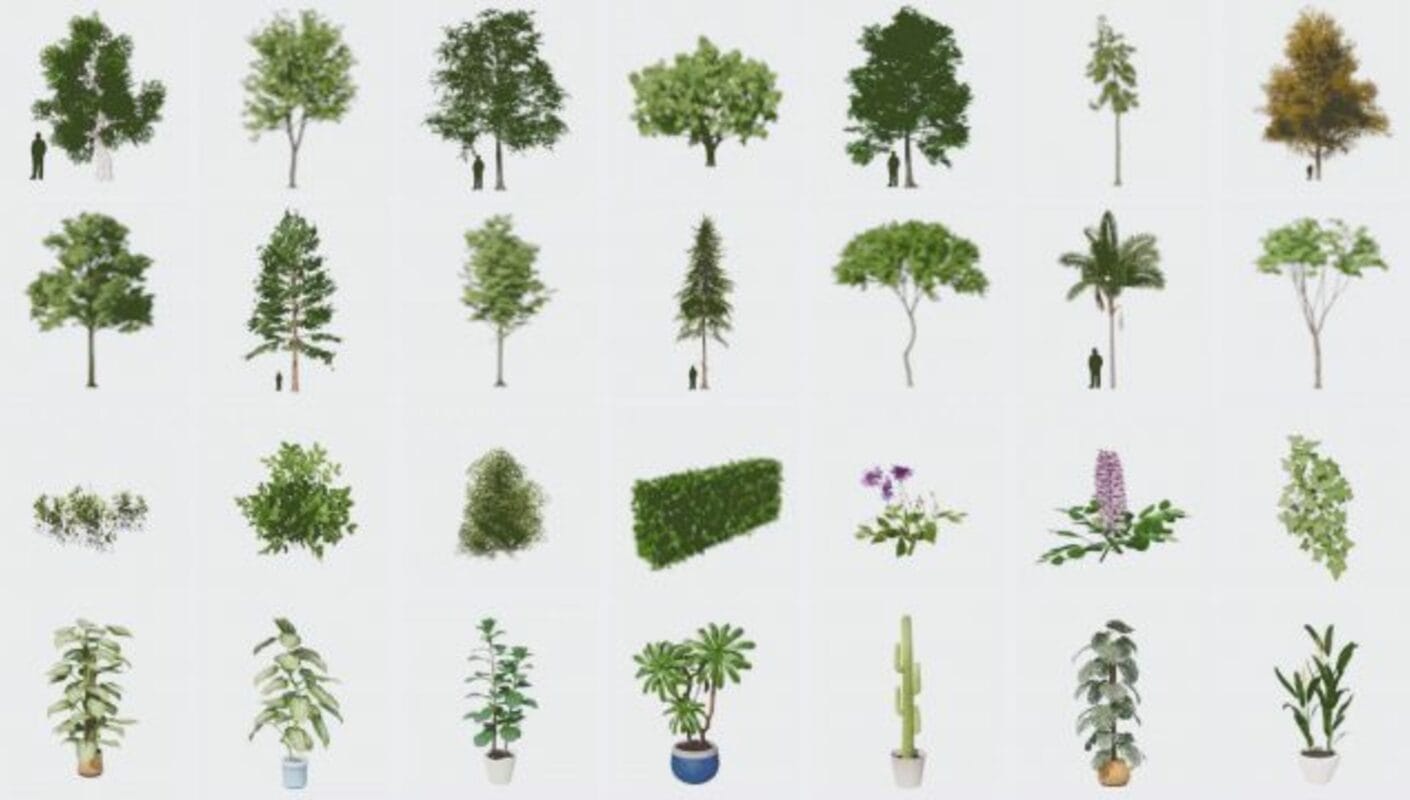
With over 3,000 assets, our ever-expanding asset library will help you to fill your scene with life and make it even more realistic.view.






It evolutionized our process. We find that we can get to decision points earlier. We find that we can extend the length of time that we’re spending on design.

Letting the clients walk around the building has the potential to save them a lot of money further down the line as they know what they are getting beforehand.

With Enscape being able to smoothly navigate even our largest models, we are able to experience any stage of design in real-time with stunning quality and realism.