Guides • Live Demos • Masterclasses • Industry Reports
Limited time · Until Oct 30
Turn images, sketches, and floor plans into editable 3D BIM models. Until October 30, you can create up to 4 models completely free* using GPT-6 Astra and Opus 5.5 in the Veras web version. To help you get started, we have put together a quick How-To Guide.
Are you ready to build your first model?
Explore now*Terms & Conditions: The offer is automatically applied to your license and is available exclusively on the Veras web version until October 30th, 2026.

Live Demo
Go beyond theoretical guides and learn how to seamlessly blend AI tools into your daily design routine. In our live enablement sessions, leading architects and Enscape experts break down practical AI design processes in real time. Access our complete library of recordings to discover how to maintain design control while unlocking scalable creativity—from fluid 2D-to-3D concepting and precise prompting in Veras, all the way to your final render.
Guide
Mastering AI prompt engineering turns Veras into an incredibly fast, highly capable digital studio assistant that brings your architectural visions to life. Our guide on Prompting with Veras provides a clear blueprint for controlling AI output so you can consistently generate accurate, high-impact visuals.
For Architects
Download GuideFor Interior Designers
Download Guide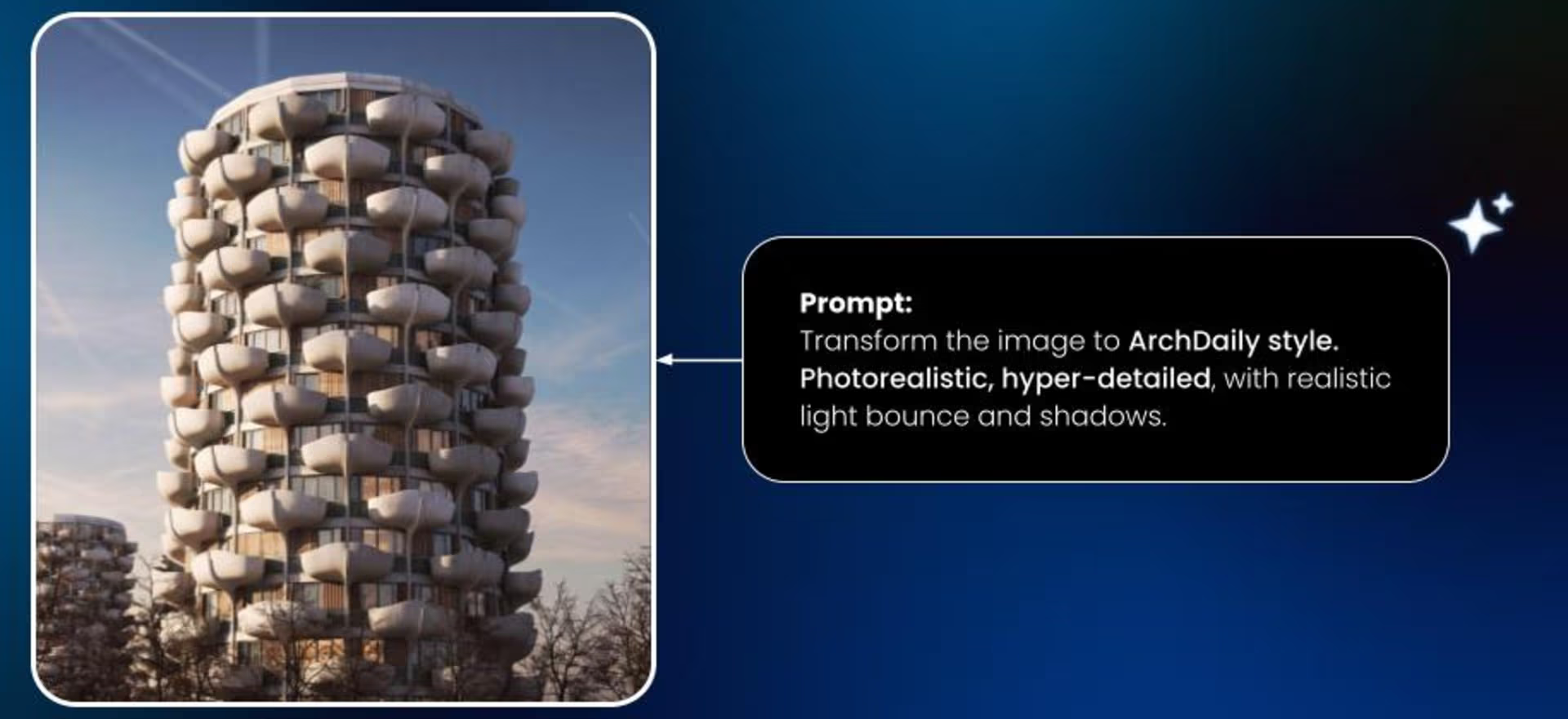
Guide
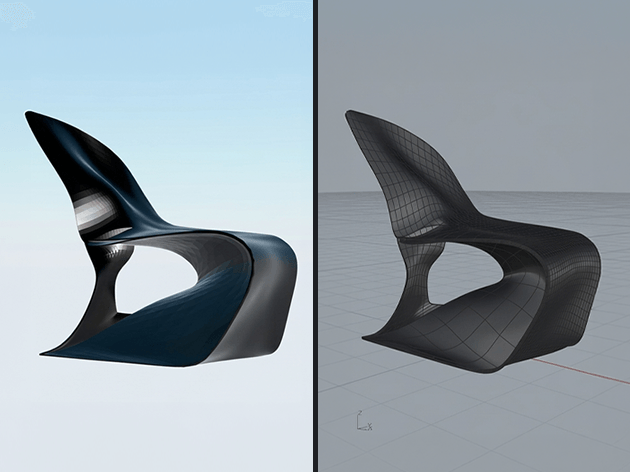
Discover the future of generative AI in architecture. Powered by GPT-6 Astra, Veras’s new autonomous agent now creates complete 3D scenes from your 2D references. Get your copy of our step-by-step guide to learn how to guide the AI, utilize Chaos Cosmos assets, and keep full control over your design assumptions.
Guide
Discover the future of generative AI in architecture. Powered by GPT-6 Astra, Veras’s new autonomous agent now creates complete 3D scenes from your 2D references. Get your copy of our step-by-step guide to learn how to guide the AI, utilize Chaos Cosmos assets, and keep full control over your design assumptions.
Live Demo
Go beyond theoretical guides and learn how to seamlessly blend AI tools into your daily design routine. In our live enablement sessions, leading architects and Enscape experts break down practical AI design processes in real time. Access our complete library of recordings to discover how to maintain design control while unlocking scalable creativity—from fluid 2D-to-3D concepting and precise prompting in Veras, all the way to your final render.
Language
Guide
Ready to go beyond the basics? The advanced guide shows you how to build layered, detailed prompts that steer materials, lighting and atmosphere, so you get precise, repeatable results from Veras on every project.
For Architects
Download GuideFor Interior Designers
Download Guide

Felix Ruh
Enterprise Relationships
Enterprise Exclusive
Your success is our priority. Skip the generic tutorials and let us design a custom 1:1 training session tailored specifically to your firm’s workflows.
Bring your active, real-life projects, and collaborate directly with a dedicated Solution Engineer and your Account Manager to solve your team’s unique design challenges in real-world practice.
Schedule a Team WorkshopCourses

Unlock instant creativity with our comprehensive video courses and guides. Whether you are crafting intimate interior moods or dynamic exterior perspectives, you’ll learn how to refine materials with precision, create cinematic seasonal video sequences, and move beyond static images. Complete the courses to earn and share your official Chaos Academy certification!


Hands-on sessions, hosted by solution engineers, industry experts and product owners, curated to help you streamline workflows and achieve professional-grade results.
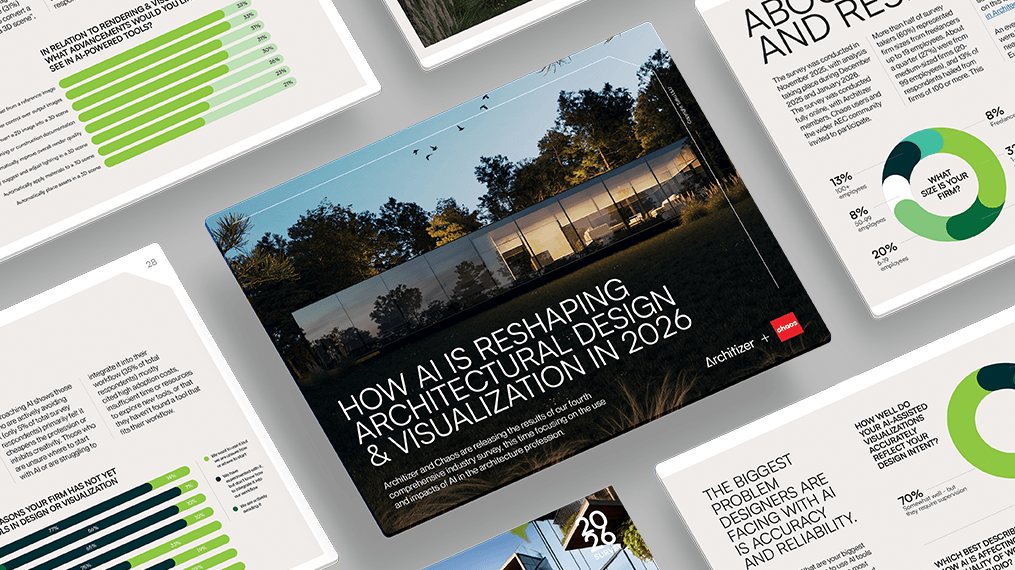
With insights from 800 architects worldwide, Architizer and Chaos’ fourth industry survey reveals the true state of AI in architectural design and visualization. See how firms of all sizes are using AI today, where it’s delivering value, and where it’s falling short.
Loading content that can be large paragaph of text, or not. Sometimes it's a consent text, sometimes it's a legal disclaimer, but most forms have some kind of prelude to the submit button...